
The Product Demo Video Scorecard: 7 Criteria for Choosing an AI Video Generator
A practical 100-point scorecard for evaluating AI video generators across seven critical criteria, from product accuracy and source-input support to brand governance, team review, and export capabilities.
A 100-point evaluation framework for product marketing, growth, enablement, and customer-education teams.
Most AI video generator evaluations begin with a vendor showreel or a vague prompt. That tests visual novelty, not whether a platform can explain your product accurately.
A product demo has a stricter job. The interface, workflow, terminology, and claims are evidence. If a generated video invents a button, reverses a step, or changes an approved claim, polish becomes a liability. Measure how well the system preserves product truth and how much control your team retains before publishing.
Define the use case before you compare platforms
A product demo, onboarding video, support tutorial, product launch video, sales enablement video, and piece of campaign creative should not share one evaluation brief. Pick the highest-volume or highest-risk job first.
Write one sentence that names the viewer, the action they should understand, the channel, maximum runtime, required languages, and review owners. Treat security, data handling, legal terms, and budget ceilings as pass/fail gates. A platform that fails a mandatory gate should not win because it produces attractive footage.
For the weighted criteria below, rate each platform from 0 to 5. Zero means unavailable or failed; 1 means largely absent; 2 means a major workaround; 3 means usable with gaps; 4 means strong with minor friction; 5 means the requirement was met consistently. Calculate weighted points as (rating / 5) × weight.
The seven-criterion AI video generator scorecard
1. Source-input coverage: 20 points
A useful AI video generator works with the materials that contain product truth: prompts, briefs, documents, URLs, slides, screenshots, screen recordings, and existing footage. Re-entering that context by hand adds both work and error risk.
Trial test: Upload the same mixed source pack to every candidate. Record which inputs are accepted, which are ignored, and which require conversion or manual reconstruction.
2. Product accuracy and visual fidelity: 20 points
This score covers the real interface, correct sequence, approved terminology, and defensible claims. A beautiful hallucination is still a failed demo.
Trial test: Create a truth sheet listing the required screens, step order, labels, and claims. Mark every omission, invention, stale screen, and unsupported rewrite in the first output and after revision.
3. Script and storyboard control: 15 points
Review should happen while changes are still cheap. Buyers need to see whether they can inspect the narrative, scene plan, visuals, timing, and CTA before a final render.
Trial test: Replace one claim, reorder two scenes, and remove one line. Check whether the platform applies each correction locally without breaking approved work elsewhere.
4. Brand governance: 15 points
Look beyond a logo upload. Strong governance means reusable colors, fonts, layouts, voice, phrasing, intros, outros, and approved assets that carry into the next project.
Trial test: Configure the brand once, then start a second project. Note which rules apply automatically and which depend on a creator remembering them.
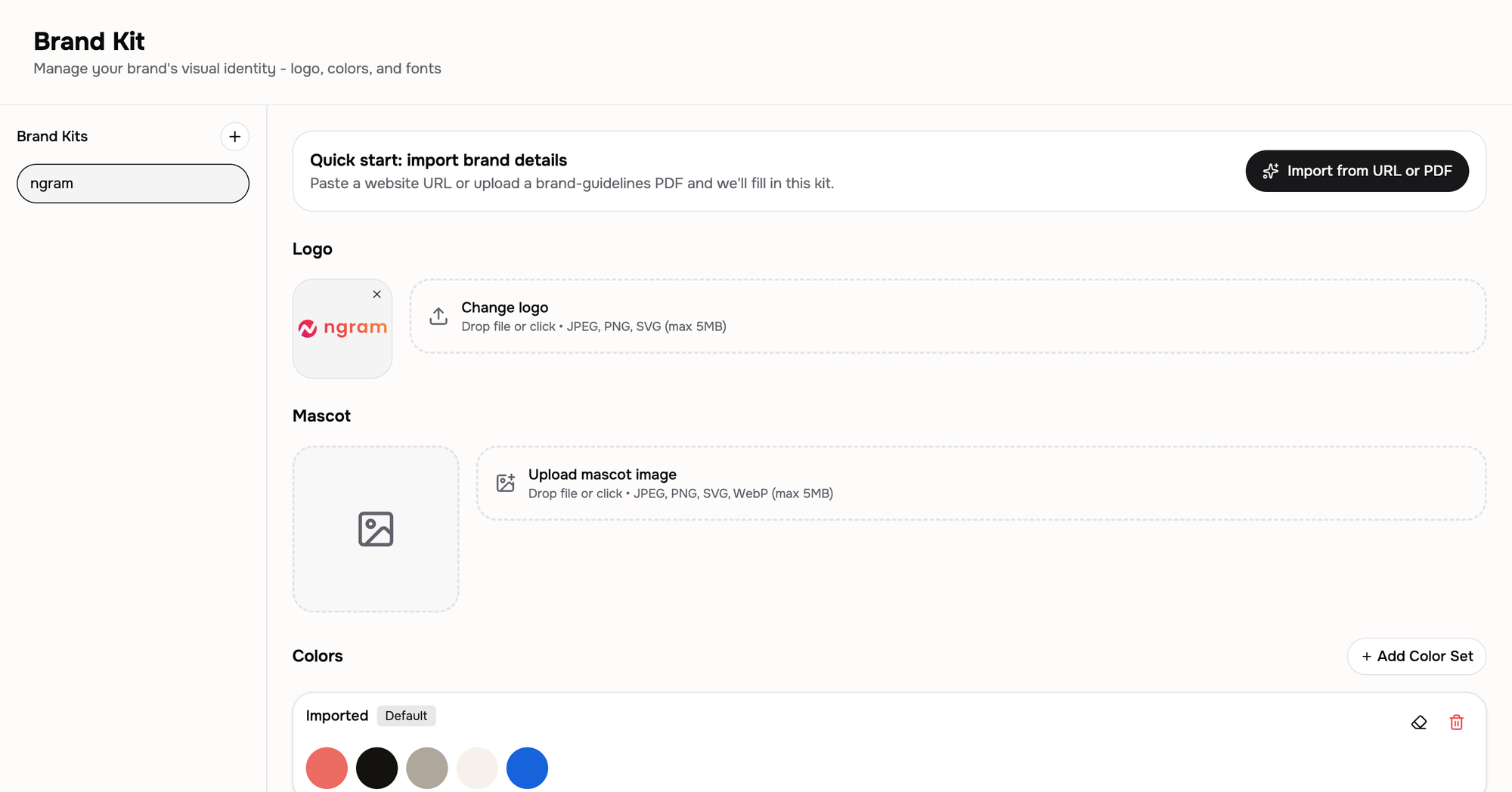
A saved Brand Kit applies the same logo, colors, fonts, and language rules to new projects.
5. Voice, captions, and language support: 10 points
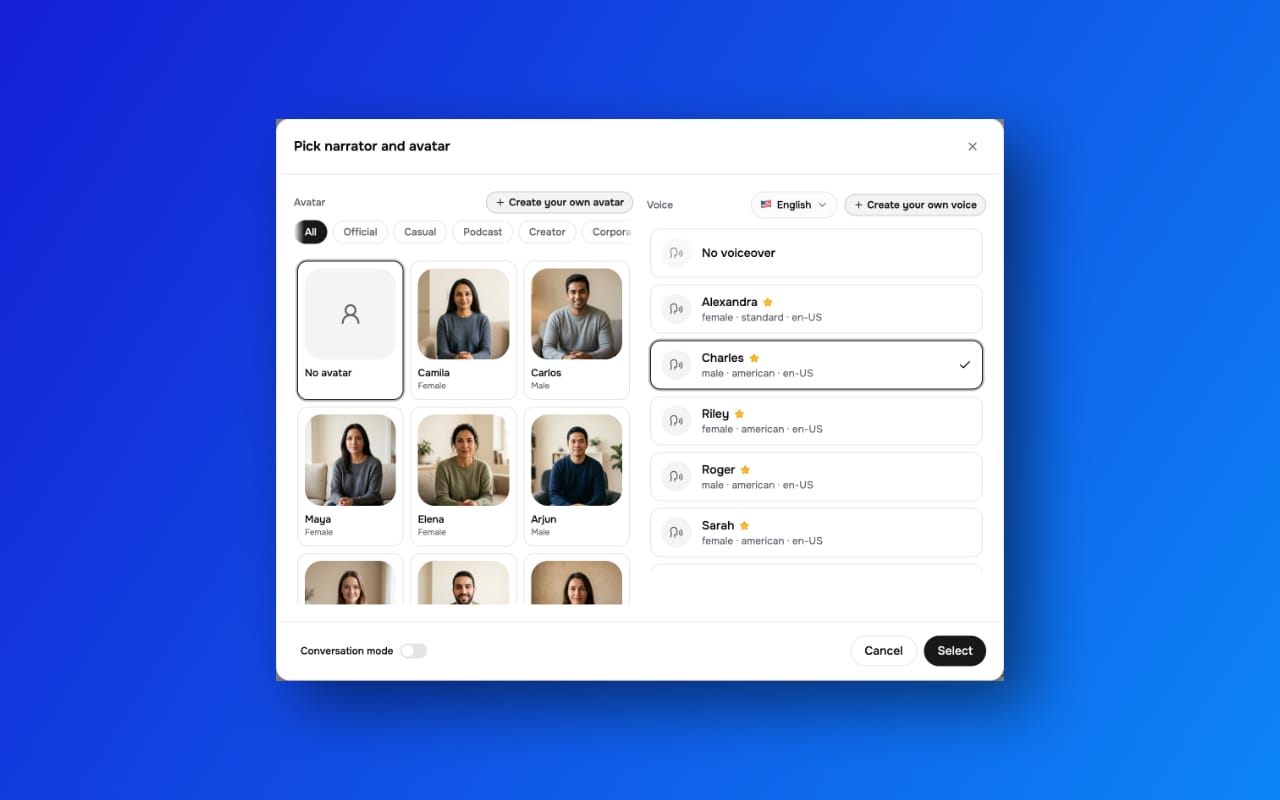
Test intelligibility, pronunciation, caption timing, punctuation, speaker identification, and localization workflow. For prerecorded synchronized media on the web, captions are a Level A requirement under WCAG’s caption guidance, subject to its media-alternative exception.
Trial test: Include product names, acronyms, numbers, and one difficult pronunciation. Preview the voice, inspect every caption, and generate one required language variant rather than trusting a language-count claim.
Test the required language and narrator before checking pronunciation and captions in the output.
6. Team review and reuse: 10 points
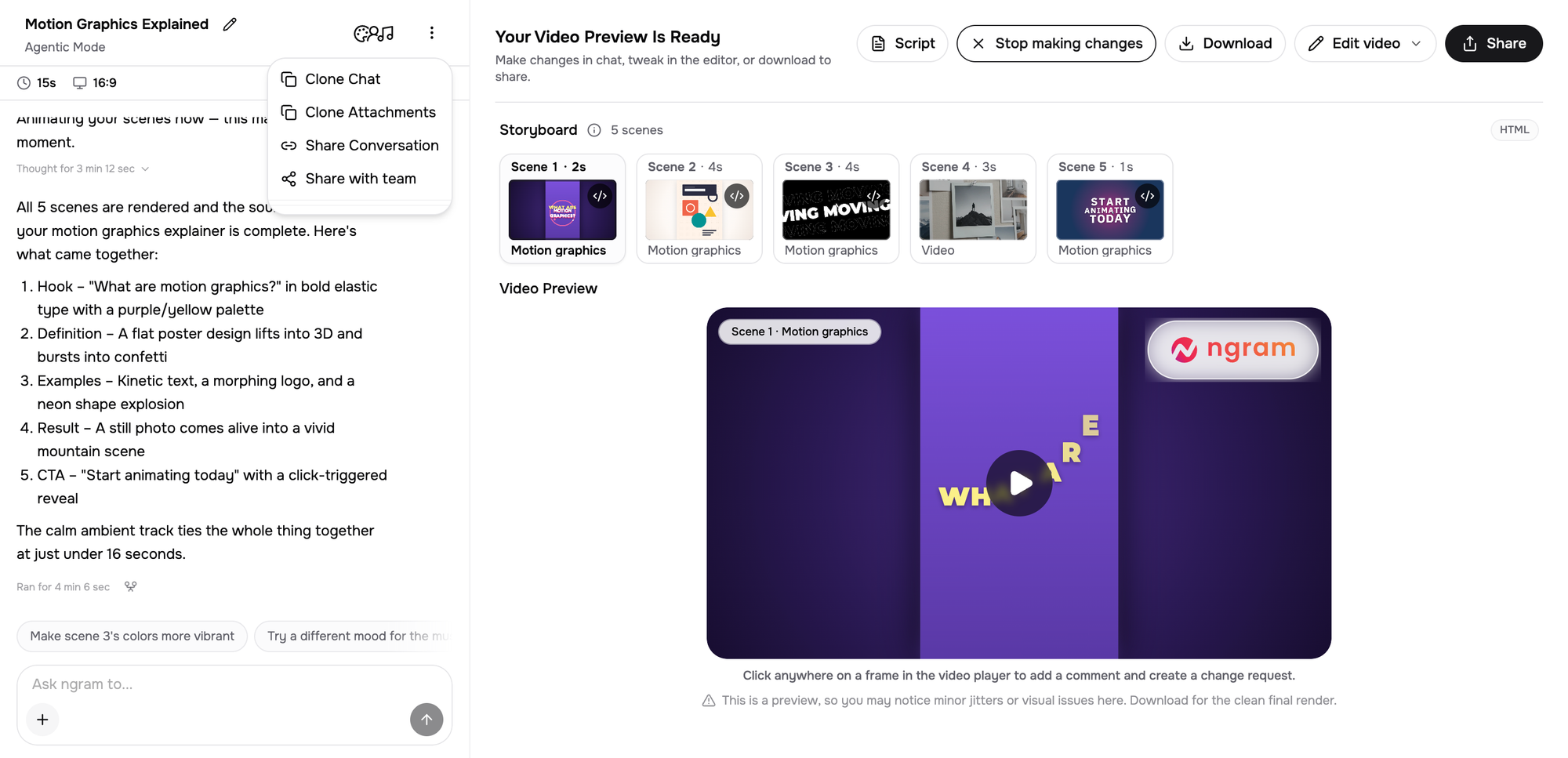
Check whether the project retains its context for the next reviewer. Shared access, visible decisions, version history, reusable formats, and a clear revision path matter more than a download link passed through chat.
Trial test: Ask a teammate who did not build the draft to locate it, understand the source context, request a correction, recover the prior approved state, and create a new audience variant without rebuilding the setup.
ngram can share a project conversation with teammates so they can review its source context. Evaluate version history separately.
7. Export and operating fit: 10 points
Confirm required file types, aspect ratios, resolution, watermark rules, commercial-use terms, credit consumption, and expected throughput. A good demo that cannot enter your publishing workflow is not operationally useful.
Trial test: Export every required delivery format. Record total credits or usage, failed attempts, manual handoffs, and any limits that appeared only at export.
Run a controlled AI video generator evaluation
Give every shortlisted AI video platform the same one-page brief, approved claims, product URL, source document, six current screenshots, 90-second screen recording, brand assets, pronunciation list, CTA, and truth sheet. Use the same prompt, timebox, and two correction rounds.
Save the verbatim prompt, timebox, test date, product plan or tier, first script, first scene plan, revision evidence, final preview, exports, and usage consumed. Score the state after the second correction round, while retaining first-draft errors as evidence of revision cost. Have two stakeholders score independently, then reconcile differences against the saved evidence. This protocol borrows from the NIST AI Risk Management Framework: objective, repeatable testing with documented test sets, methods, and conditions similar to deployment.
This protocol is reproducible, but it is not a published benchmark. Your score reflects your use case, source quality, and trial conditions.
Where ngram fits
ngram is an AI video generator and creation platform for business, product, and marketing teams. Unlike conventional video-editing software, its primary workflow starts with source material and agentic chat, then provides a timeline for adjustments after generation. It accepts prompts, PDF or Markdown documents, URLs, screenshots, screen recordings, raw video, and slide decks. Teams can review scripts and storyboards, apply Brand Kits, generate voiceover and captions, share project conversations, and export multiple formats and aspect ratios.
When a specialist editor is the better tool
Choose a dedicated editor or production specialist when the defining requirement is frame-level cinematic control, complex compositing, advanced color work, detailed sound design, multicamera footage, or bespoke visual effects. Use AI creation for recurring demos and education; keep specialist post-production for bespoke work.