
Gemini Notebook Live Chat Reaches All Pro Users on Mobile
Google's Gemini Notebook experience, including Live Chat on mobile, has completed its rollout to Pro users. The update broadens access to conversational notebook workflows.
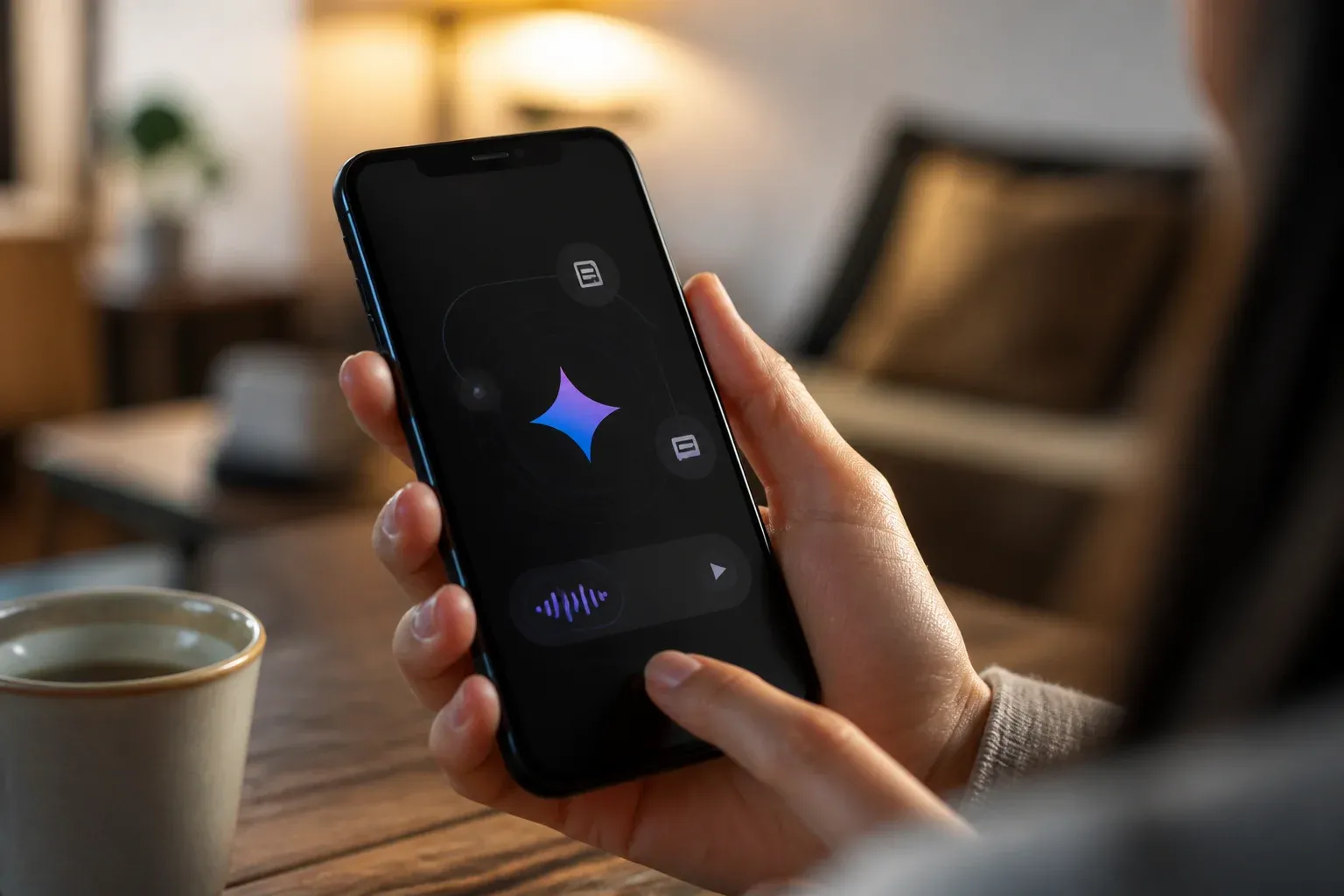
Gemini Notebook's more powerful notebook experience, including its Live Chat capability on mobile, is now fully rolled out to Google AI Pro users. The completed rollout makes live, natural conversations with notebook content broadly available to eligible Pro subscribers on mobile, rather than leaving access dependent on a phased release.
The official Gemini Notebook rollout announcement said the experience had reached 100% of Pro users. Google documentation also identifies live, natural-chat interactions in Gemini Notebook on mobile as a capability for Google AI Ultra and Google AI Pro subscribers. For teams that already use notebooks to organize source material, the practical change is straightforward: mobile access to a conversational notebook workflow is now an established option for the full Pro tier.
What the completed rollout changes
The key news is availability at the Pro tier. A phased rollout can create uncertainty for users who see a feature announced but cannot yet access it. With the rollout complete, Pro subscribers should no longer be waiting for the broader Gemini Notebook experience to reach their accounts.
Live Chat is best understood as a conversational way to work with notebook material. Rather than treating a notebook only as a static collection of sources and outputs, eligible users can have a live, natural conversation within that context on mobile. That can be useful when a manager needs to revisit project material away from a desk, or when a team member needs to clarify information held in an existing notebook.
Google's wider updates have also described Gemini Notebook and NotebookLM integration across the Gemini app, alongside cross-app notebook features. The supplied information does not specify every workflow or integration available in this release, so businesses should assess the feature in their own account and use case rather than assume that every notebook capability or connected workflow behaves the same way on mobile.
Who can use Live Chat on mobile
Google's Help documentation limits mobile live, natural-chat capabilities in Gemini Notebook to Google AI Ultra and Google AI Pro subscribers. The official rollout confirmation specifically establishes that the more powerful Gemini Notebook experience is fully available to Pro users.
| Subscriber tier | Mobile Live Chat eligibility | What the supplied research confirms |
|---|---|---|
| Google AI Pro | Eligible | The Gemini Notebook experience is 100% rolled out to Pro users. |
| Google AI Ultra | Eligible | Google documentation lists Ultra subscribers for mobile live, natural-chat capabilities. |
The research provided for this article does not include subscription prices, country availability, or a detailed feature-by-feature plan comparison. Businesses considering access should therefore consult the current Google account and subscription information available to them before treating the feature as a purchasing decision.
Practical implications for mobile work
The update matters most where a notebook already has a clear purpose and well-organized material. A mobile conversation can reduce the friction of locating and interpreting information while moving between meetings, locations, or tasks. It is not, by itself, evidence of a new customer-service platform or a replacement for existing business systems.
For practical adoption, teams can focus on a few grounded use cases:
- Reviewing a project notebook before or after a meeting when a laptop is unavailable.
- Asking follow-up questions about material already collected in a notebook.
- Giving staff a mobile way to interact with shared work context, where their subscription and access permit it.
- Testing whether live conversational access helps shorten routine information-finding tasks.
The value will depend on the quality and relevance of the material in each notebook. A live interface can make interaction more immediate, but it does not remove the need to maintain useful source content, define who should access it, and verify important outputs before they are used in business decisions.
How businesses should test the capability
A small, bounded trial is a sensible way to determine whether mobile Live Chat improves a real workflow. Start with a notebook built around a repeatable task, such as a project brief or a collection of internal reference materials. Have a small group use the mobile conversation feature for a defined period, then compare whether it helps them find and understand the notebook's information more efficiently.
Pay attention to where the feature fits alongside current tools. The available research supports Gemini Notebook's broader integration with the Gemini app and cross-app notebook features, but it does not confirm particular third-party connections, customer interaction functions, or automated actions. That distinction matters when setting expectations. The strongest initial use case is conversational access to notebook context, not an assumed end-to-end automation system.
Mobile AI features are most useful when they fit a specific process instead of adding another destination for employees to check. Businesses that identify a narrow, high-frequency information task can better judge whether the completed Pro rollout creates a meaningful productivity benefit.
Gemini Notebook's expanded mobile access may make conversational work with business knowledge easier to test, but turning that access into a dependable process still requires a clear use case and the right connections to existing tools. Scalevise helps companies assess where AI can reduce manual information work and design practical adoption plans through its AI consultancy service. Request a consultation to identify the AI workflow worth testing first.
Frequently Asked Questions
What is Gemini Notebook Live Chat?
Gemini Notebook Live Chat refers to live, natural conversational interactions with notebook content. Google documentation describes these interactions as available on mobile for eligible subscribers.
Is Gemini Notebook Live Chat available to Google AI Pro users on mobile?
Yes. The official Gemini Notebook announcement confirms that the more powerful Notebook experience is fully rolled out to Pro users, and Google documentation lists Pro subscribers for mobile live, natural-chat capabilities.
Do Google AI Ultra subscribers have access to mobile Live Chat?
Google's documentation identifies Google AI Ultra subscribers, along with Google AI Pro subscribers, as eligible for live, natural-chat capabilities in Gemini Notebook on mobile.
Does the rollout confirm Gemini Notebook pricing or third-party integrations?
No. The supplied research confirms eligibility and rollout status, but it does not provide pricing details or confirm specific third-party integrations.
Conclusion
The completed Pro rollout makes Gemini Notebook's mobile conversational experience a more dependable option for eligible subscribers. Its clearest value is faster interaction with existing notebook context while away from a desktop. Businesses should evaluate it against focused, repeatable information tasks and avoid assuming capabilities beyond the live notebook experience confirmed by Google.