
Google Renames NotebookLM to Gemini Notebook as Workspace Integration Expands
Google is bringing NotebookLM further into its Gemini ecosystem with a new Gemini Notebook name, notebook grounding in Gemini chats, and broader Workspace context.
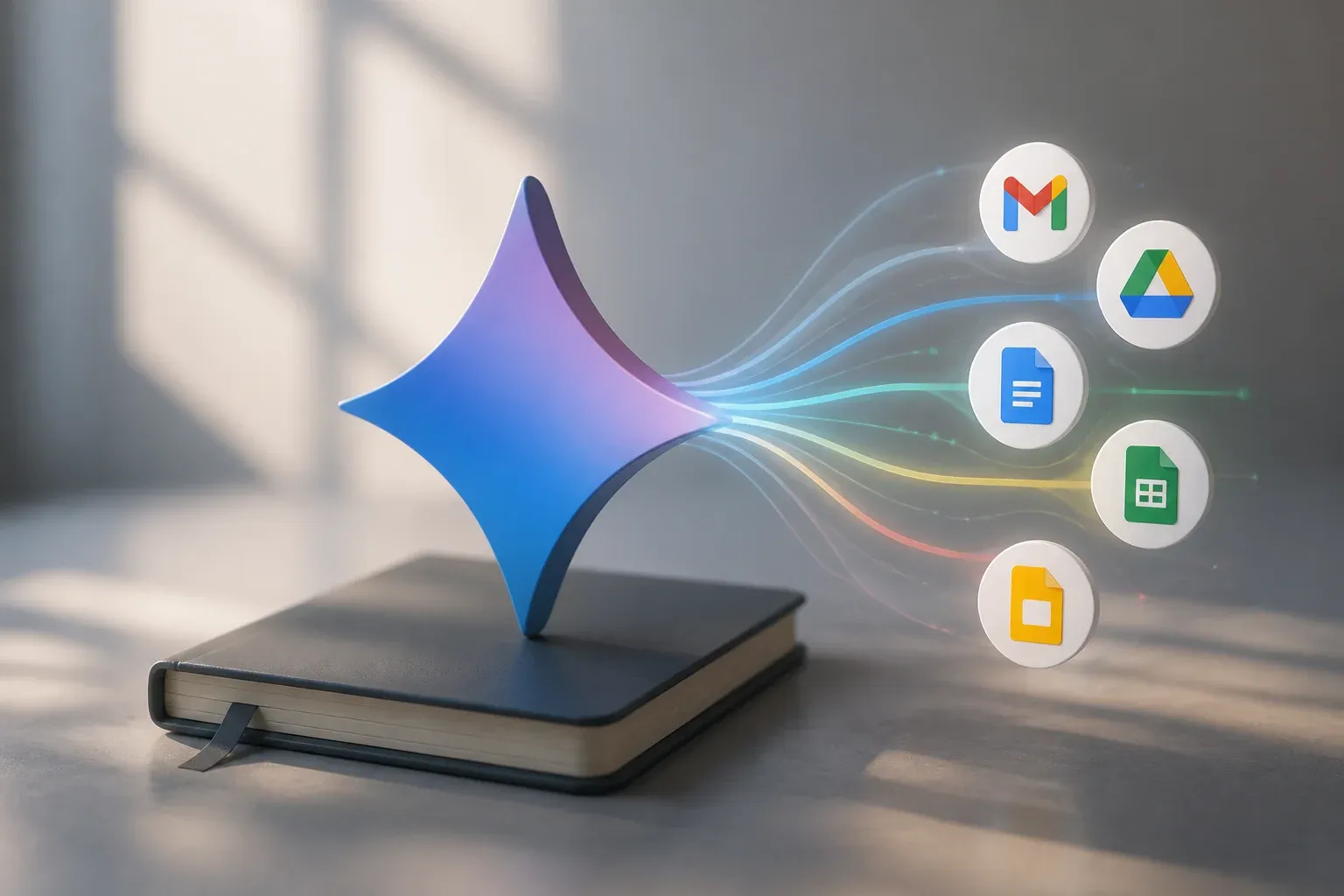
Google is renaming NotebookLM to Gemini Notebook, formally bringing its research and source-grounding tool further into the Gemini product family. The name and logo rollout begins July 16, 2026 and is expected to reach interfaces over the following weeks, according to Google's official Workspace update. The change matters because it reflects a broader product direction: Gemini can increasingly work with context from notebooks and Workspace applications rather than responding only to a standalone prompt.
For teams that already keep project research, meeting material, product documents, or internal reference files in Google tools, the useful development is not branding alone. Google has also made NotebookLM notebooks available as grounded sources in Gemini apps. Users can attach a notebook to a Gemini chat or prompt, giving the model a defined body of source material for its response.
The renamed product is rolling out to Google Workspace customers, Workspace Individual subscribers, and personal Google accounts that have NotebookLM access. Google has not established one universal set of pricing, administrative-control, or regional-availability details for every related Gemini and Workspace feature in the supplied material. Businesses should therefore evaluate the particular Workspace and Gemini access available to their accounts rather than assuming every capability is enabled everywhere.
What Gemini Notebook changes in Google's AI workflow
NotebookLM was built around working with selected source material. Its new Gemini Notebook identity places that role more clearly alongside Gemini's writing, reasoning, and assistance features. Google had already announced on January 27, 2026 that users could use NotebookLM notebooks as sources in Gemini apps. That connection allows a chat to be grounded in the contents of a chosen notebook, rather than requiring a user to restate relevant context in every prompt.
Google Docs is part of the wider picture, but it is important not to conflate the available integrations. Google documents Ask Gemini in Docs as a feature for writing, editing, summarizing, and generating content. Gemini in Docs can use cited information from Drive, Gmail, and the web. Separately, a Gemini app user can attach a Gemini Notebook notebook as a grounded source. Together, these functions point toward a more connected Workspace experience, but the supplied documentation does not say that every Gemini Notebook action is embedded directly inside Docs.
| Area | Earlier NotebookLM position | Current Gemini ecosystem development |
|---|---|---|
| Product identity | NotebookLM name and logo | Renamed Gemini Notebook, with rollout beginning July 16, 2026 |
| Gemini app context | Notebook content was managed in NotebookLM | Notebooks can be attached as grounded sources in Gemini chats and prompts |
| Docs assistance | Workspace documents remained the primary writing surface | Ask Gemini in Docs supports writing, editing, summarization, and content generation with cited sources from Drive, Gmail, and the web |
| Cross-app grounding | Context was more closely associated with individual tools | Workspace Intelligence describes grounding across Gmail, Drive, Calendar, Docs, Sheets, and the web |
This distinction is practical. A marketing manager could use Gemini in Docs to develop or revise a draft with relevant material from connected Workspace sources, while a separate Gemini conversation can be grounded in a notebook containing approved research and reference documents. The value is a clearer path from source collection to analysis and then to usable written output, with citations available in the relevant Gemini and Workspace experiences.
What Workspace Intelligence adds
Google's Workspace Intelligence material describes Gemini grounding across Gmail, Drive, Calendar, Docs, Sheets, and the web. Its emphasis on citations and sourced content addresses a common weakness of general-purpose AI writing: a polished answer is less useful when a user cannot trace its basis.
For a business, this can make AI assistance more useful in work that depends on existing company context. Potential examples include preparing a draft from Drive files, summarizing material held in connected tools, or using a curated notebook as the source base for a Gemini request. The operational benefit is not that Gemini removes the need to check important work. It is that employees may spend less time manually locating and reassembling the same background material before they begin drafting or analysis.
The security and privacy context also matters. Google says data used for Workspace Intelligence grounding does not train the models and is subject to enterprise privacy terms. That is a meaningful safeguard for organizations using applicable Workspace offerings, but it does not eliminate the need to understand account configuration, access permissions, and the specific terms that apply to a deployment. Teams should also review citations and outputs before using them in customer-facing, financial, legal, or otherwise consequential work.
The most immediate planning questions are straightforward:
- Which accounts have access to Gemini Notebook and the relevant Gemini features?
- Which sources should be curated into notebooks so that grounded answers are useful and current?
- Where are citations available, and what review step is appropriate before an output is shared?
- Which Workspace Intelligence controls and privacy terms apply to the organization's plan and deployment?
For companies using Google Workspace as their day-to-day knowledge base, the opportunity is to build repeatable, source-led AI workflows rather than treating Gemini as a blank chat window. A sales team, for example, may benefit more from a maintained notebook of approved product material than from asking a general question without context. The same principle applies to internal documentation, campaign research, and recurring reporting.
Scalevise helps businesses turn promising AI features into reliable working processes, from choosing the right use cases to connecting tools and defining practical review steps. If Gemini Notebook and Workspace grounding could reduce research and drafting overhead in your team, Scalevise's AI consultancy service can help assess the fit, prioritize a workflow, and plan an implementation that uses your existing information responsibly. Request an AI consultation.
Frequently Asked Questions
What is Gemini Notebook?
Gemini Notebook is Google's new name for NotebookLM. Google says the name and logo rollout starts July 16, 2026 and will appear across interfaces over the following weeks.
Can Gemini use a NotebookLM notebook as a source?
Yes. Google announced that NotebookLM notebooks can be attached as grounded sources in Gemini app chats or prompts, allowing Gemini to use the notebook's material as context.
Does Gemini Notebook work directly inside Google Docs?
Google documents Ask Gemini in Docs for writing, editing, summarization, and content generation. Notebook grounding is documented for Gemini apps. The supplied material does not establish that every Gemini Notebook capability is directly embedded in Docs.
How does Google describe privacy for Workspace Intelligence grounding?
Google says data used for grounding does not train the models and is subject to enterprise privacy terms. Organizations should still check the controls, permissions, and terms that apply to their own deployment.
Conclusion
The Gemini Notebook rename is more than a label change. It makes clear that Google's notebook-based source workflow is becoming a more integrated part of Gemini and Workspace. With notebooks available as grounded Gemini sources and Gemini assistance expanding across Workspace context, the practical focus for businesses is selecting trustworthy source material, checking access and controls, and applying the tools where cited, context-aware assistance can save meaningful time.