
Google Expands Gemini Across Workspace With Cross-App Content, Email and Calendar Tasks
Google is rolling out Gemini capabilities that work across Workspace apps, helping users create content, act on email and calendar tasks, and synthesize information without constant app switching.
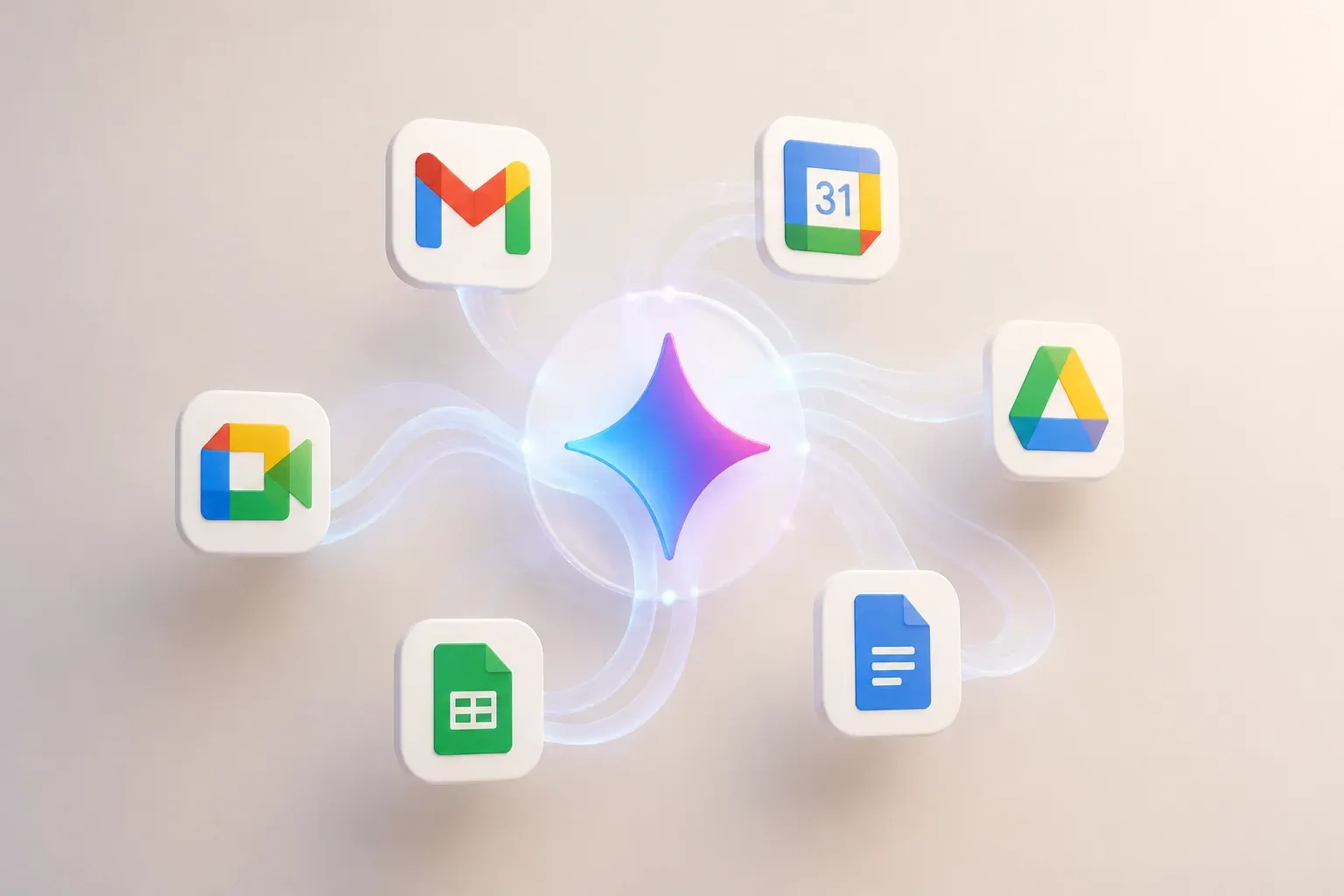
Google is expanding Gemini into a cross-app assistant for Google Workspace. The new capabilities let Gemini create content across Docs, Sheets and Slides, draft and send Gmail messages, research information in Drive and email threads, and schedule meetings through Calendar. The shift is important because Gemini is being positioned less as a feature inside one app and more as an orchestrator for multi-step work across the Workspace tools teams already use.
According to Google's official Workspace announcement, the rollout introduces five agentic capabilities designed to reduce app switching. Gemini can use real-time context from files, emails and chats, then complete related tasks in connected Workspace applications. Google says the rollout begins in September 2026 through rapid and scheduled release channels.
For businesses that already run their daily work in Google Workspace, the practical change is straightforward: a request does not need to stop at a draft, summary or suggestion. Gemini can help turn the request into a document, presentation, email or calendar action while keeping the work inside the same software environment.
How Gemini's cross-app Workspace workflows work
Google describes the new functions as connected workflows rather than isolated AI prompts. A user can begin with context in one application and have Gemini produce an output or complete a follow-up action in another. For example, content generated from a Drive prompt can be formatted into a document, while information from documents or threads can inform an email or meeting request.
The five announced capability areas are:
- Background content creation across Docs, Sheets and Slides, with files saved to Drive.
- Email drafting and sending from workflows that can begin in Gmail, Docs or other Workspace apps.
- Document and presentation generation, including branded Slides decks based on Docs and formatted documents created from Drive prompts.
- Deep research and synthesis across large folders or email threads to produce summarized briefs.
- Scheduling and task management, including finding available times, scheduling meetings and managing to-dos across Workspace.
| Capability area | Connected Workspace apps | Reported outcome |
|---|---|---|
| Content creation | Docs, Sheets, Slides and Drive | Creates content in the background and saves it to Drive |
| Email actions | Gmail, Docs and other Workspace workflows | Drafts and sends emails from a connected workflow |
| Research and synthesis | Drive folders and email threads | Produces summarized briefs from larger information sets |
| Scheduling | Calendar and Workspace apps | Finds open times, schedules meetings and manages to-dos |
The distinction matters. Earlier AI features could assist within an individual app, but a workflow that crosses apps can reduce the manual handoff between reviewing information, creating an asset, communicating the outcome and arranging the next meeting. That is especially relevant for recurring work such as preparing client updates, converting research into presentations, or coordinating follow-ups after a document review.
Controls remain part of the workflow
Google says the cross-app capabilities include enterprise-grade protections around data confidentiality and permissions. It also describes human-in-the-loop previews for sensitive actions. That means users can review actions before they are finalized, an important safeguard when a workflow may send an email, generate externally shared material or create calendar commitments.
The announcements do not make every possible cross-app action automatic. Instead, the emphasis is on using Gemini prompts and side panels within Workspace, with connected context and review points. Companies should therefore assess which recurring tasks have clear inputs, predictable outputs and appropriate approval steps before treating the capabilities as hands-off automation.
Availability and what to watch
Google lists availability across Business Standard and Business Plus, Enterprise Standard and Enterprise Plus, consumer Google AI Pro and Ultra plans, and eligible Education offerings. Release timing follows Google's rapid and scheduled rollout channels, so access can vary by edition and rollout path.
The most useful early test is likely a contained workflow that already depends on several Workspace apps. Teams could evaluate whether Gemini produces a usable brief from Drive material, turns that brief into a formatted document or deck, and prepares the associated email and meeting follow-up. The result will show whether the saved context-switching time outweighs the review needed for the final outputs.
Cross-app AI is most useful when it removes a real bottleneck rather than adding another interface. Scalevise can help map repetitive work, define approval points, and build AI workflow automations for everyday business processes that connect AI output to practical operations. That gives teams a clearer route to reduce handoffs while retaining control over sensitive actions. Discuss an AI automation project with Scalevise.
Frequently Asked Questions
What can Gemini do across Google Workspace apps?
Google says Gemini can create content across Docs, Sheets and Slides, draft and send Gmail emails, synthesize information from Drive folders or email threads, and help schedule meetings and manage to-dos across Workspace.
Which Google Workspace apps are involved in the new Gemini capabilities?
The announced workflows connect Gemini with Gmail, Drive, Docs, Sheets, Slides and Calendar, with prompts and side panels used within Workspace applications.
Can Gemini send emails and schedule meetings in Workspace?
Yes. Google lists email drafting and sending, as well as finding open times, scheduling meetings and managing to-dos, among the announced cross-app capabilities.
Who will be able to access the new Workspace Gemini features?
Google lists Business Standard, Business Plus, Enterprise Standard, Enterprise Plus, Google AI Pro, Google AI Ultra and eligible Education offerings. Access depends on the applicable rollout channel and edition.
What safeguards apply to Gemini's cross-app actions?
Google says the capabilities use data confidentiality and permission controls, along with human-in-the-loop previews for sensitive actions.
Conclusion
Google's Gemini expansion makes connected action, not just in-app assistance, the central Workspace story. By linking content creation, research, email and scheduling across familiar applications, the rollout could reduce routine handoffs for teams that rely on Google Workspace. Its value will depend on each workflow's quality of context, permissions and review process, but the direction is clear: Gemini is becoming a more active layer across Google's productivity suite.