
Google Gemini Now Lets Users Create, Preview, and Edit Files Inside Chat
Google has expanded the Gemini app with in-chat file creation, previews, and editing. PDFs work on web and mobile, while additional formats are available on the web.
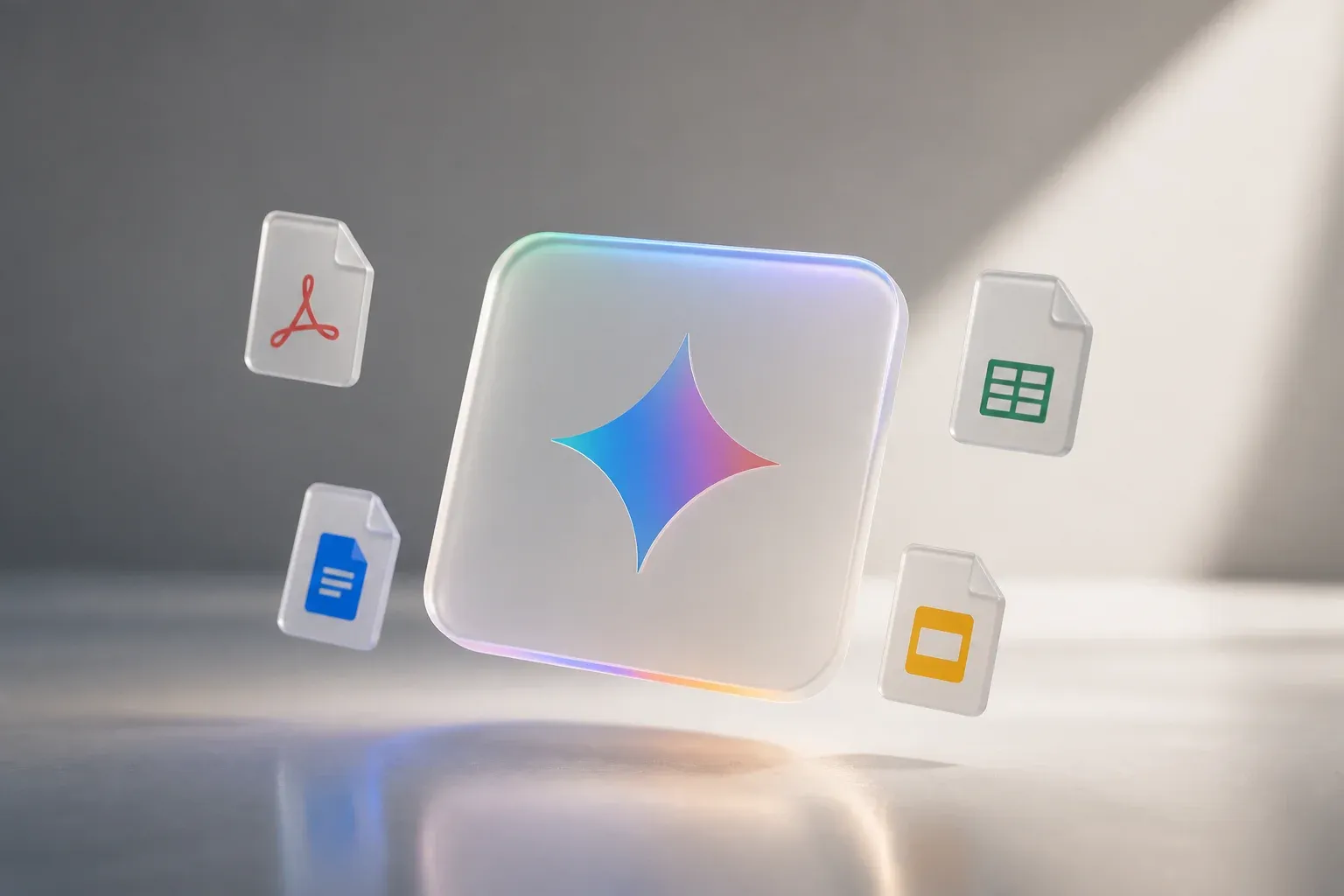
Google has added file generation, previews, and editing directly to the Gemini app chat experience. The update lets users work on files without leaving a conversation with Gemini, including expanding a file to full screen for direct edits, highlighting text to ask questions, and asking Gemini to refine the content. It is a notable expansion of Gemini from a text-first assistant into a workspace for creating and revising documents.
According to Google's official Gemini app announcement, PDF preview and editing are available on both the web and mobile versions of Gemini. The web experience also supports Docs, Sheets, Slides, Markdown, TXT, and code files. Google says the capability is available to all users in every language where the Gemini app is available.
What Gemini's in-chat file editing changes
The core change is that a chat can now become the place where a file is created and revised, rather than simply where a user receives generated text to copy into another application. Gemini users can generate a file in a conversation, inspect it in a preview, and make changes within that same workflow.
Google describes three ways of working with a file in Gemini:
- Type edits directly after expanding the file to full screen.
- Highlight text and ask questions about a specific passage or section.
- Ask Gemini to refine the file, using the chat as an assistant for revisions.
The company illustrates the feature with a PDF study guide created from handwritten notes. A user can create the guide, then edit it directly or request refinements from Gemini. That example shows the intended sequence clearly: bring source material into a conversation, create a usable file, review it, and iterate without repeatedly exporting and reimporting content.
This is not simply a new download option. The announced workflow keeps the file visible and editable in context, which can reduce the friction of moving between an AI chat, a document editor, and a PDF viewer for straightforward drafting and revision tasks.
File support on web and mobile
Google has drawn a clear distinction between PDF support and the wider set of supported file formats. PDFs are supported on both Gemini web and mobile. The other listed formats are supported in the web experience only.
| Capability or format | Gemini web | Gemini mobile |
|---|---|---|
| Generate, preview, and edit files | Supported | Supported for PDFs |
| PDF preview and editing | Supported | Supported |
| Docs, Sheets, Slides, Markdown, TXT, and code | Supported | Not listed as supported in the announcement |
The device distinction matters in practice. A mobile user can work with PDFs while away from a desk, but teams that need to edit the other announced formats should use Gemini on the web. The announcement does not provide further technical detail on editing controls, export behavior, or collaboration features, so users should assess the workflow against their own file-handling requirements.
Availability and pricing details
Google says the feature is available to all users in every language where the Gemini app is available. That makes this a broad release rather than a restricted preview or a rollout limited to a particular organization type.
The announcement confirms availability and supported formats, but it does not specify a separate price, plan requirement, or usage limit for the new file capabilities. Businesses considering the feature should therefore check the Gemini app experience available to their accounts and regions, particularly if their workflow depends on a web-only file type.
Why the update matters for everyday work
For businesses, the most immediate value is potentially a shorter path from an initial request to a reviewable file. A manager drafting a brief, a marketer revising copy, or an operations team preparing a PDF resource can keep the AI assistance and the working file in one conversation.
The new workflow may be especially useful where people regularly need to make focused changes rather than complete a complex production process. Highlighting a passage to ask Gemini a question can make revision more specific than issuing a broad follow-up prompt. Full-screen editing also gives users a way to retain direct control over the final text instead of accepting an AI rewrite wholesale.
There are practical boundaries. Google has confirmed format availability, but the announcement does not establish that Gemini replaces dedicated document, spreadsheet, presentation, or code-development tools. Teams should treat the update as an in-chat creation and revision option, then test it with representative files before changing established processes.
For companies using Gemini in content-heavy work, the feature could make repetitive document preparation less fragmented. The meaningful question is not whether every file should be handled in chat. It is whether the steps of drafting, reviewing, querying, and refining can be combined for a particular task without compromising the team's normal quality checks.
If your team wants to turn AI-assisted drafting into a dependable operational process, Scalevise can help map the handoffs between Gemini, your existing tools, and the people responsible for approval. Our AI workflow automation services focus on reducing manual steps while keeping practical controls around the work that matters. Identify a high-volume document workflow, define where AI should assist, and discuss an AI automation project with Scalevise.
Frequently Asked Questions
What can users do with files in Gemini chat?
Users can generate, preview, and edit files within a Gemini chat. They can expand a file to edit it directly, highlight text to ask questions, or ask Gemini to refine the file.
Can Gemini preview and edit PDFs on mobile?
Yes. Google says PDF preview and editing are supported in Gemini on both web and mobile.
Which file types are supported on Gemini web?
Google lists PDFs, Docs, Sheets, Slides, Markdown, TXT, and code as supported in the Gemini web experience.
Is Gemini's file editing available to all users?
Google says the capability is available to all users in every language where the Gemini app is available.
Conclusion
Gemini's new in-chat file workflow brings creation, review, and revision closer together, with PDF support across web and mobile and broader file support on the web. For teams that regularly turn notes or prompts into working documents, the update offers a more direct way to refine content while retaining human control over the final file.