
OpenAI GPT-6 Adds Intelligent UI to ChatGPT, Generating Interactive Interfaces in Chat
GPT-6 introduces Intelligent UI in ChatGPT, allowing responses to include task-specific interactive elements such as charts, forms, buttons and calculators.
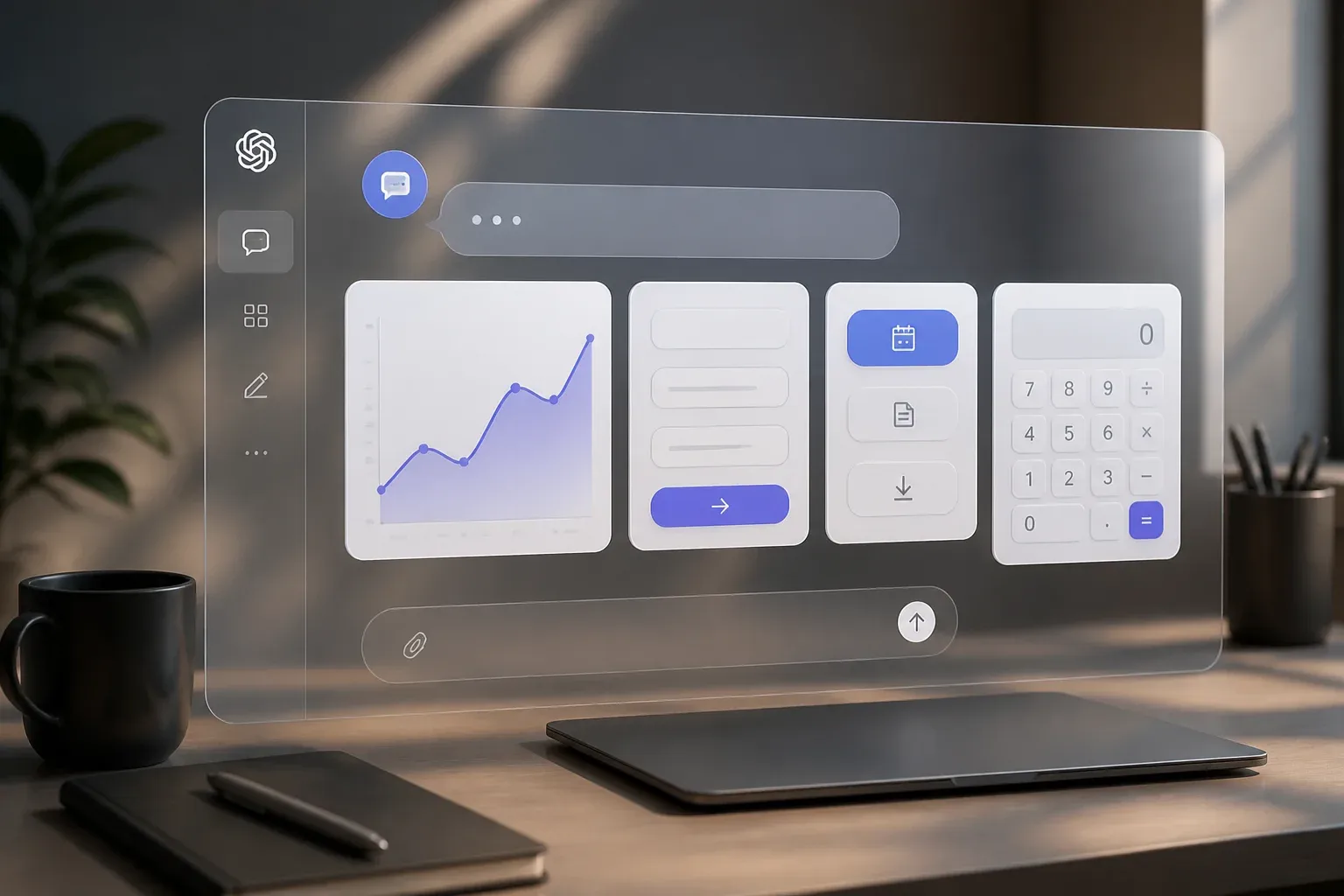
OpenAI has launched GPT-6 with Intelligent UI, a ChatGPT capability that can generate interactive interfaces directly inside a conversation. Rather than responding only with text, ChatGPT can now combine written answers with charts, tappable buttons, forms, calculators, diagrams and other task-specific elements. The change gives ChatGPT a built-in interface layer that can adapt to the question being asked.
According to OpenAI's official GPT-6 and Intelligent UI announcement, the feature began rolling out globally on October 7, 2026, to ChatGPT Plus, Pro, Business and Enterprise users in the Chat tab. Free and Go users were scheduled to begin receiving it the following day. The launch makes dynamic, model-generated interfaces a broad ChatGPT capability rather than a separate app or a single predefined widget.
For businesses, the important shift is practical: a conversation can now include a purpose-built tool when a tool makes the answer clearer or more useful. A request involving a calculation, comparison or planning task may no longer require copying information into a spreadsheet, searching for a standalone calculator or moving between several screens. The usefulness will still depend on the task and the quality of the underlying prompt, but the interaction itself is becoming more action-oriented.
How GPT-6 Intelligent UI works
Intelligent UI is designed to let GPT-6 decide whether plain text, a visual explanation or an interactive component is the most useful response format. OpenAI describes examples including side-by-side comparisons, editable charts, interactive diagrams, savings-growth calculators, bill-splitting tools, maps and road-trip planning interfaces.
The system is not described as a template gallery that users must configure in advance. Instead, OpenAI says it uses a native component library and compiler to progressively render an interface while the model generates its response. That progressive rendering matters because users can begin seeing and using parts of the answer without waiting for a full text response to finish.
This approach also differs from a conventional chatbot that merely outputs code for a web page. The interface appears within the ChatGPT experience and is intended to support the current task. OpenAI says GPT-6 has been trained to choose visuals, interactivity or text based on what should provide the greatest clarity and usefulness.
Rollout by ChatGPT tier
OpenAI has specified different GPT-6 model names for the ChatGPT tiers receiving the rollout. Both models are tuned for everyday conversations, while Intelligent UI is being introduced across the listed tiers.
| ChatGPT tier | GPT-6 model named by OpenAI | Intelligent UI rollout timing |
|---|---|---|
| Plus, Pro, Business and Enterprise | GPT-6 Sol | Started October 7, 2026, in the Chat tab |
| Free and Go | GPT-6 Luna | Scheduled to expand starting October 8, 2026 |
OpenAI's announcement provides rollout timing by tier, but it does not set out separate Intelligent UI pricing in the supplied material. Businesses considering a paid tier should therefore treat the announcement as confirmation of availability, not as a new pricing schedule.
Intelligent UI is not the Apps SDK or MCP
The launch is related to, but distinct from, OpenAI's existing developer integration tooling. Intelligent UI is intrinsic to ChatGPT: it creates chat-embedded interfaces as part of a response. By contrast, the Apps SDK and MCP-based integrations are intended to let developers extend ChatGPT with external apps and connectors.
That distinction is important for planning. Intelligent UI can help make an individual ChatGPT interaction more usable without requiring a company to build an external integration. It does not, on its own, mean that ChatGPT has been connected to a company's CRM, accounting platform, database or other business system. Those connections remain a separate implementation question.
What the change could mean for everyday business work
The first value of Intelligent UI is likely to be in short, self-contained tasks where an interactive element reduces friction. OpenAI's own examples point to a familiar pattern: instead of explaining how to do a calculation or organize a choice, ChatGPT can present an interface that lets the user work through it in the conversation.
For teams, this may be useful for lightweight decision aids and internal work that does not require external system access. Potential applications, based on the feature's described capabilities, include:
- Comparing options through a side-by-side interactive view.
- Exploring assumptions in an editable chart or calculator.
- Turning a planning question into a structured form or sequence of choices.
- Using diagrams and visuals to explain a process, product concept or complex topic.
- Creating a temporary task-specific aid without first designing a separate interface.
These are possibilities, not a promise that every workflow will be automated. The announcement demonstrates that GPT-6 can generate interactive elements in chat, but it does not establish which specific internal tools, data sources or third-party applications will work with a given business process.
The feature could nevertheless reduce the gap between asking for help and acting on an answer. A manager considering scenarios, for example, may be able to adjust inputs in a chat-embedded calculator rather than repeatedly rephrasing a question. A team learning a new process may benefit from a dynamic diagram rather than a long textual explanation. In both cases, the interface is part of the answer instead of a separate destination.
OpenAI also frames the release within its continuing safety and risk-management work. Its announcement refers to updates in safety training and resistance to misuse, as well as monitoring the UI design process for clarity, usefulness and completeness. Those safeguards are relevant, but users should still assess outputs before making decisions from calculations, comparisons or planning aids, especially where the inputs are consequential.
For organizations, the near-term question is not whether every task needs a generated interface. It is which recurring questions become easier when ChatGPT can show, rather than merely describe, a calculation, comparison or workflow. The answer will vary by process, and it will be clearest where a task can be completed from the information available in the conversation.
Businesses that want to turn new ChatGPT capabilities into repeatable work rather than isolated experiments need to identify the right tasks, inputs and controls. Scalevise helps teams evaluate practical AI use cases and build an implementation path through AI consultancy tailored to business workflows. That can help focus investment on processes where interactive AI can reduce manual effort or speed up decisions, while keeping expectations aligned with what the technology can actually do. Request an AI consultancy discussion.
Frequently Asked Questions
What is Intelligent UI in ChatGPT?
Intelligent UI is a GPT-6 capability that lets ChatGPT include interactive elements such as charts, buttons, forms, calculators and diagrams within its responses.
When did GPT-6 Intelligent UI begin rolling out?
OpenAI said the rollout started globally on October 7, 2026, for Plus, Pro, Business and Enterprise users in the Chat tab. Free and Go availability was set to begin the next day.
Which GPT-6 models power Intelligent UI in ChatGPT?
OpenAI names GPT-6 Sol for Plus, Pro, Business and Enterprise tiers, and GPT-6 Luna for Free and Go tiers. Both are tuned for everyday conversations.
Is Intelligent UI the same as ChatGPT Apps SDK or MCP integrations?
No. Intelligent UI is a native, chat-embedded interface capability. The Apps SDK and MCP-based integrations are separate tools for extending ChatGPT with external apps and connectors.
Can Intelligent UI connect ChatGPT to business software automatically?
The supplied announcement does not say that Intelligent UI automatically connects to business software. External apps and connectors remain distinct from the native interface capability.
Conclusion
GPT-6 Intelligent UI changes the format of a ChatGPT answer from text alone to a potentially interactive workspace tailored to the task at hand. Its tiered rollout makes the capability broadly available, while its distinction from external integrations sets a clear boundary on what it does. For businesses, the immediate opportunity is to test where interactive explanations, calculators and decision aids make routine work faster and easier to complete.