
OpenAI's Possible ChatGPT Sketch Tool Points to More Visual AI Workflows
A possible Sketch capability could let ChatGPT users communicate design ideas through drawings. OpenAI's documented Images updates provide important context, but details of Sketch remain unsettled.
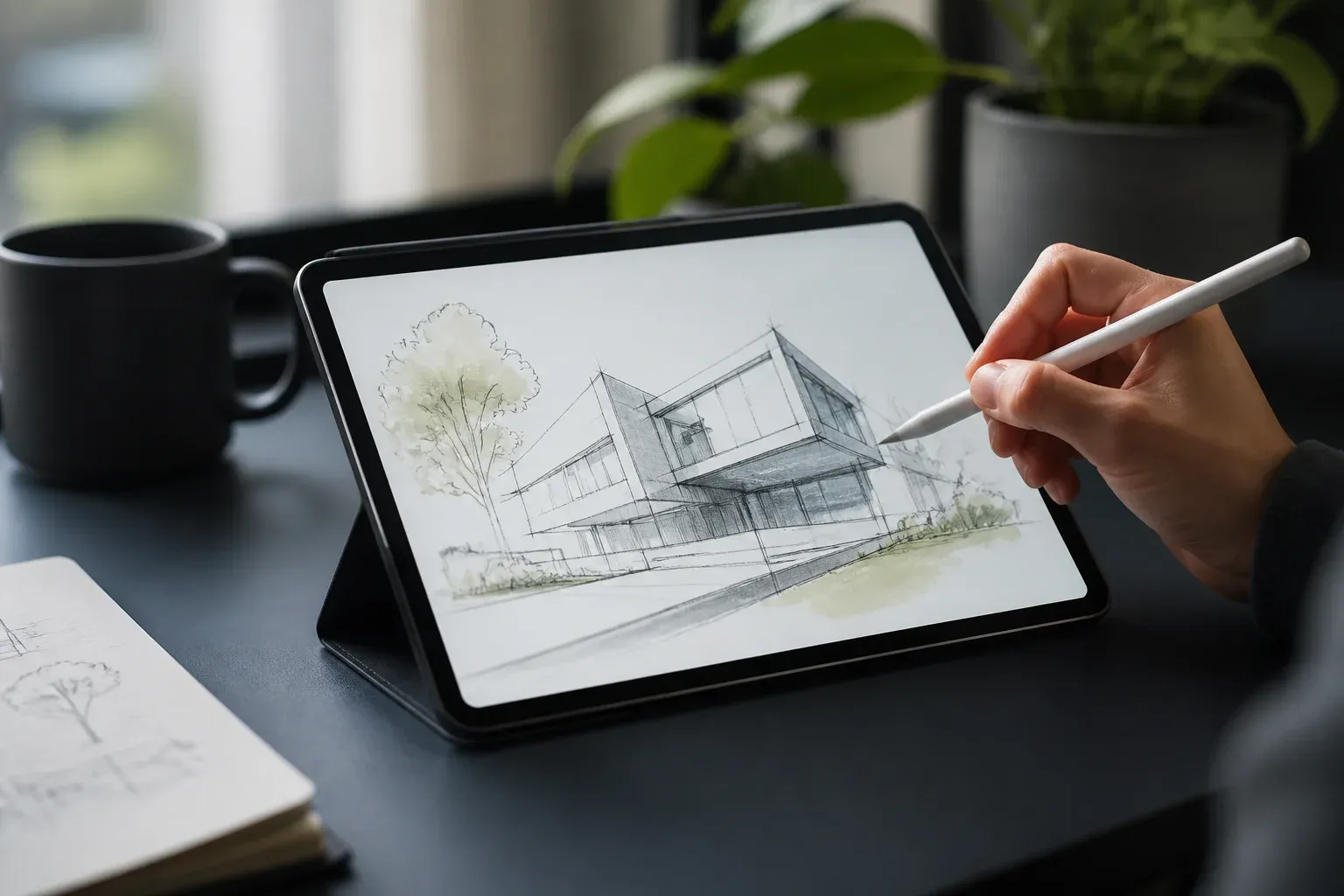
OpenAI appears to be signaling a possible Sketch capability for ChatGPT that would let people draw an idea directly in the chat interface rather than describe every visual detail in text. The suggested @ Sketch trigger points to a more visual way of prompting, but OpenAI's current first-party materials do not yet document a feature by that name, its rollout, or its commercial terms.
The strongest confirmed context is OpenAI's continuing work on ChatGPT Images. In its official introduction to ChatGPT Images 2.0, OpenAI describes improvements to image editing and prompt precision, alongside a new creation space. A sketch-oriented input tool would fit that direction: combining language prompts with a quick visual reference to make image creation and editing more intentional.
For businesses that create marketing assets, product concepts, website mockups, or internal presentations, the appeal is straightforward. A rough drawing can convey layout, emphasis, placement, and relationships that may take several rounds of written prompting to explain. Still, it is important to separate the potential workflow from a documented product release. The available signal suggests what OpenAI may be preparing, not a confirmed instruction that every ChatGPT user can rely on today.
What the Sketch signal suggests
The possible Sketch capability is best understood as an extension of multimodal prompting. Instead of beginning with text alone, a user could provide a simple visual starting point, then ask ChatGPT to interpret, refine, or turn that reference into an image. The drawing would not need to be polished to be useful. Its role would be to reduce ambiguity.
A credible preview from Axios in September 2026 reported that OpenAI product lead Adele Li discussed a "sketch tool" and templates in connection with ChatGPT Images 2.5. The report also indicated that a sketch-style command might be used to invoke the experience. That is a meaningful indication of product direction, but it does not establish final naming, interface behavior, plan availability, or release timing.
OpenAI's documented image updates show the foundation such a feature could build on:
- On December 16, 2025, OpenAI announced a refreshed ChatGPT Images experience, including a dedicated Images space and presets for image creation and editing.
- On April 21, 2026, OpenAI introduced ChatGPT Images 2.0, highlighting improved editing, more precise prompts, and a new creation space.
- Axios subsequently described a possible sketch tool and templates as part of its preview of ChatGPT Images 2.5.
| Development | What is described | Status in the supplied research |
|---|---|---|
| Refreshed ChatGPT Images | A dedicated Images space and presets intended to simplify image creation and editing | Confirmed in OpenAI's December 2025 post |
| ChatGPT Images 2.0 | Improved editing, more precise prompts, and a new creation space | Confirmed in OpenAI's April 2026 post |
| Possible Sketch tool | A sketch-oriented tool and templates, with a possible sketch-style command | Credible third-party signal, with no named first-party documentation supplied |
The distinction matters. ChatGPT Images and its 2.0 update are documented OpenAI developments. Sketch, as a named feature and @ Sketch command, remains a credible hint until OpenAI publishes dedicated product information.
How to prepare for visual prompting workflows
Even before a specific Sketch interface is documented, teams can improve the way they use existing image tools. The goal is not to replace design judgment with a rough drawing. It is to give the AI a clearer brief, then review the result against the business purpose.
A practical visual-prompting process could include these steps:
- Start with a simple reference that identifies the most important composition. For example, show where a product, headline area, logo space, or callout should sit.
- Add a concise text instruction that states the intended audience, format, style, and any elements that must remain unchanged.
- Use the result as a draft. Check factual labels, brand assets, proportions, readability, and whether the image works in its final channel.
- Keep source files and approved brand rules available. A drawing can clarify direction, but it does not substitute for a defined visual identity or a final review process.
This approach is especially useful where a manager or marketer has a clear mental picture but lacks the time or vocabulary to write a detailed visual brief. It could shorten the gap between an initial idea and a reviewable concept. It does not remove the need to validate the output, particularly when an image includes product details, customer-facing claims, or brand elements.
Availability and pricing are currently unresolved for the possible Sketch capability. The supplied official materials describe ChatGPT Images developments, but they do not specify whether a feature called Sketch would be included in particular ChatGPT plans, offered separately, or available in every region. Businesses should therefore avoid designing a production workflow around the named command until OpenAI provides formal details.
If visual AI could reduce the time your team spends translating ideas into briefs, Scalevise can help identify where it fits into your actual content and approval process. Our AI consultancy service helps businesses assess practical use cases, select suitable tools, and build workflows that retain the right human checks. Request an AI consultation to turn promising visual AI experiments into a workable plan.
Frequently Asked Questions
What is OpenAI Sketch in ChatGPT?
Sketch appears to be a possible ChatGPT capability for communicating an idea through a drawing. OpenAI's supplied first-party materials do not yet document a feature formally named Sketch.
Can users type @ Sketch in ChatGPT today?
The suggested command is part of the available signal, but the supplied official OpenAI posts do not document @ Sketch as a generally available ChatGPT instruction.
How does Sketch relate to ChatGPT Images 2.0?
A sketch input tool would align with ChatGPT Images 2.0's documented focus on image editing, precise prompts, and a dedicated creation space. OpenAI has not supplied documentation that defines Sketch as part of Images 2.0.
Is pricing or availability known for the possible Sketch tool?
No. The supplied research does not provide official pricing, plan eligibility, regional availability, or a release date for a feature named Sketch.
Conclusion
The Sketch signal points toward a useful next step for ChatGPT's image workflow: pairing text instructions with a quick visual reference. OpenAI has confirmed substantial Images updates, while the named Sketch tool and its proposed command remain credibly signaled rather than formally documented. For now, the practical opportunity is to strengthen visual briefing and review practices so a team is ready when clearer product details arrive.