
What to Do When Your Automation Tool Like Make.com, n8n or Zapier Is Down?
When your automation tool goes offline, workflows stall, data gets lost, and teams panic. This article explains what to do during downtime and how to design automation that survives failure.
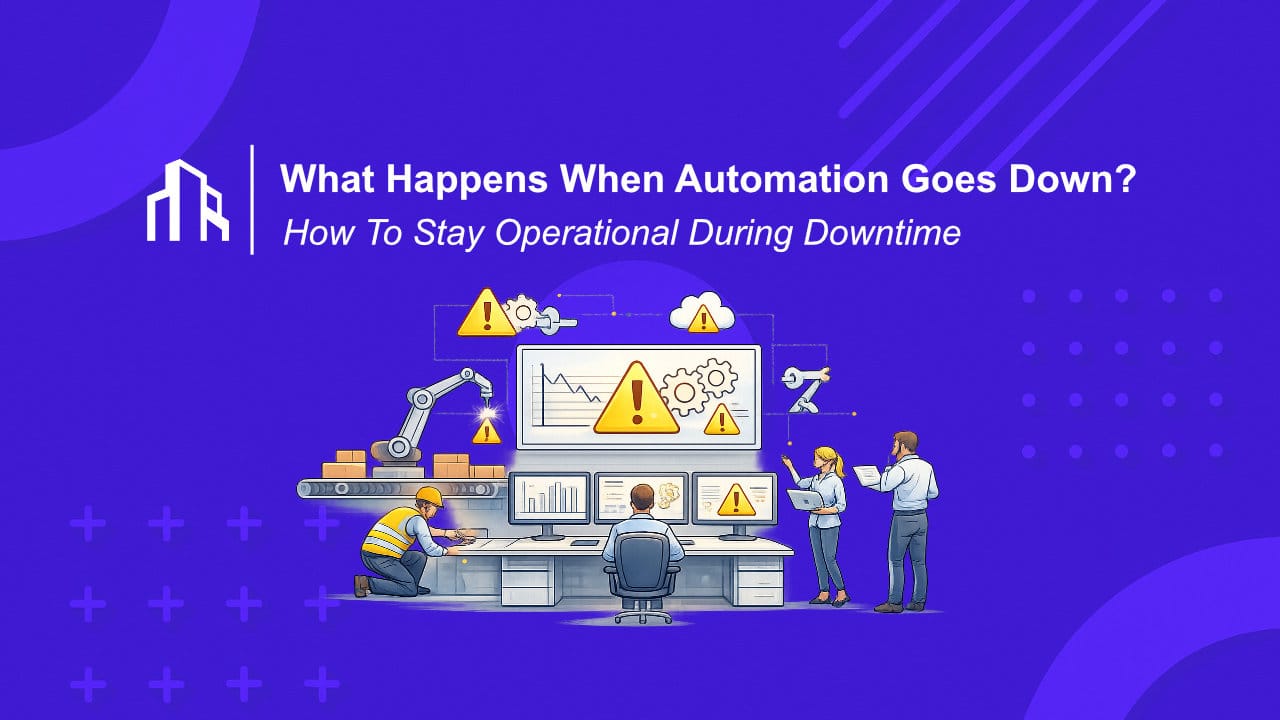
At first, it looks like a temporary inconvenience. A dashboard that won’t load. Scenarios that refuse to run. A vague status update promising an investigation. But within minutes, the real impact becomes clear. Leads are not routed, orders are not synced, AI agents stop acting, and internal teams fall back to manual work they barely remember how to do.
Automation downtime is no longer a rare edge case. It is a realistic operational risk. The question is not if your automation tool will go offline, but what happens when it does.
This article is not about blaming tools. It is about what you should do the moment automation stops working, and what you should change afterward so the next incident hurts less.
First: Stay Operational, Not Emotional
The worst response to automation downtime is panic. The second worst is denial.
The first thing to establish is scope. Which workflows are actually down, and which business processes do they support? Many teams discover that not all automations are equally critical. Some can pause for hours without real damage. Others block revenue or customer experience almost immediately.
This distinction matters because it determines your response. Treating every workflow as critical leads to chaos. Treating critical workflows as optional leads to damage.
Downtime is a moment for triage, not heroics.
Restore Human Control Where It Matters
When automation stops, humans need a way back in. That sounds obvious, but many teams have quietly removed manual paths over time. Forms submit directly into workflows. Actions are triggered without logs that humans can access. AI agents act autonomously with no clear override.
If your automation tool is offline, you should still be able to process key actions manually, even if it is slower. That might mean exporting data, triggering alternative scripts, or temporarily handling steps by hand.
Capture Events Instead of Losing Them
One of the most damaging effects of automation outages is silent data loss. Triggers fire, but nothing processes them. By the time the platform is back online, those events are gone.
A more resilient approach is to separate event capture from execution. Webhooks, queues, or intermediate storage can ensure that events are recorded even when automation cannot act on them immediately. Once the system recovers, those events can be replayed.
Communicate Internally, Even If Vendors Don’t
Internal stakeholders need clarity. What is affected, what is not, and what the temporary workaround is. Silence creates more damage than the outage itself. Clear communication buys time and trust.
Ironically, this is where many automation setups fail hardest. Teams automate processes but forget to automate visibility.
After Recovery: Do Not “Just Move On”
Once your automation tool is back online, the temptation is strong to forget the incident and move on. That is a mistake.
Every outage is a diagnostic signal. It shows you where dependencies are too tight, where visibility is lacking, and where fallback paths do not exist. Ignoring that signal guarantees repeat pain.
This is the moment to document what failed, how long recovery took, and which workflows caused real business impact. Not in a postmortem for the sake of formality, but to drive architectural decisions.
Reduce Single-Platform Dependency
Most automation downtime hurts because one platform does too much.
When an automation tool becomes the single execution layer for sales, operations, finance, and AI workflows, its failure becomes systemic. The solution is not abandoning the tool, but reducing its blast radius.
Many teams adopt a hybrid approach. One platform is used for speed, orchestration, and experimentation. Another handles mission-critical execution, often with more control, visibility, or self-hosting. In more mature setups, automation tools sit on top of APIs and queues rather than being the only place where logic lives.
The goal is simple: no single outage should stop the entire business.
Automation Maturity Means Designing for Failure
In early-stage automation, success is measured by how much work you eliminate. In mature automation, success is measured by how systems behave when something goes wrong.
Downtime is not a sign that automation has failed. It is a reminder that automation is infrastructure, and infrastructure must be designed for failure.
If your automation tool being offline causes panic, lost data, or complete operational paralysis, that is not bad luck. It is feedback.