
ChatGPT Scroll Timeline Feature: The UI Update That Saves You Hours Every Week
ChatGPT introduced a subtle scroll timeline UI that makes navigating long conversations faster and more efficient. A small UX change with real impact.
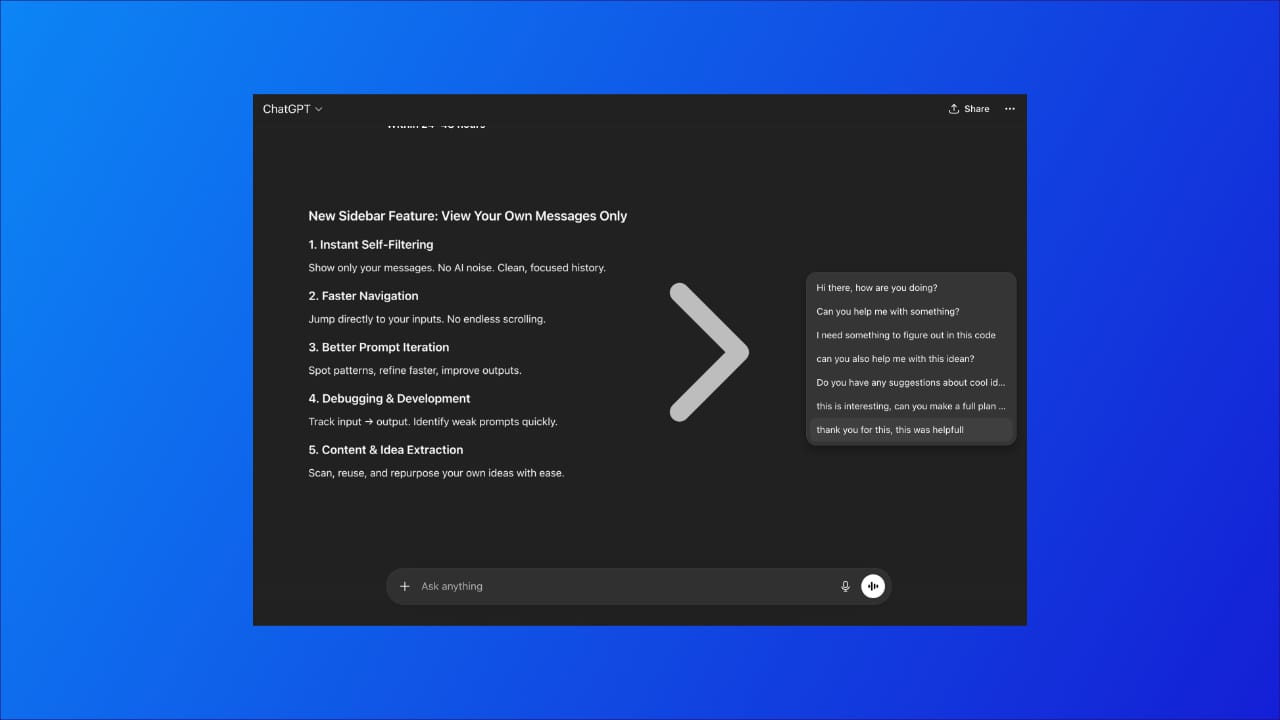
In longer ChatGPT sessions, navigation becomes a problem. Conversations are no longer short or linear. They include multiple iterations of code, prompt variations, and back-and-forth context. As a result, finding something from earlier in the thread often requires excessive scrolling and breaks focus.
Recently, a small UI change appeared on the right side of the interface.
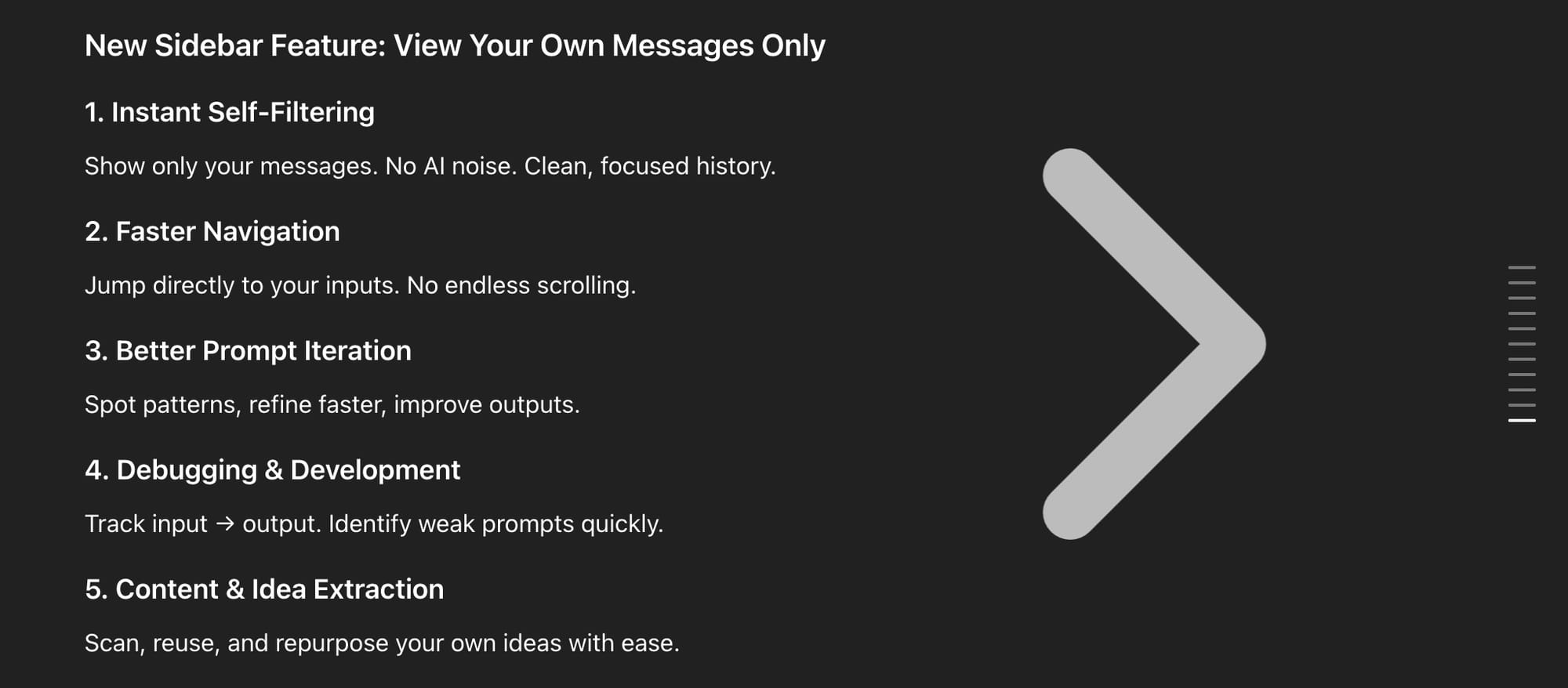
There was no announcement or explanation attached to it. Just a subtle visual element that becomes visible as conversations grow.
At first glance, it looks insignificant. In practice, it changes how navigation works entirely.
The Real Problem With Long ChatGPT Sessions
Over the past year, ChatGPT has shifted from a simple Q&A tool into something much heavier. People are no longer asking one-off questions. They’re building things inside conversations.
That changes everything.
A single session can now include:
- multiple iterations of code
- refined prompts
- debugging steps
- strategy discussions
The result is predictable. Conversations get long. Very long. And once that happens, navigation becomes a problem.
You’re no longer reading linearly. You’re searching. Jumping. Trying to find something you wrote 10 or 20 messages ago. And most of the time, you miss it, scroll past it, or give up and ask again.
That’s not a model problem. That’s a UX problem.
What Actually Changed
Recently, ChatGPT introduced a different way of representing scroll position.
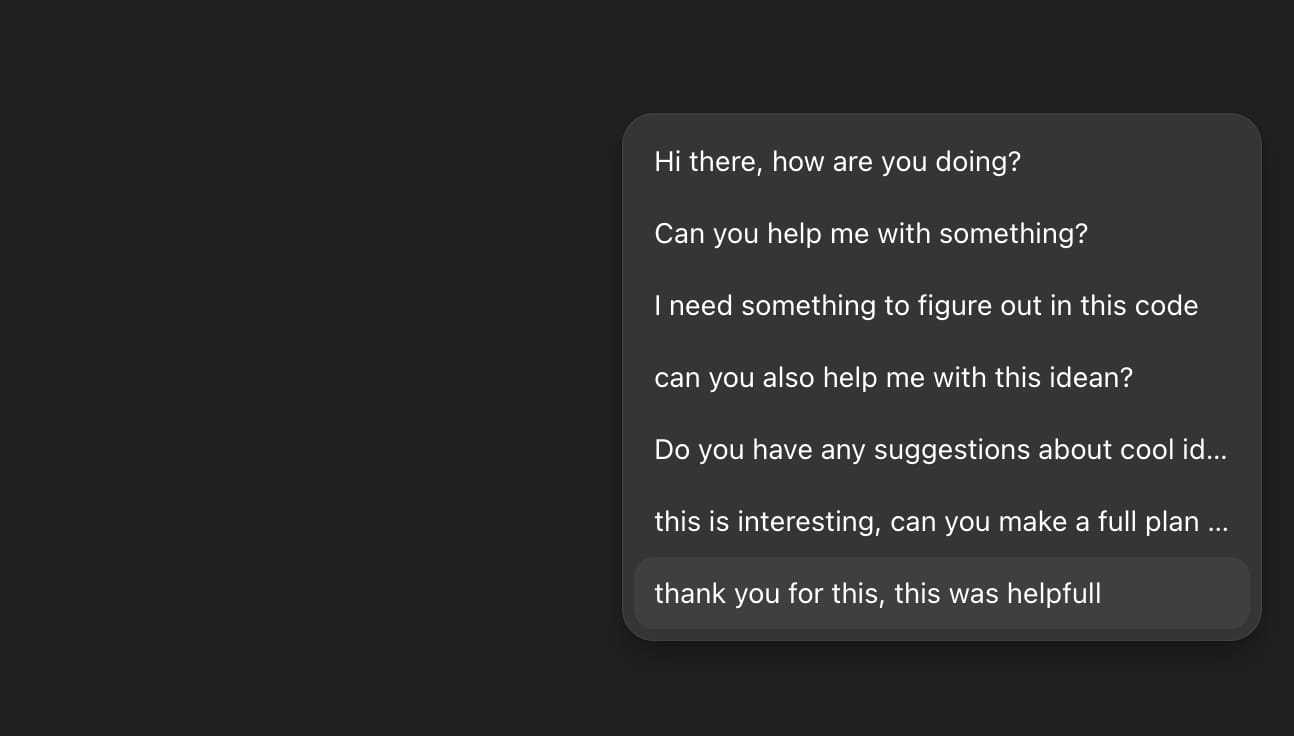
Instead of a traditional scrollbar, you now see a segmented vertical indicator on the right side of the interface. It reflects the structure and length of your conversation in a more granular way.
There’s no tooltip explaining it. No onboarding. It just appears. But once you start using it, you realize something important.
You’re no longer scrolling blindly.
Why This Matters More Than It Seems
The biggest shift here isn’t visual. It’s behavioral.
Before, navigating a long conversation required guesswork. You scroll, stop, scan, scroll again. It breaks your focus, especially when you’re in the middle of something technical.
Now, you get a sense of position immediately. You can estimate where content sits in the conversation. You move faster, and more importantly, you move with intent.
That small change removes friction. And in tools like ChatGPT, friction is what slows everything down.
Where the Time Savings Actually Come From
Most people underestimate how much time they lose navigating their own conversations.
It doesn’t feel like much in the moment. A few seconds here, a few seconds there. But in longer sessions, those seconds stack up quickly.
If you’re:
- debugging code
- iterating prompts
- building automation flows
then you’re constantly moving back and forth through the same conversation.
That’s where this change starts to matter.
You spend less time searching. Less time repeating yourself. Less time breaking your flow just to find context.
And over a full day of usage, that compounds.
This Is a UX Shift, Not Just a UI Update
It’s easy to dismiss this as a minor visual tweak.
But it reflects a bigger direction.
ChatGPT is no longer just answering questions. It’s becoming an environment where work happens inside the conversation itself. And if that’s the case, navigation becomes a core feature, not an afterthought.
This update is a small step toward that. Better structure. Better movement. Less friction.
Why You Probably Haven’t Seen It Discussed
There hasn’t been a clear announcement around this change. No official naming, no detailed breakdown.
Which usually means one thing. It’s being rolled out gradually.
Some users have it, others don’t. And because it’s subtle, most people don’t even register it as a feature. They just experience ChatGPT as “slightly smoother” without knowing why.
Final Thought
Most progress in AI is measured in output, but in practice efficiency is shaped by interaction. How quickly you can navigate, retrieve context, and stay oriented inside a conversation determines how usable the tool actually is. Small UX changes like this don’t change what ChatGPT can do, but they significantly change how effectively you can work with it.
If ChatGPT is becoming part of how people navigate and revisit information, visibility inside these systems starts to matter.
Small interface changes like this improve how users move through conversations, but they also highlight a bigger shift: content is increasingly being interpreted and surfaced by AI.
The GEO Checker helps you understand how your website is currently seen by systems like ChatGPT, and where that visibility can be improved.
👉🏼 https://scalevise.com/ai-visibility-geo-checker