
ElevenLabs Music v2 adds per-chunk Styles and pre-built Finetunes library
ElevenLabs expanded Music v2 with per-chunk Styles in composition plans, support for uploaded Finetunes, and a curated Finetunes library, giving creators finer control over generated music.
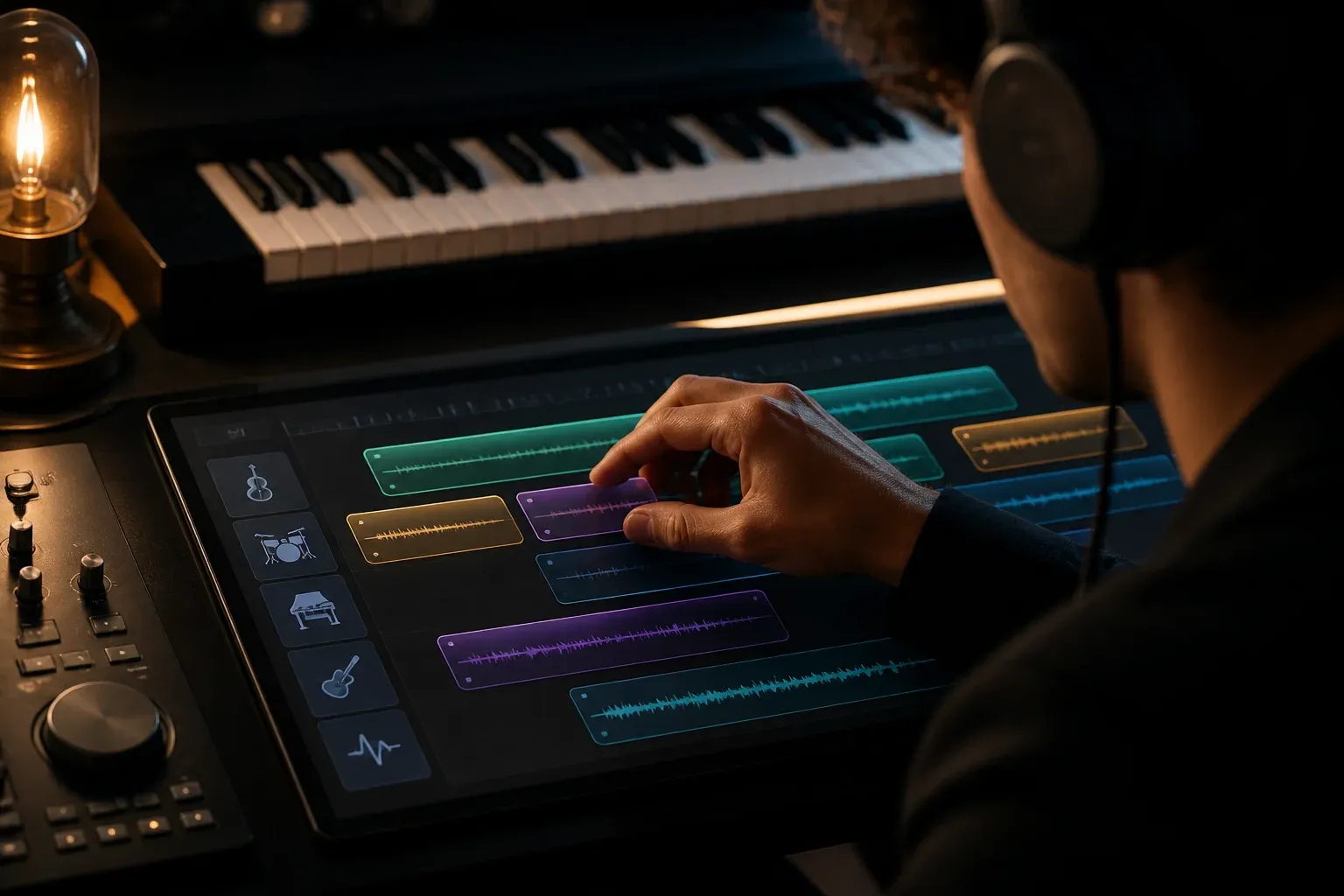
ElevenLabs has expanded Music v2 with explicit support for Styles and a curated Finetunes library, giving creators more control over genre and timbre inside generated tracks. The update adds per-chunk style control in composition plans, plus the ability to upload audio to finetune Music v2 and to choose from pre-built Finetunes trained across global genres and styles.
The company documents these capabilities in its composition plans guide, which explains how developers can assign Styles to specific chunks of a composition and how Finetunes accept uploaded audio for model adaptation. See the ElevenLabs composition plans documentation for details: https://elevenlabs.io/docs/eleven-api/guides/how-to/music/composition-plans
What changed in Music v2
Per-chunk Styles inside composition plans
Music v2 now supports per-chunk Styles in composition plans. That means a single composition can apply different genre or stylistic directives to separate sections, for example an intro with ambient textures and a chorus with a retro synth sound. The feature gives producers and developers finer structural control when building multi-section tracks or evolving arrangements.
Uploadable Finetunes to tailor Music v2
Music v2 supports Finetunes created by uploading your own audio. Creators can upload tracks to finetune the model to a specific sound or performer, subject to ElevenLabs documented Finetune requirements. Finetuning with your own stems or mixes enables the model to better match production aesthetic, instrumentation, or vocal character when generating new content.
Curated Finetunes library with pre-built Styles
ElevenLabs also offers a curated Finetunes library, a set of pre-built Finetunes trained across global genres and styles. These can serve as ready-made style references when you do not want to prepare your own training audio. The library provides a faster route to stylistic variety across compositions while still using Music v2 as the generation engine.
What this means for creators and workflows
Faster iteration and section-level control
Per-chunk Styles reduce the need to generate separate tracks and stitch them together. Producers can experiment with contrasting sections inside one composition plan and iterate faster on arrangement and transitions.
Practical uses for uploaded Finetunes
Uploading Finetunes is useful when a project needs a recognizable or consistent sonic fingerprint. For independent artists, small studios, and game audio teams, the workflow lets you adapt Music v2 to a target sound without rebuilding prompts from scratch.
When pre-built Styles are useful
The curated Finetunes library lowers the barrier to genre exploration. It is especially helpful for rapid prototyping, mood boards, or projects with limited access to bespoke training audio. However, choosing a pre-built Style will not precisely replicate an artist or copyrighted recording, it will provide stylistic guidance within the model's learned patterns.
Organizations evaluating how to integrate these capabilities into production pipelines can work with Scalevise on AI architecture, automation, and implementation to connect Music v2 Styles and Finetunes to existing DAW, asset management, and publishing workflows.
Frequently Asked Questions
What exactly is a per-chunk Style in Music v2?
A per-chunk Style is a style or genre directive assigned to a specific section, or chunk, of a composition plan. It lets you specify different stylistic behavior for multiple sections within a single generated track, for example changing instrumentation or rhythmic feel between verse and chorus.
How do I create a Finetune for Music v2?
According to ElevenLabs documentation, you create a Finetune by uploading training audio that represents the target sound. The uploaded dataset is used to adapt Music v2. Refer to the ElevenLabs composition plans documentation for technical requirements and the upload process.
Are the pre-built Finetunes the same as uploading my own audio?
No. Pre-built Finetunes are curated, pre-trained style models that provide ready-made stylistic templates. Uploading your own audio creates a custom Finetune tailored to your specific recordings, which will typically match your target sound more closely.
Conclusion
ElevenLabs Music v2's addition of per-chunk Styles and Finetunes support is a practical step toward more flexible, production-ready music generation. The combination of section-level style control, user-uploaded Finetunes, and a curated Finetunes library lets creators iterate faster and produce more consistent, genre-specific results while keeping integration options open for studios and teams. For teams that need help integrating Music v2 into existing production or release pipelines, Scalevise provides engineering and implementation support tailored to AI music workflows.