
Google Gemini App Adds Interactive Visualizations for Complex Questions in Chat
Google has added interactive visualizations to the Gemini app, enabling users to explore simulations and models directly in chat rather than relying on static diagrams.
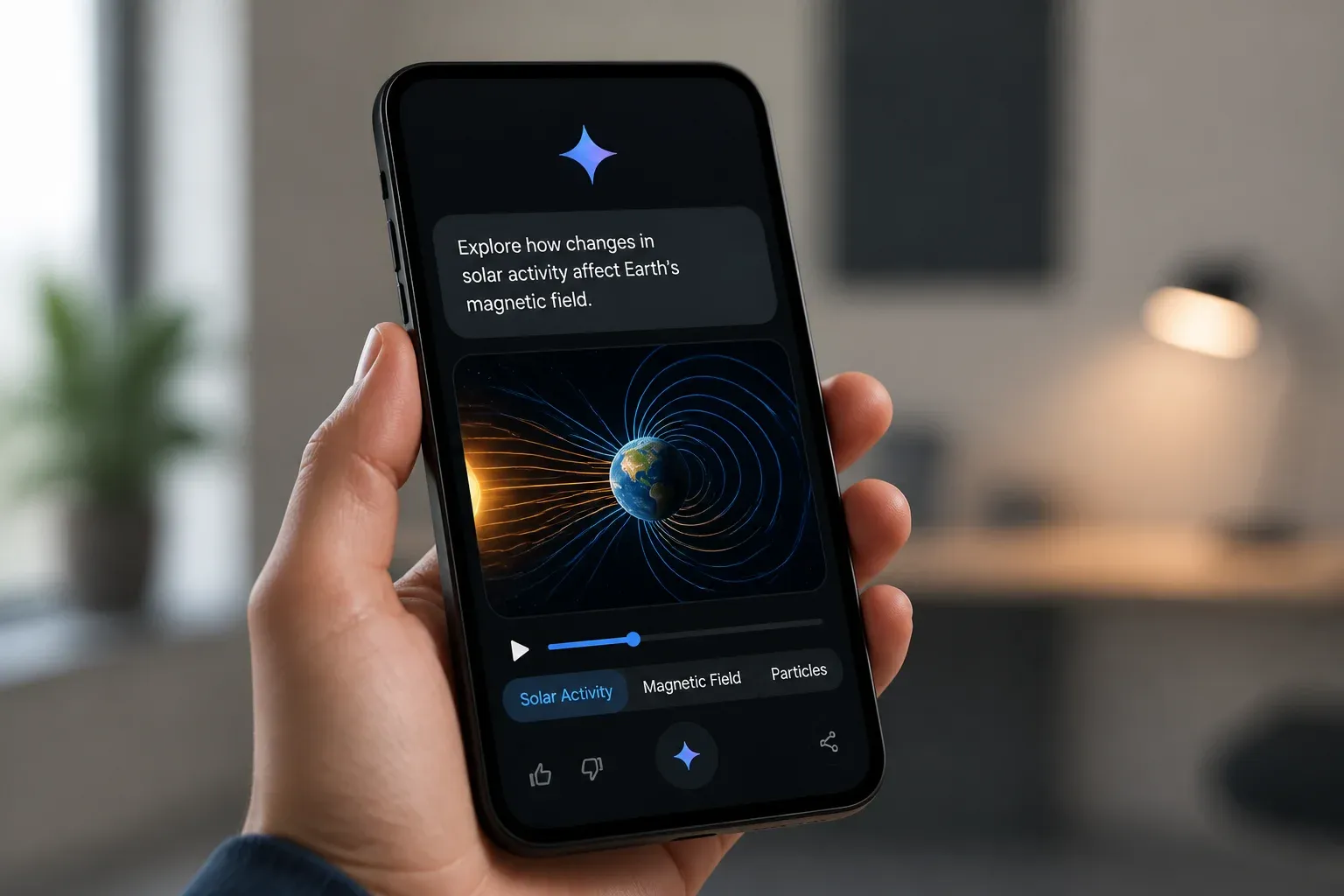
Google has introduced a new interactive visualization capability in the Gemini app that can turn questions and complex topics into manipulable models and simulations inside a chat. Rather than returning only a written explanation or a static illustration, Gemini can create visuals that users explore through prompts and on-screen controls.
The update is designed to make concepts easier to investigate in context. Google describes examples including rotating molecular structures and physics simulations where users can adjust variables such as initial velocity and gravity to see the results immediately. That shift from a fixed diagram to a live, prompt-driven model is the important change for people using Gemini to learn, explain, or test an idea.
From static diagrams to interactive models
In its April 9, 2026, official announcement of interactive simulations and models, Google said the Gemini app can generate custom visualizations directly within a conversation. Users can ask Gemini to “show me” or “help me visualize” a concept after selecting the Pro model in the prompt bar.
The capability is rolling out globally to Gemini app users. Google also notes an important availability limitation: it is not yet available for Education and Workspace accounts. The announcement identifies the Pro model as the route to access the feature, but it does not set out pricing details for this specific visualization capability.
The practical elements Google has confirmed are:
- Interactive simulations and models generated within the Gemini chat experience.
- Prompt-based requests to visualize a question or concept.
- Direct manipulation of visual variables and controls, including sliders in relevant simulations.
- A global rollout for Gemini app users, excluding Education and Workspace accounts for now.
| Approach | Static diagram or written answer | Gemini interactive visualization |
|---|---|---|
| How users explore a topic | Read or view a fixed explanation | Manipulate a model within the chat |
| Changing assumptions | Requires a new explanation or visual | Can use prompts and available controls such as sliders |
| Examples cited by Google | Not specified | Rotating molecular structures and physics simulations |
Why interactivity changes the experience
The core value is not simply that Gemini can produce another type of visual output. It is that a person can ask a follow-up question, change a variable, and observe a result without leaving the conversation. For abstract subjects, this can make cause-and-effect relationships more tangible than a paragraph alone.
This does not mean every Gemini response will become a reliable analytical tool for a business decision. Google’s examples focus on scientific and educational-style concepts, and the announcement does not describe support for uploading company datasets, connecting internal systems, or producing a particular type of operational dashboard. Businesses should therefore distinguish between interactive conceptual exploration and validated analysis of their own data.
Practical ways teams can assess the feature
For teams that already use Gemini, the most immediate opportunity is to test whether interactive explanations improve communication around difficult concepts. A product team might explore a technical principle before preparing a customer explanation. A manager could use a simple simulation to make a training discussion more concrete. Marketers and sales teams may also find value in clearer internal understanding of technical products or industries.
The sensible first step is a limited experiment with a topic where the result can be checked against known information. That matters because an interactive interface may make an output more engaging, but it does not remove the need to verify facts, assumptions, and conclusions before using them in customer-facing material or decisions.
How the feature fits Google's wider Gemini direction
Interactive visualizations extend Gemini’s broader multimodal direction, giving the app another way to respond to questions beyond text. They also arrive during a period in which Google has been expanding the Gemini app with capabilities such as agentic features, Spark, and Daily Brief.
Google has separately expanded Gemini connected apps through MCP connections with services including Canva, OpenTable, and Instacart. That context points to an ecosystem strategy involving more tools and workflows around Gemini. However, the visualization announcement does not say that interactive simulations connect to those services or can automate work across them. Readers should not assume a direct integration path from the new visualization capability based on the connected-apps expansion alone.
For businesses, that distinction is useful. The visualization feature may help people understand a topic in chat today. Workflow automation, tool connections, and access to company information are separate questions that require product-specific confirmation and careful testing.
Interactive answers can change how teams explain products, train staff, and explore operational questions, but the value also depends on whether customers can find a business in the AI tools they use. Scalevise helps companies assess how they appear across AI answer experiences with its AI Visibility / GEO Checker. That visibility can inform content priorities and make AI-search efforts more measurable. Start an AI Visibility scan today.
Frequently Asked Questions
What did Google add to the Gemini app?
Google added the ability to generate custom, interactive visualizations, including simulations and models, directly within Gemini chats.
Who can use Gemini's interactive visualizations?
Google says the feature is rolling out globally to Gemini app users, but it is not yet available for Education and Workspace accounts.
How do users access the visualization capability?
Users need to select the Pro model in the Gemini prompt bar and ask Gemini to show or help visualize a concept.
Did Google announce separate pricing for interactive visualizations?
No. The announcement says users should select the Pro model, but it does not provide pricing details specifically for the visualization capability.
Do the new visualizations connect to Gemini connected apps?
Google has expanded Gemini connected apps through MCP connections, but the visualization announcement does not state that this feature connects to those services.
Conclusion
Google’s interactive visualizations make the Gemini app more useful for exploring concepts that benefit from movement, variables, and immediate feedback. The feature is a meaningful step beyond static chat answers, although its announced scope should not be confused with data analysis or workflow integration. For now, users can evaluate it as a new way to investigate and explain complex topics inside Gemini.