
Gemini in Chrome Gains Personal Intelligence for More Contextual Desktop Workflows
Google's Gemini in Chrome rollout combines an in-browser assistant with opt-in Personal Intelligence, bringing Google app context into desktop browsing tasks.
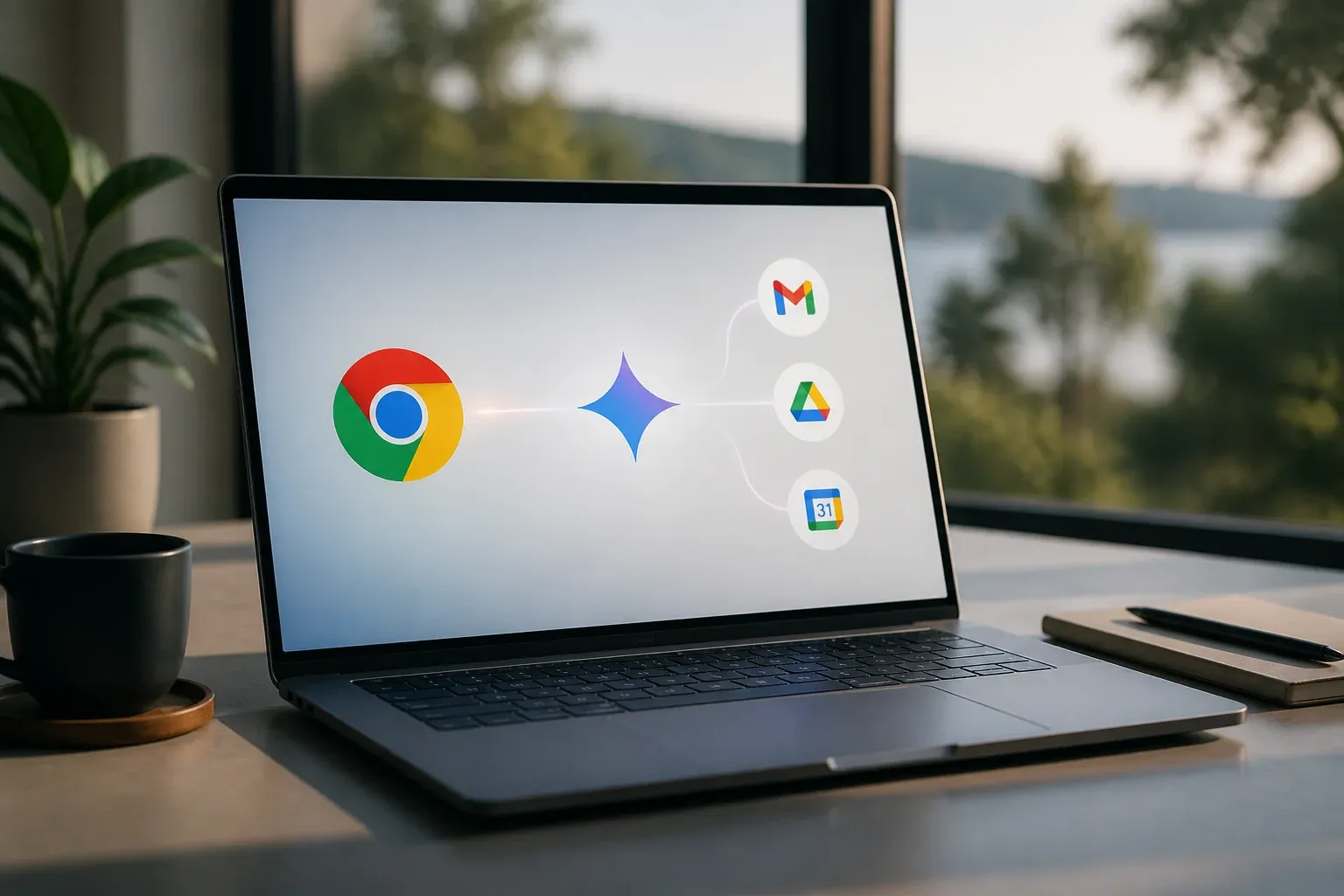
Google is expanding Gemini in Chrome from an in-browser assistant into a more context-aware desktop experience. Through the opt-in Personal Intelligence layer, Gemini can tailor assistance using connected data from selected Google apps, helping users move between browsing, email, calendars, documents, maps, and video with less manual context switching. The development matters because it combines everyday browser work with personal work context, although availability, language support, and features remain in active rollout.
Google describes the broader direction in its official Chrome AI innovations announcement. Rather than a single isolated release, Gemini in Chrome and Personal Intelligence form part of an evolving set of experiences across Chrome, the Gemini app, and AI Mode in Search. For companies that already work heavily in Google tools, the practical question is not simply whether an AI assistant can summarize a page. It is whether it can safely reduce the effort of finding relevant information, connecting it to existing work, and completing routine multi-step tasks.
What Google is rolling out
Gemini in Chrome operates within the desktop browser and is designed to assist with browsing-related tasks. Google has described integrations involving Gmail, Calendar, Maps, Docs, YouTube, and other Google services. That gives the assistant potential context beyond the web page currently open, subject to the permissions a user grants.
Personal Intelligence is the personalization layer. It is a beta capability that can connect data from a core set of Google apps to make answers more relevant to the individual user. Google says those connections require explicit opt-in and are controlled through user permissions. The set of connected apps is expected to expand over time, so businesses should view the current implementation as an early stage rather than a finished integration catalog.
Desktop rollout, regions, and access
The rollout is currently desktop-focused and initially emphasizes US users and English-language configurations. Google has also indicated regional expansion beyond the US, including Latin America, as it adapts the Gemini in Chrome experience for local markets and languages.
A key limitation is that Gemini in Chrome is not yet available on Android. Teams with mobile-first processes should therefore avoid assuming feature parity between desktop Chrome and the Android browser.
Google links access to parts of its AI offering to Google AI subscription tiers, including Plus, Pro, and Ultra. Some capabilities in certain AI modes have also been described as available to free-tier users. The supplied material does not establish one universal price or a single entitlement for every Gemini in Chrome and Personal Intelligence feature, so prospective users should check their current Google account and subscription options before planning around a particular capability.
| Capability | Gemini in Chrome | Personal Intelligence |
|---|---|---|
| Primary role | In-browser AI assistance for desktop Chrome | Personalized assistance using connected Google app data |
| Context source | Browsing activity and Chrome experience, with Google app integrations | Opt-in connections to a core set of Google apps |
| Availability status | Multi-phase desktop rollout, initially centered on US and English configurations | Beta across [AI Mode in Search](https://scalevise.com/resources/google-gemini-3-7-flash-ga-ai-mode-api-pricing/), the Gemini app, and Chrome |
| Android status | Not yet available on Android | The supplied material does not establish Android availability for this Chrome experience |
Supported workflow opportunities
Google positions the combined experience around tasks that often span several tabs and apps. Examples described in its communications include scheduling, drafting content, and extracting key takeaways. In practical terms, an employee researching a prospect, preparing a customer follow-up, or coordinating a meeting may be able to use Gemini to summarize relevant browser content, reference permitted calendar or email context, and help create a next-step draft.
The potential value is in reducing repetitive handoffs between tools. Common opportunities include:
- Summarizing information spread across open tabs and web pages.
- Extracting takeaways from videos or online research before adding them to a document.
- Drafting messages or content with relevant context from connected Google services.
- Supporting scheduling and planning workflows that involve calendar, location, and browser information.
These are assistance scenarios, not proof that every workflow can be completed automatically. The utility will depend on the task, the quality of available context, the user's permissions, and the accuracy of Gemini's output. Teams should still review customer communications, dates, and business-critical summaries before acting on them.
Practical deployment considerations
For businesses, the most useful way to evaluate Gemini in Chrome is to start with a narrow, repeatable desktop task. Choose work that already happens in Chrome and across Google applications, such as research-to-draft workflows or meeting preparation. This makes it easier to identify whether the assistant saves time without giving it unnecessary access to sensitive information.
Permissions are central to the experience
Personal Intelligence is deliberately permission-based. That is significant because better personalization depends on connecting data, while the sensitivity of that data can vary substantially between roles. A calendar, Gmail inbox, and document collection can contain customer details, internal plans, financial discussions, or personal information.
Before enabling connected data, organizations should clarify which users need the feature and which app connections are appropriate for their work. The aim is not to create a complex program. It is to ensure that opt-in decisions are intentional and that users understand what context Gemini may use. Because the feature remains in beta and Google says integrations will expand over time, revisiting those choices as the product evolves is sensible.
What businesses should watch next
Three parts of the rollout will determine how broadly useful the integration becomes:
- Regional and language availability, especially for teams outside the initial US and English-focused rollout.
- Android availability, which will matter for work that starts on a phone and continues in Chrome.
- Subscription and feature boundaries, since Google AI tiers and free access can vary by capability and product surface.
The direction is clear: Google is bringing more of its AI assistance into the place where users already open information and complete web-based work. The remaining question is how consistently those cross-app experiences work in real workflows, and how much control users retain as additional data connections become available.
AI assistants increasingly influence both employee research and customer discovery. Scalevise can help businesses understand how their brand and content appear in AI-driven answers, then turn the findings into practical improvements for visibility and customer journeys. Use the Scalevise AI Visibility / GEO Checker to identify where your business is surfaced, where competitors are winning attention, and which content gaps deserve priority. Start an AI Visibility scan today.
Frequently Asked Questions
What is Gemini in Chrome?
Gemini in Chrome is Google's AI assistant experience within the desktop Chrome browser. Google describes it as part of its Chrome AI innovations program, with integrations across Google services such as Gmail, Calendar, Maps, Docs, and YouTube.
What does Personal Intelligence add to Gemini in Chrome?
Personal Intelligence is a beta personalization capability that can use data from connected Google apps to tailor assistance. It requires user opt-in, and access to app data is controlled through permissions.
Is Gemini in Chrome available on Android?
No. Google's official materials indicate that Gemini in Chrome is not yet available on Android. The current rollout is focused on the desktop Chrome experience.
How much does Gemini in Chrome cost?
Google ties parts of its AI offering to Plus, Pro, and Ultra subscription tiers, while some AI-mode features are available to free-tier users. The available material does not set one universal price or entitlement for every Gemini in Chrome and Personal Intelligence feature.
How can a business use Gemini in Chrome responsibly?
Start with a limited desktop workflow, such as research, meeting preparation, or drafting. Review outputs before using them, and enable Personal Intelligence connections only where the relevant app data and permissions are appropriate for the user's role.
Conclusion
Gemini in Chrome and Personal Intelligence mark a broader move toward context-aware assistance inside Google's desktop ecosystem. The opportunity is to reduce friction across browsing and Google app workflows, but the beta status, staged regional rollout, Android gap, and permission model mean businesses should adopt it deliberately. Testing focused use cases and reviewing data connections will be more useful than treating the integration as a universal automation solution.