
Gemini in Chrome Adds Select From Screen for More Focused Browser Prompts
Google has added Select From Screen to Gemini in Chrome, giving users a way to attach specific webpage regions to prompts for more targeted responses.
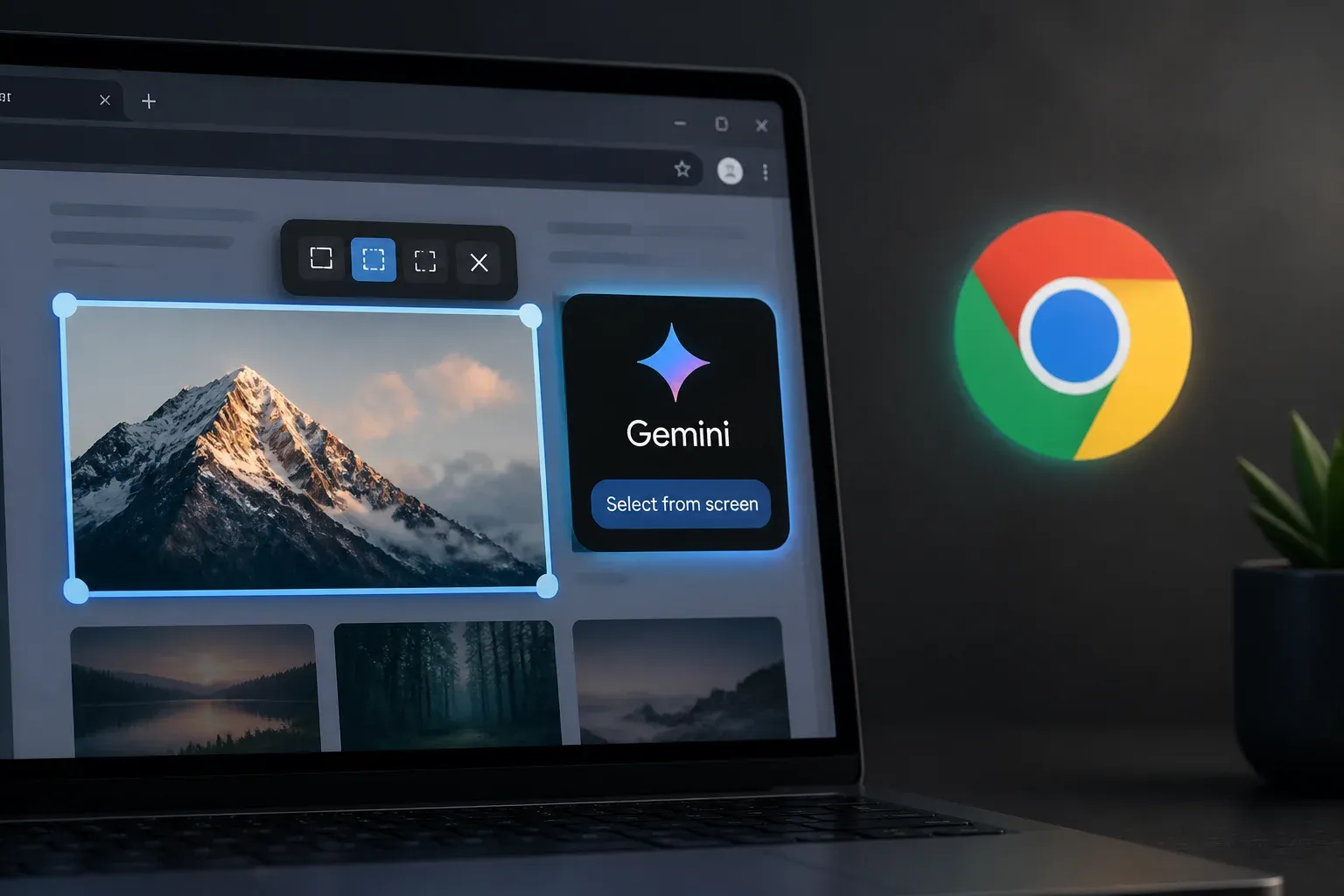
Google has added Select From Screen to Gemini in Chrome, a feature that lets users attach selected areas of the current webpage to a Gemini prompt. Instead of relying only on broad page context, users can draw boxes around relevant text, images, or other on-page material and ask Gemini a more focused question about it.
The addition matters because browser-based AI is most useful when it can work with the exact information a person is viewing. For teams researching competitors, reviewing visual references, checking product details, or interpreting dense web content, selecting a specific region can reduce the need to copy, paste, describe, or manually crop material before asking for help.
Google documents the workflow in its official Gemini in Chrome help guidance. The feature is part of Gemini in Chrome's side-panel experience and broadens the ways users can provide context while browsing.
How Select From Screen works in Gemini in Chrome
To use the feature, a user opens Chrome and clicks the Ask Gemini Image control. In the Gemini panel, they choose Add Image and then select Select from screen. Chrome then lets the user draw one or more boxes around material on the active webpage.
The selected areas are added to the prompt as context. Google says users can resize and reposition each selection, remove selections they no longer need, and create overlapping selections. That flexibility is important when a question depends on more than one part of a page, such as an image and its caption, or a chart alongside the explanatory text next to it.
| Context approach | What Gemini can use | Best suited to |
|---|---|---|
| General page context | Broad context from the webpage | Questions about the page as a whole |
| Select From Screen | One or more user-selected regions containing text, images, or other page content | Questions that depend on precise visual or textual material |
This is not simply a conventional screenshot workflow. The central purpose is to provide Gemini with targeted context from the page currently open in Chrome. Users still need to formulate a useful prompt, but the selection tool can make the requested reference point much clearer.
Independent press coverage describes the capability as rolling out with Chrome 149, alongside continuing Gemini in Chrome updates across multiple regions and languages. Coverage also indicates that access is limited to eligible users in select regions and that some users may need a newer Chrome build before the Select From Screen option appears.
Practical workflows and availability considerations
Select From Screen can be useful where a task starts with material already visible in a browser. It may help teams move from observation to a specific question without first rebuilding that context in another tool.
Examples supported by the feature's selection-based design include:
- Asking Gemini to explain a particular chart, image, or block of text on a webpage.
- Selecting several related page elements when comparing how information is presented.
- Highlighting a visual reference and its nearby copy to request a more focused interpretation.
- Narrowing an otherwise broad webpage down to the exact content relevant to a research or review task.
For businesses, the potential value is mostly in reducing context-handling friction. A marketer reviewing a webpage, a manager checking public information, or a customer support team member investigating a knowledge page can focus Gemini on the relevant area rather than describe its location or copy it into a separate prompt. The quality of the response will still depend on the selected material and the question asked, but the feature gives the user more control over what Gemini receives.
The rollout details are also important. Google presents Select From Screen as part of Gemini in Chrome, while independent coverage says access is being introduced for eligible users in select regions. Organizations should therefore check whether the option is present in their own Chrome installation rather than assume it is immediately available to every user. Updating Chrome may be necessary where a newer build is required.
The supplied documentation focuses on the feature workflow and does not list a separate price for Select From Screen. Readers evaluating access should review their existing Gemini in Chrome eligibility and the controls available in Chrome, rather than treat this as a standalone product purchase.
For companies that want to turn browser research and AI assistance into repeatable work, Scalevise can help identify where AI fits into real processes, not just one-off prompts. A practical review can uncover opportunities to reduce manual context gathering, connect useful tools, and define workflows employees can actually use. Discuss practical AI implementation with Scalevise to request a consultation.
Frequently Asked Questions
What is Select From Screen in Gemini in Chrome?
Select From Screen is a Gemini in Chrome feature that lets users draw boxes around specific areas of the current webpage and add those selections as context to a Gemini prompt.
How do I use Select From Screen in Chrome?
Open Chrome, click the Ask Gemini Image control, choose Add Image in the Gemini panel, and select Select from screen. You can then draw, adjust, overlap, or remove selection boxes on the page.
What can users select with the feature?
Google describes the tool as a way to select precise regions containing text, images, or other content from the current webpage for inclusion in a prompt.
Is Select From Screen available to every Chrome user?
Independent coverage says the feature is rolling out to eligible users in select regions. Some users may need to update Chrome to a newer build before the option is available.
Does Google list a separate price for Select From Screen?
The supplied Chrome Help documentation explains how the feature works but does not list a separate price for Select From Screen.
Conclusion
Select From Screen makes Gemini in Chrome more precise by allowing users to point the assistant at the relevant part of a webpage. Its practical value lies in reducing the effort required to supply visual and textual context during browser-based work. Availability remains dependent on rollout eligibility and Chrome version, but the feature strengthens Gemini in Chrome's role as a contextual browsing assistant.