
Google Gemini Omni Brings Prompt-Based Video Background Changes to Vids and Photos
Google has expanded Gemini Omni's video editing workflow with prompt-based background changes across Google Vids and Google Photos Video Remix.
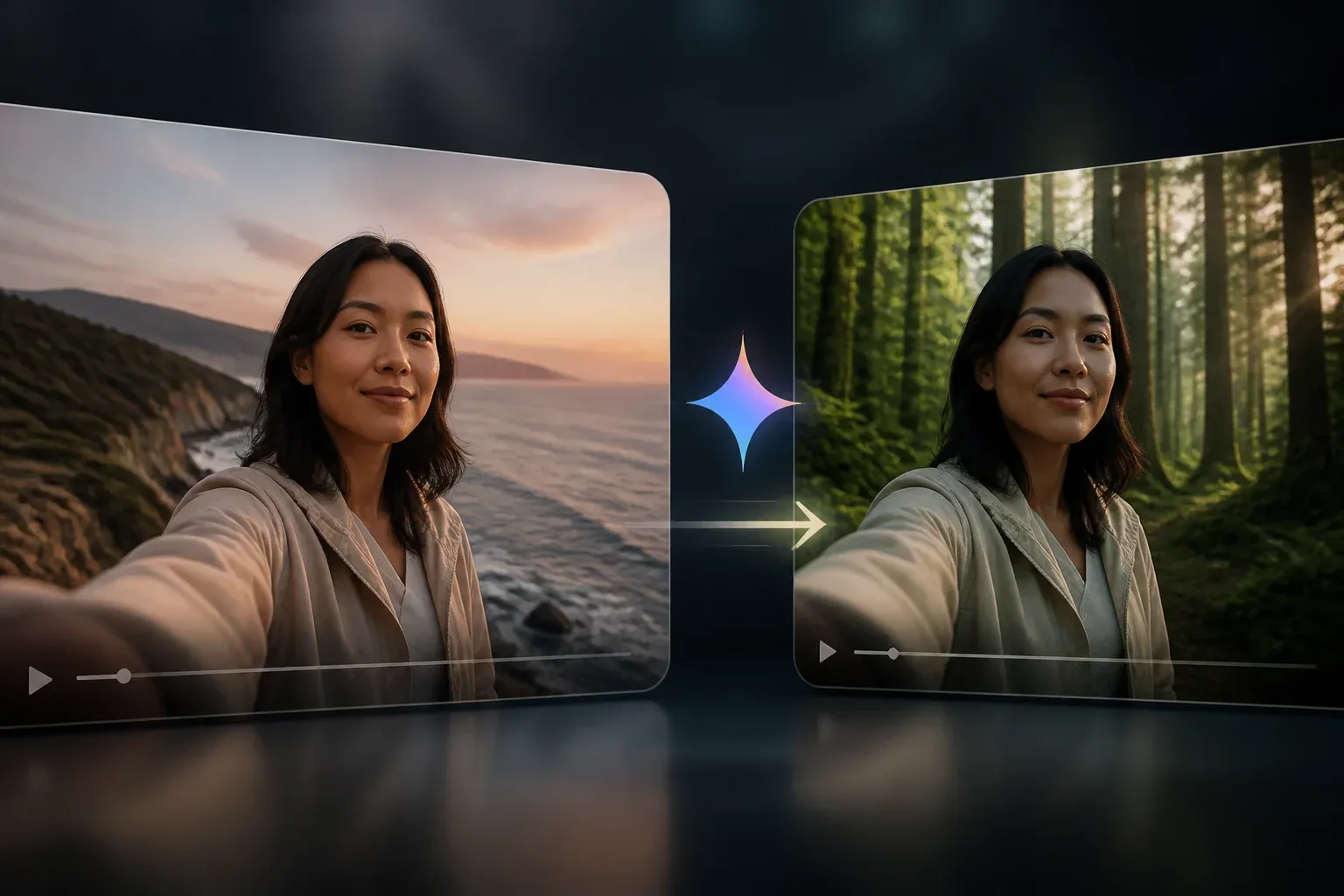
Google has publicly expanded Gemini Omni's video editing capabilities to let users change or swap video backgrounds with text prompts. The capability is appearing across Google Vids and Google Photos Video Remix, giving both workplace and consumer users a way to alter a scene without manually masking subjects or rebuilding footage in a conventional editor.
On Gemini's official video generation page, Google describes Omni as able to swap backgrounds, change wardrobe, and transfer styles while preserving subject details. That positioning matters because background replacement is not presented as an isolated effect. It is part of a broader prompt-driven editing pipeline intended to modify an existing video while retaining the person or object at its center.
For creators, the practical appeal is straightforward: footage captured against a plain, distracting, or unsuitable setting can be recontextualized through a written description. A user could request a fictional landscape or another imagined setting, provided the prompt supplies enough scene detail. The result is a potentially faster route from captured clip to a version suited to a presentation, social post, or personal project.
How Gemini Omni background changes work across Google products
Google's published materials describe the same core idea in two distinct workflows. In Google Vids, Gemini Omni supports text-prompted edits that include background adjustments, color grading, and removal of background clutter. In Google Photos, Video Remix uses Gemini Omni to let users replace a plain background with a more interesting one.
The common thread is prompt-based scene editing. Rather than requiring the user to define a mask frame by frame, the system interprets an instruction and attempts to preserve the subject while modifying its surrounding visual environment. Google also says Omni can keep subject details intact when performing changes such as background swaps, wardrobe changes, or style transfers.
| Google product workflow | Gemini Omni capability described by Google | Relevant use case |
|---|---|---|
| Google Vids | Text-prompted video edits, including background adjustments, color grading, and background-clutter removal | Editing video for work and presentation-oriented content |
| [Google Photos Video Remix](https://scalevise.com/resources/google-photos-video-remix-gemini-omni-video-styles-to-eligible-subscribers/) | Swap a plain background for a more interesting background | Consumer video remixing and personal footage enhancement |
This multi-product implementation is more significant than a single editing control. It places the same underlying scene-change concept in a work-focused video tool and a consumer photo-and-video workflow. Google has not, in the supplied material, detailed whether every prompt or edit will produce the same results across those products, so users should treat the feature as a shared capability rather than assume identical controls or output behavior.
Why prompt-based background editing changes the workflow
Traditional background replacement can involve keying, rotoscoping, compositing, and careful correction around hair, motion, reflections, or objects that cross the foreground. Gemini Omni's approach shifts much of that process into an instruction: describe the desired setting and let the model generate the scene change.
That does not remove the need for editorial judgment. Creators still need to assess whether the edited scene fits the footage, whether subject details were retained appropriately, and whether the new background creates misleading visual context. But it can reduce the amount of manual work required to explore an alternative setting.
The capability also broadens the range of edits that can be considered early in production. Instead of treating the original location as fixed, a team can test different visual directions after capture. That is useful when a background is cluttered, visually inconsistent with a project, or simply too plain for the intended result.
For organizations evaluating prompt-based video editing in their existing content processes, Scalevise can help with AI workflow automation, integration design, and governance considerations around how generated media moves between tools and approval stages.
Pricing, usage limits, and governance remain important questions
Google's materials confirm the background-change capability, but the supplied official research does not provide comprehensive Gemini Omni pricing or usage limits across consumer and enterprise plans. Readers should therefore verify current entitlement, plan, and availability details through Google's official product channels before planning a production workflow around the feature.
The same caution applies to governance. A background change can be creatively useful, yet it also changes the visual context of a recording. Teams should establish clear rules for when synthetic scene edits are appropriate, especially for customer communications, internal records, regulated content, or material that could be interpreted as documentary footage.
Key adoption questions include:
- Rights and permissions: Confirm that the organization has rights to use the original footage and any intended output.
- Disclosure and review: Decide when an altered setting needs human review or disclosure before publication.
- Data handling: Assess what video material is suitable for upload or processing under internal policies.
- Output validation: Check whether subject preservation, scene continuity, and visual quality meet the standards of the intended use.
The important distinction is that Google has confirmed a capability to direct background changes through prompts. It has not, in the research provided, established a universal policy framework for every organization or use case. Those decisions remain with the users and organizations deploying the tool.
Frequently Asked Questions
What is Gemini Omni's Change Background capability?
It is a prompt-based video editing capability that lets users change or swap a video's background while Google describes the system as keeping subject details intact.
Where can users use Gemini Omni for video background changes?
Google has described background-related editing through Gemini Omni in Google Vids and in Google Photos Video Remix.
Can Gemini Omni do more than change a video background?
Yes. Google's video generation materials also describe wardrobe changes and style transfers, while Google Vids updates reference color grading and removal of background clutter.
What does Gemini Omni background editing cost?
The supplied official materials do not publish comprehensive pricing or usage limits for Gemini Omni across consumer and enterprise plans. Users should check current Google plan information.
Conclusion
Gemini Omni's prompt-based background changes make video scene editing a more accessible part of Google Vids and Google Photos workflows. The confirmed capability can speed up experimentation with existing footage, but effective adoption still depends on plan eligibility, careful output review, and clear policies for how altered visual context is used.