
Gemini Omni Brings AI Video Relighting to Google Photos and Google Vids
Google is extending Gemini Omni's prompt-based video editing into Google Photos and Google Vids, with relighting designed to improve poorly lit footage.
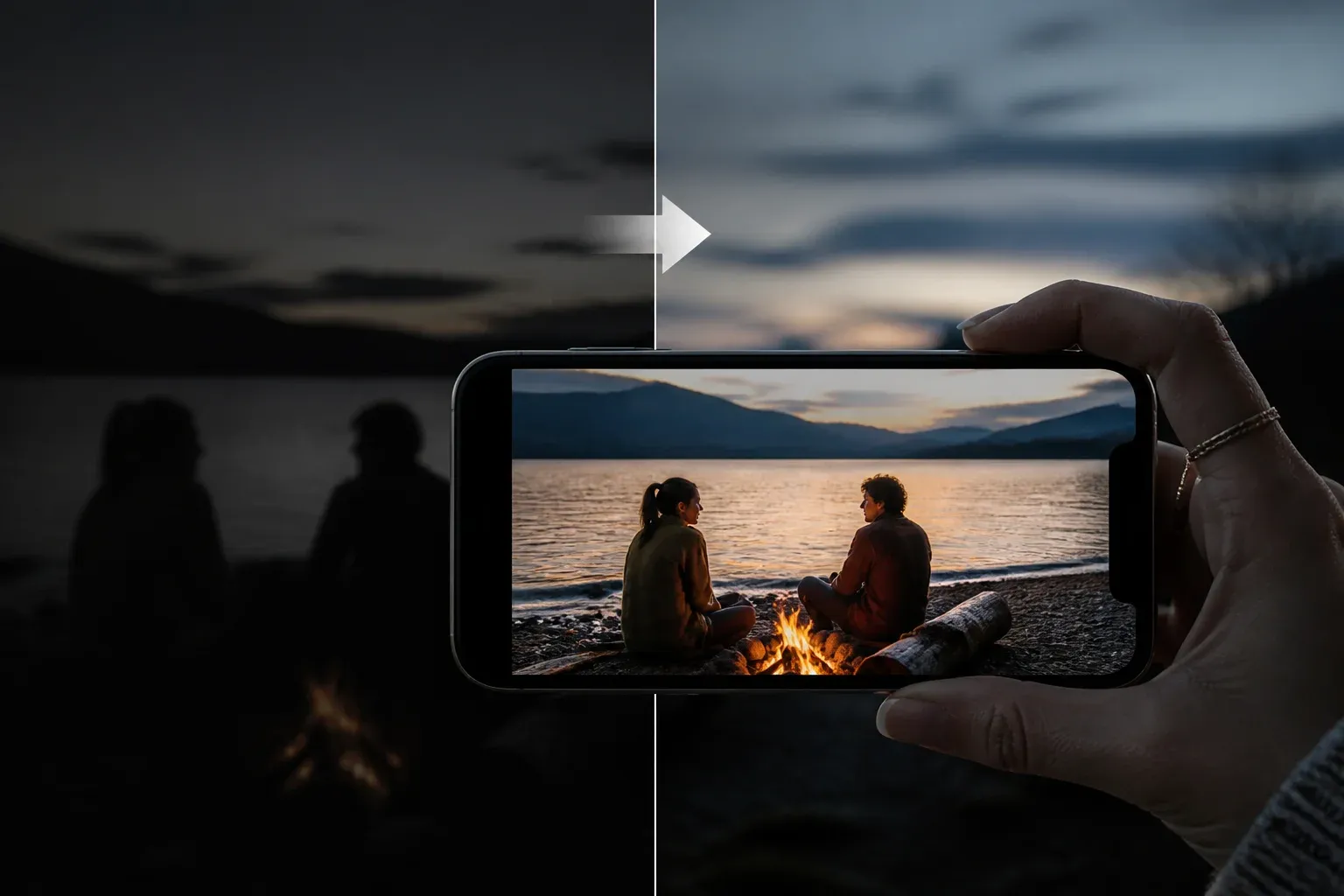
Google is expanding Gemini Omni video editing beyond a single consumer feature with relighting tools in Google Photos and Google Vids. The capability lets users change or improve a clip's lighting through natural-language prompts, positioning lighting correction as part of a broader conversational editing workflow that also includes background changes, stabilization, and element modifications.
The clearest consumer implementation is Video Remix in Google Photos. In its official Video Remix announcement, Google says users can apply cinematic relighting to brighten dark clips and identifies Gemini Omni as the technology behind the feature. A July 16, 2026 Google Workspace announcement also brings Gemini Omni Flash into Google Vids, where simple prompts can be used to edit existing clips, including improving poor lighting.
That cross-product rollout matters because lighting is often a limiting factor in otherwise usable footage. Rather than requiring a clip to be reshot or corrected with conventional timeline controls, Gemini Omni is intended to make lighting changes an instruction-led editing task. Google has suggested useful prompt details such as the time of day, sky colors, lighting temperature, and the direction of shadows and light.
What Gemini Omni relighting changes
Relighting is not presented as an isolated filter. It sits within Gemini Omni's wider video-editing approach, which uses chat-style prompts to make changes to existing footage. In Google Photos, Video Remix also supports background swaps and artistic treatments. The Gemini Omni product page describes related prompt-based operations including lighting adjustments, video stabilization, background replacement, and modifications to elements in a video.
For creators, this changes the practical role of lighting correction. A request can describe the desired outcome rather than prescribe a manual sequence of edits. The quality and fidelity of a result will still depend on the source clip and the prompt, but the workflow gives users a more direct way to express creative intent.
The supported examples point to several use cases:
- Brightening dark footage that may otherwise be difficult to use.
- Changing a scene's visual mood by specifying time of day, sky color, or lighting temperature.
- Controlling perceived light direction through prompts about shadows and angles.
- Combining lighting changes with broader edits, such as a background swap or an artistic treatment.
This is also a meaningful expansion of Gemini Omni's reach. Google describes Omni as replacing Veo in the Gemini app, while the Photos and Vids integrations bring the same general prompt-driven editing direction to consumer and workplace-oriented products.
| Google product | Gemini Omni capability described by Google | Availability detail in supplied research |
|---|---|---|
| Google Photos | Video Remix can apply cinematic relighting to brighten dark clips, alongside background swaps and artistic treatments. | Rolling out to eligible Google AI Plus, Pro, and Ultra subscribers in select countries. |
| Google Vids | Gemini Omni Flash can edit existing clips with prompts, including updating poor lighting. | The supplied research confirms the Workspace announcement but does not specify a separate rollout scope. |
Availability and plan boundaries
For Google Photos, Video Remix is rolling out to eligible Google AI Plus, Pro, and Ultra subscribers in select countries. That means relighting access is not described as a universal Google Photos feature. Availability depends on both the user's plan and region.
The supplied material confirms Gemini Omni Flash in Google Vids but does not provide a separate pricing or geographic availability breakdown for Vids. Readers evaluating the feature for a team workflow should therefore distinguish between confirmed functionality and the plan or regional details Google has explicitly published for each product.
The plan-based model is significant for creators and organizations deciding where AI editing fits into their production process. Gemini Omni may reduce the work required for certain lighting repairs, but access terms, country eligibility, and the product in which a clip is edited remain operational considerations.
Workflow and governance considerations
The immediate benefit is speed: users can describe a visual correction in ordinary language instead of beginning with manual lighting controls. For recurring creator workflows, that could make early review and iteration faster, especially when a clip needs a different atmosphere rather than a simple brightness adjustment.
For workplace use in Google Vids, the development also makes it more important to establish a review step for AI-modified footage. Relighting can materially alter the appearance and mood of a scene, so teams should ensure edited clips remain appropriate for their intended internal or external use. The supplied announcements describe editing capabilities, not a separate governance framework or output-verification process.
Organizations assessing prompt-based video editing across creative and business processes can work with Scalevise on AI workflow automation, integration, and implementation that fits their existing review requirements.
Frequently Asked Questions
What is Gemini Omni video relighting?
Gemini Omni video relighting is Google's prompt-based capability for adjusting a video's lighting. In Google Photos Video Remix, Google says it can apply cinematic relighting to brighten dark clips.
Where is Gemini Omni relighting available?
Google Photos Video Remix is rolling out to eligible Google AI Plus, Pro, and Ultra subscribers in select countries. Google has also announced Gemini Omni Flash in Google Vids for editing existing clips, including poor-lighting fixes.
What can users include in a relighting prompt?
Google suggests describing the time of day, sky colors, lighting temperature, and the angle of shadows and light.
Does Gemini Omni only change lighting?
No. Google describes broader prompt-based video editing capabilities, including background swaps, artistic treatments, stabilization, and modifications to video elements.
Conclusion
Google's relighting rollout makes Gemini Omni a more consequential video-editing layer across both Google Photos and Google Vids. By bringing prompt-based lighting repair into consumer and workplace tools, Google is moving AI video editing closer to an integrated, conversational workflow, while plan eligibility and regional rollout continue to define who can use the consumer feature.