
Gemini Spark Brings Voice Dictation and In-Place Rewriting to the Mac Desktop
Google is expanding Gemini for Mac with Spark, a beta desktop AI experience that can turn spoken input into drafts, rewrite text at the cursor and work with user-approved files.
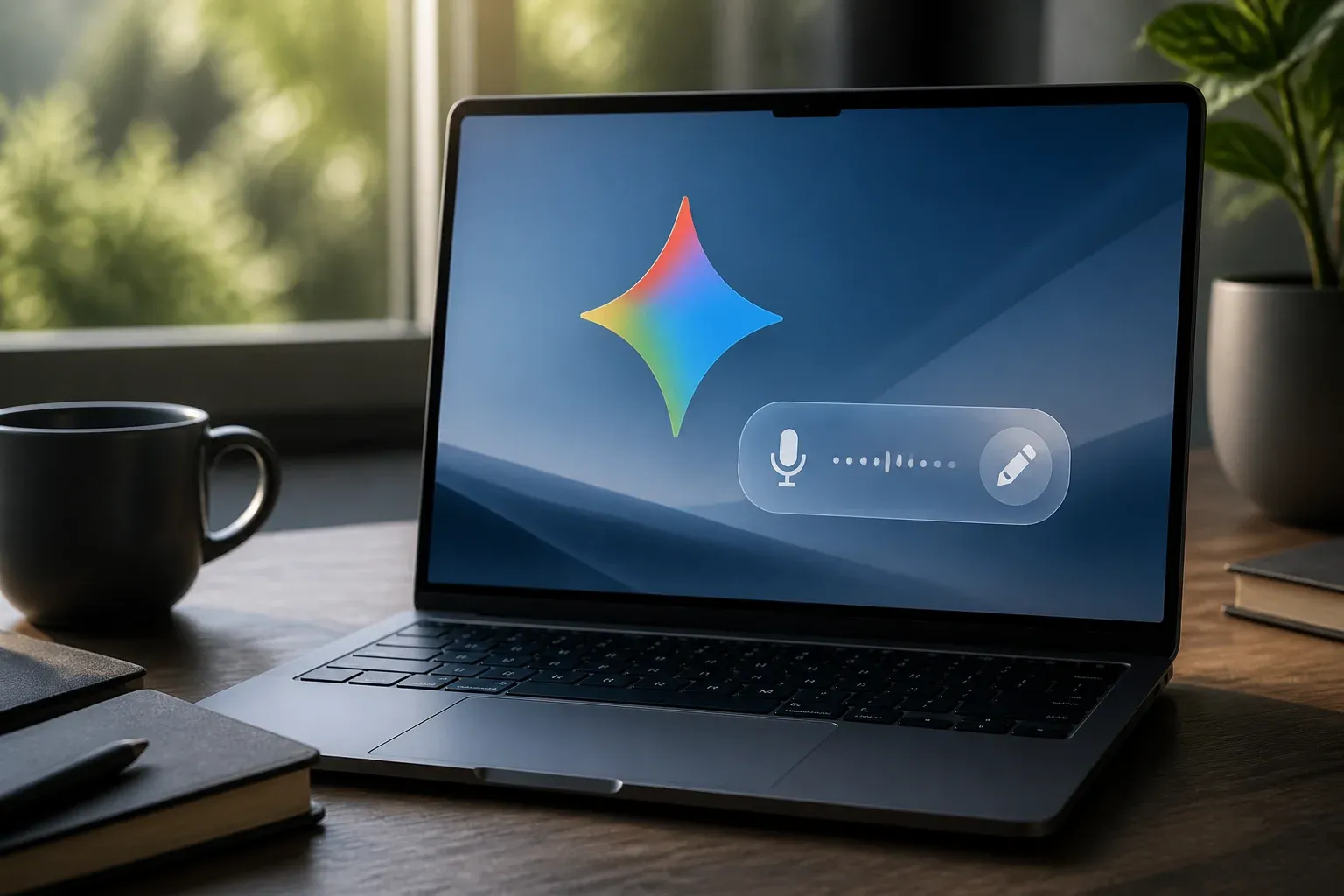
Google is expanding its native Gemini for Mac app with Gemini Spark, a desktop AI experience that brings voice-driven drafting and in-place text rewriting into the user's active workflow. The most consequential change is practical rather than cosmetic: users can dictate, draft or rewrite copy directly at the cursor in any window, with Gemini using context from the screen to turn spoken input into a more polished result.
The feature set moves Gemini further beyond a browser-based assistant. Rather than requiring users to copy text into a separate chat interface, Spark is designed to be summoned with the global Option + Space shortcut and used alongside the applications already open on a Mac. Google says Gemini Spark is rolling out in beta to Google AI Ultra subscribers in the US, with a broader rollout planned later.
According to Google's June 2026 Gemini Spark update, Spark also extends the Mac app's ability to work across desktop content, connected services and real-time topic tracking. It builds on Gemini for Mac, which Google introduced earlier in April 2026 as a native desktop assistant.
Gemini Spark makes voice input part of the desktop workflow
Voice dictation is not new on macOS, but Spark's stated value is its ability to combine spoken input with the visible work context and then draft or reformat text in place. A user working in a document, message field or other active window can share that window with Gemini, speak an instruction and receive a rewritten result without changing applications.
That distinction matters for work that repeatedly moves between rough notes and finished copy. The feature is positioned for tasks such as dictating a first draft, summarizing files and changing wording or format where the text is being written. It does not remove the need for review: the available information describes a drafting and rewriting capability, not a guarantee that output will be correct for every business, legal or technical use case.
Spark also gives Gemini a broader desktop role. Google describes the experience as supporting deeper automation, Google Workspace integration and connections to select third-party services. The company has cited an expanding ecosystem that includes Tasks, Keep, Canva, Dropbox, Instacart, OpenTable and Zillow Rentals.
| Area | Gemini for Mac | Gemini Spark on macOS |
|---|---|---|
| Core role | Native desktop AI assistance without leaving the workflow | Expanded desktop AI experience with deeper automation and connectivity |
| Text interaction | Accessed from the Mac desktop | Voice dictation, drafting and rewriting directly at the cursor using screen context |
| Desktop context | Users can share a window with Gemini for current-work context | Can use user-approved files and support desktop-level actions |
| Availability | Initially introduced in April 2026 | Beta for Google AI Ultra subscribers in the US, with broader rollout planned |
Automation is the larger strategic shift
The voice feature is likely to be the most immediately visible addition, but the larger shift is Spark's ambition to operate across the desktop. Google has described actions such as sorting PDFs and generating budgets from local invoices. Together with real-time topic tracking and service integrations, those examples position Spark as an assistant intended to help coordinate tasks across files, applications and services.
For developers and technical teams, the immediate impact may be less about code generation and more about reducing small workflow interruptions. Voice-based drafting could be useful for converting meeting notes into a structured update, preparing documentation outlines or revising communication while a project window remains in view. The material supplied does not specify developer tools, coding environments or API access, so those uses should be understood as workflow possibilities rather than announced integrations.
For enterprise teams, Spark's usefulness will depend on whether it fits existing access controls and review practices. Its ability to act on desktop context could make routine document and information work faster, but organizations handling sensitive data will need to decide which windows and files are appropriate to share with an AI assistant.
Availability and privacy boundaries
Google's initial availability is limited. Gemini Spark for macOS is in beta for Google AI Ultra subscribers in the United States. Google has said a wider rollout is planned, but the supplied announcement does not provide a date, country list or availability details for other subscription tiers. It also identifies the required subscription tier but does not provide pricing in the research material.
On privacy, Google's stated boundary is clear: Spark accesses files only when the user explicitly grants permission. Window sharing likewise gives Gemini context about the current work only when the user chooses to share that window. That permission model is an important distinction for teams assessing desktop AI tools, although organizations may still need their own governance around what staff are allowed to submit, share or automate.
Organizations evaluating desktop AI assistants can work with Scalevise on AI architecture, workflow automation and implementation planning that aligns new capabilities with existing systems, data-handling requirements and human review processes.
Frequently Asked Questions
What is Gemini Spark for Mac?
Gemini Spark is an expanded desktop AI experience for the native Gemini for Mac app. Google says it adds deeper desktop automation, connected-service integrations, real-time topic tracking and voice-based drafting and rewriting.
Can Gemini Spark rewrite text directly in an open Mac app?
Yes. Google says the new voice experience can dictate, draft and rewrite text directly at the cursor in any window, using context from the shared screen.
Who can use Gemini Spark on macOS?
Gemini Spark is initially available in beta to Google AI Ultra subscribers in the United States. Google plans a broader rollout, but the supplied information does not specify timing or other regions.
What files can Gemini Spark access?
Google says Spark accesses files only when the user explicitly grants permission to use them. Users can also share a window to provide Gemini with context about their current work.
Does Google provide Gemini Spark pricing in the announcement?
The announcement identifies Google AI Ultra as the required tier for the initial beta, but the supplied research does not include a price for that subscription or separate Spark pricing.
Conclusion
Gemini Spark gives Gemini for Mac a more active role in desktop work by combining voice input, screen context and user-approved file access. Its beta availability is currently narrow, but the feature points to a model of AI assistance that happens inside existing applications, where privacy permissions and careful human review will remain central.