
Google Gemini Live Expands Real-Time Visual Assistance Across Its AI Ecosystem
Gemini Live brings camera and screen sharing into Google's conversational AI experience, positioning real-time visual assistance as a broader platform capability.
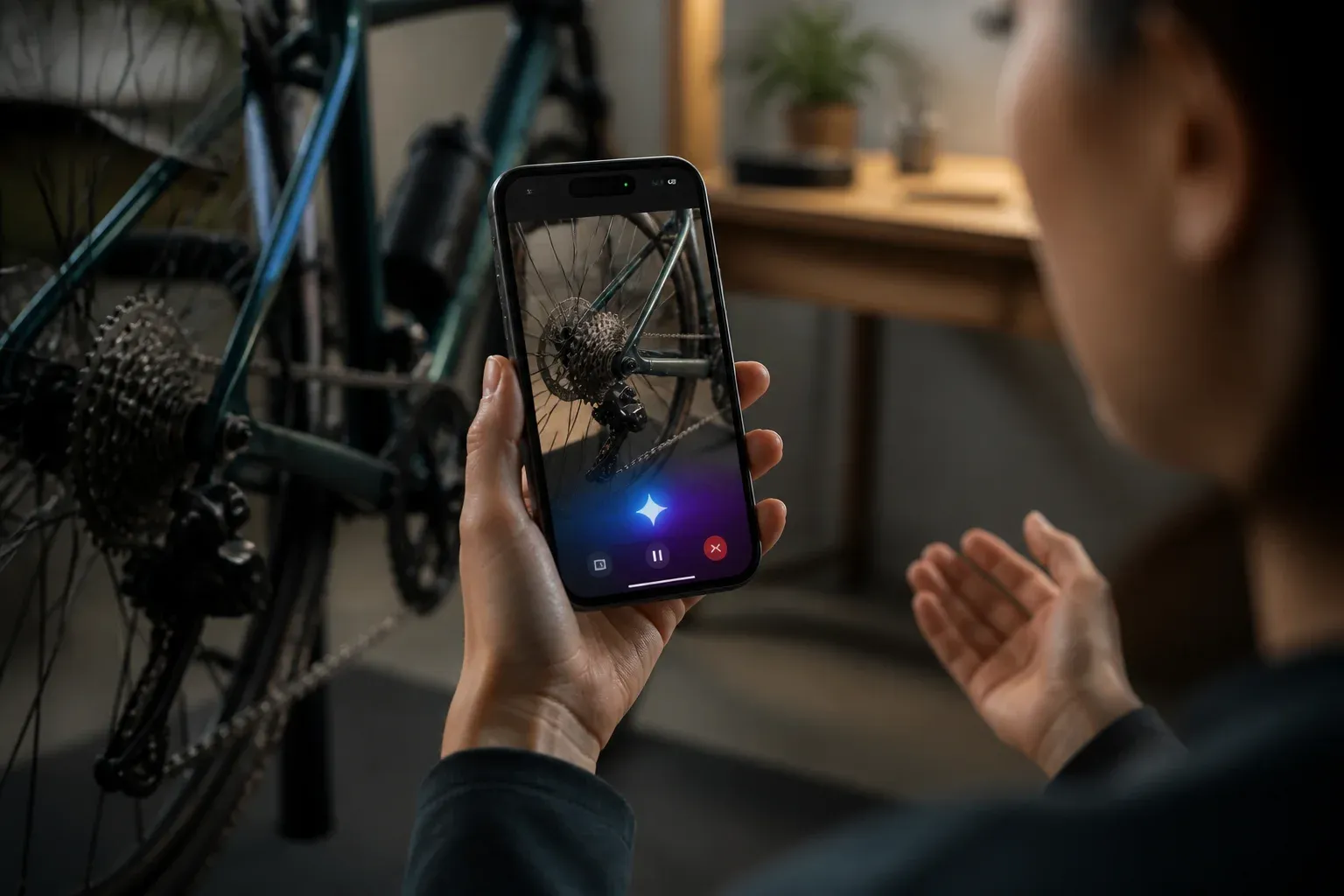
Google is expanding Gemini Live as a real-time multimodal assistant that can respond to what users see through a phone camera or on a device screen. The capability moves Gemini beyond text prompts and static uploads: users can start a Live conversation, share a live view or screen, and ask for guidance while the relevant object, scene, app, or task remains in context.
The development matters because it places a more continuous form of AI assistance inside Google's consumer ecosystem. Gemini Live is designed as a conversational, interruptible experience. Users can speak with Gemini, switch between voice and typing during a session, and receive contextual visuals such as maps, weather cards, and photos when relevant. Google's Gemini Live camera guide describes the core workflow: tap the Live icon, choose camera or screen sharing, and receive help tied to the current view.
From visual questions to in-the-moment assistance
Camera sharing lets a user point a device at an object or scene and ask Gemini about it. Screen sharing applies the same principle to digital tasks, allowing a user to show what is happening on their device and seek guided help while navigating apps or settings. In both cases, the central change is that the assistant can work from live, user-provided visual context rather than a description alone.
| Gemini Live mode | Shared context | Documented purpose |
|---|---|---|
| Camera sharing | A live view from the device camera | Ask for real-time guidance about an object or scene |
| Screen sharing | The device screen and current task | Get guided help while working through apps or device navigation |
The distinction is important for how people evaluate the feature. A camera-based interaction can support questions about the physical environment, while screen sharing can support help with a digital workflow. Both depend on a user actively sharing sensitive context, so the usefulness of the experience is closely linked to the care users take in deciding what to show.
Gemini Live also connects to Google's wider application ecosystem. Google describes integrations involving Maps, Calendar, Tasks, and Keep during Live sessions. Its August 2025 updates also outlined planned connections for Messages, Phone, and Maps. That direction suggests Google is treating Live as an interface for coordinating information and actions across its services, rather than as a standalone conversational mode.
The rollout spans major Android surfaces, including Pixel-specific updates, and is increasingly available through the Gemini app on iOS. Availability should not be assumed to be identical across devices, regions, or app versions, however. Google documents boundaries that remain relevant: Gemini Live is not currently available in the Gemini web app or Google Messages, and some advanced modes are not accessible within Live.
Why the platform angle matters
For users, Gemini Live can make assistance more immediate because the question and the relevant visual context are present at the same time. For Google, it advances a model of AI copilots that are embedded in everyday apps and device interactions instead of being confined to a separate chat window.
Google has also referenced a Gemini Live API and Google AI Studio integration in official materials. That developer context is significant, even though the practical details for enterprise deployments remain to be clarified. A live visual interface could be relevant to custom support tools, workflow applications, or specialized copilots, but organizations will need to understand the available integration options, security model, service commitments, and governance controls before treating it as an enterprise-ready building block.
Organizations assessing multimodal assistants should separate the demonstrated consumer experience from their own operational requirements. The key questions include:
- Which camera or screen content employees would be permitted to share.
- How Live-session context is retained and whether personalization settings fit internal policy.
- What data processing, retention, access, and administrative controls apply to a proposed integration.
- Whether device, regional, and application availability supports the intended workflow.
For teams exploring how visual AI assistance could fit into internal tools, Scalevise can help assess AI architecture, workflow automation, and the integration requirements around existing systems and data governance.
Privacy and safety need to be part of adoption
Live visual assistance creates a more direct privacy consideration than a conventional text exchange. Camera feeds may reveal surroundings, while screen sharing can expose application content. Google states that Gemini Live conversations retain context to improve personalization, which makes it important for users and organizations to review memory and sharing controls and to limit the content captured in a session.
The supplied documentation does not establish the exact balance of on-device and cloud processing for live camera and screen data, nor does it fully define retention controls for every use case. Those questions remain important as Gemini Live reaches more surfaces and as developers consider using related capabilities. The responsible approach is to treat live sharing as deliberate, scoped interaction rather than passive background access.
Frequently Asked Questions
What is Google Gemini Live?
Google Gemini Live is a conversational Gemini feature that lets users share a camera view or device screen and receive real-time AI-driven assistance tied to that visual context.
How do camera sharing and screen sharing differ in Gemini Live?
Camera sharing lets Gemini respond to a live view of an object or scene. Screen sharing lets users seek guidance while showing a task or interface on their device.
Which Google apps can Gemini Live connect with?
Google describes Live connections involving Maps, Calendar, Tasks, and Keep. It has also outlined plans for Messages, Phone, and Maps integrations.
Is Gemini Live available everywhere Gemini is available?
No. Google documents that Gemini Live is not currently available in the Gemini web app or Google Messages, and availability can vary across supported devices and app surfaces.
What privacy considerations apply to Gemini Live?
Users should consider what camera or screen content they share. Google says Live conversations retain context for personalization, while details such as processing balance and retention controls require attention as usage expands.
Conclusion
Gemini Live makes real-time visual context a central part of Google's AI assistant strategy. Its camera and screen-sharing modes, growing app connections, and developer references point to a broader platform evolution, while uneven availability and unanswered data-governance questions remain important limits for users and organizations to monitor.