
Google Gemini Personal Avatars Bring Shared Likeness and Voice to AI Content Workflows
Google has introduced personal avatars in Gemini Apps and Google Vids, allowing users to create, share, and manage a reusable likeness and voice for AI-generated content.
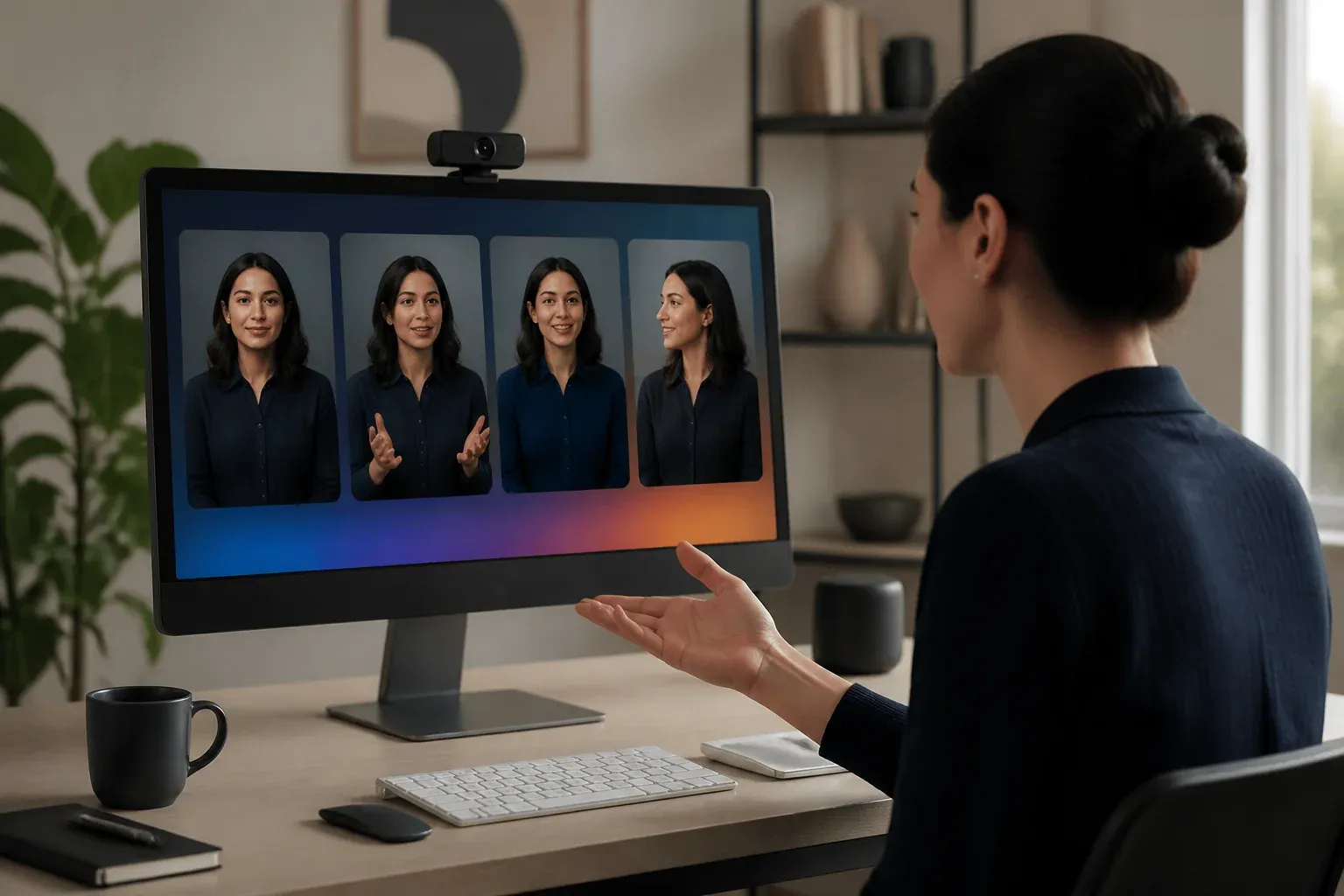
Google has rolled out personal AI avatars across Gemini Apps and Google Vids, giving users a way to create a reusable likeness and voice for AI-generated images and videos. The feature is designed for collaborative creation: an avatar owner can share access with other people, who can then reference that avatar in prompts while the owner retains the ability to add or remove access.
The change matters because it moves avatar generation beyond one-off visual experiments. A recognizable person can now be part of a repeatable multimedia workflow, whether the goal is creating collaborative video, testing a branded format, or keeping a recurring presenter consistent across assets. Google documents the feature and its account requirements in its official Gemini avatar guidance.
For personal accounts, avatar use requires a Google AI plan, and availability can differ by region. Organizations considering the feature should also distinguish between the personal-account experience and Google Workspace controls, where administrators can manage avatar sharing and related access.
How Gemini personal avatars work
A user creates an avatar that represents their appearance and voice, then can authorize friends, family members, or collaborators to use it in Gemini-generated content. Google positions this as a capability spanning Gemini Apps, where users create and share avatars, and Google Vids, where avatar-enabled video generation can be part of a video workflow.
In Gemini Omni videos, a collaborator can reference a shared avatar through prompt syntax such as @<your Google username>. That reference is intended to tell Gemini which approved avatar should appear and speak in the resulting video. The underlying benefit is continuity: the same person can remain recognizable across generated images and videos instead of being recreated from scratch in every prompt.
The rollout brings together several related capabilities:
- Custom likeness and voice creation for use in Gemini multimedia generation.
- Avatar sharing with approved collaborators, so content creation need not remain with one account holder.
- Prompt-based avatar references in Gemini Omni videos, including username tags.
- Character and voice consistency across supported generated content.
- Access management, allowing the avatar owner to grant or revoke another person's access.
| Product area | Role in the avatar workflow | Verified scope |
|---|---|---|
| Gemini Apps | Create and share a personal avatar | Custom likeness and voice, plus sharing with approved people |
| Gemini Omni videos | Reference an approved avatar in a generation prompt | Avatar can appear and speak when referenced with the documented username-tag approach |
| Google Vids | Use avatar-enabled video generation in video-centric work | Part of Google's broader personal-avatar and video-generation expansion |
| Google Workspace administration | Manage avatar-sharing access in organizational settings | Administrative controls for sharing and related access |
The practical value is controlled reuse, not just generation
For a business team, the notable development is the combination of reuse and permissions. A founder, subject-matter expert, or recurring presenter could create one approved avatar and allow selected collaborators to use it in supported Gemini workflows. That can reduce the need to repeatedly rebuild the same character description and can make experimental content more consistent.
The feature may be particularly relevant for teams producing recurring explainers, internal training material, social video concepts, or customer-facing creative drafts. It does not remove the need for editorial review. Teams still need to decide where an AI-generated likeness is appropriate, who may publish material using it, and how generated scripts, visuals, and claims are checked before release.
Access controls are central to that decision. An avatar is not simply an asset that can be copied freely by every collaborator. Google says the owner can add or remove access, while Workspace updates describe administrative management of avatar sharing and related permissions. That makes the feature more suitable for controlled collaboration than an unrestricted likeness library.
Availability, plans, and implementation questions
Google's documentation ties personal avatar use to a Google AI plan for personal accounts. The supplied material does not specify plan pricing, nor does it establish universal availability. Instead, it makes clear that regional availability can vary. Businesses should therefore verify eligibility in their own location and account configuration before building a production process around the feature.
Google is also extending related avatar capabilities in enterprise and video-focused contexts, including Live Avatar in Gemini Enterprise. That broader direction suggests avatar-driven generation is becoming a larger part of Google's multimedia AI portfolio, but the documented personal-avatar workflow should be evaluated on its own requirements and access model.
For teams testing the capability, a sensible first use is a limited internal workflow: define who owns the avatar, grant access to a small group, document acceptable use, and review outputs for visual accuracy and message quality. That approach preserves the creative benefit of a reusable avatar while keeping permission decisions close to the person represented.
As Gemini becomes another place where customers and prospects encounter AI-generated answers and content, visibility cannot be treated as an afterthought. GEO Search Leads helps businesses identify how their brand appears across AI search experiences, find gaps in the information these systems can retrieve, and turn that analysis into practical website improvements. Use an AI search visibility audit for your business to identify the next opportunities for clearer, more discoverable content.
Frequently Asked Questions
What are Google Gemini personal avatars?
Google Gemini personal avatars are user-created representations of a person's likeness and voice that can be used in supported AI-generated images and videos across Gemini Apps and Google Vids.
Can other people use a Gemini avatar?
Yes. An avatar owner can share access with friends, family members, or collaborators, allowing approved people to incorporate the avatar into supported Gemini content generation.
How can a shared avatar be used in Gemini Omni videos?
Google documents a prompt-based reference method using a tag such as @<your Google username>. This is used to identify the approved avatar that should appear and speak in a Gemini Omni video.
Do Gemini personal avatars require a paid plan?
Google's official documentation says personal-account avatar use requires a Google AI plan. Availability can also vary by region.
Can access to a Gemini avatar be revoked?
Yes. The avatar owner can add or remove other people's access. Google Workspace updates also describe administrative controls for avatar sharing and related access.
Conclusion
Google's personal-avatar rollout makes reusable likeness and voice a supported part of Gemini's image and video creation tools. Its most important practical feature is not only avatar generation, but the ability to share that avatar selectively and manage access. Teams that test it should start with clear ownership, limited permissions, and review processes that match how they intend to use AI-generated content.