
Google Pics Brings AI Image Creation and Precise Editing Into Google Workspace
Google has launched Pics, a Workspace-integrated AI image creation and editing tool powered by Nano Banana. It supports object-level changes, in-image text edits, upscaling, and collaborative work in Docs and Slides.
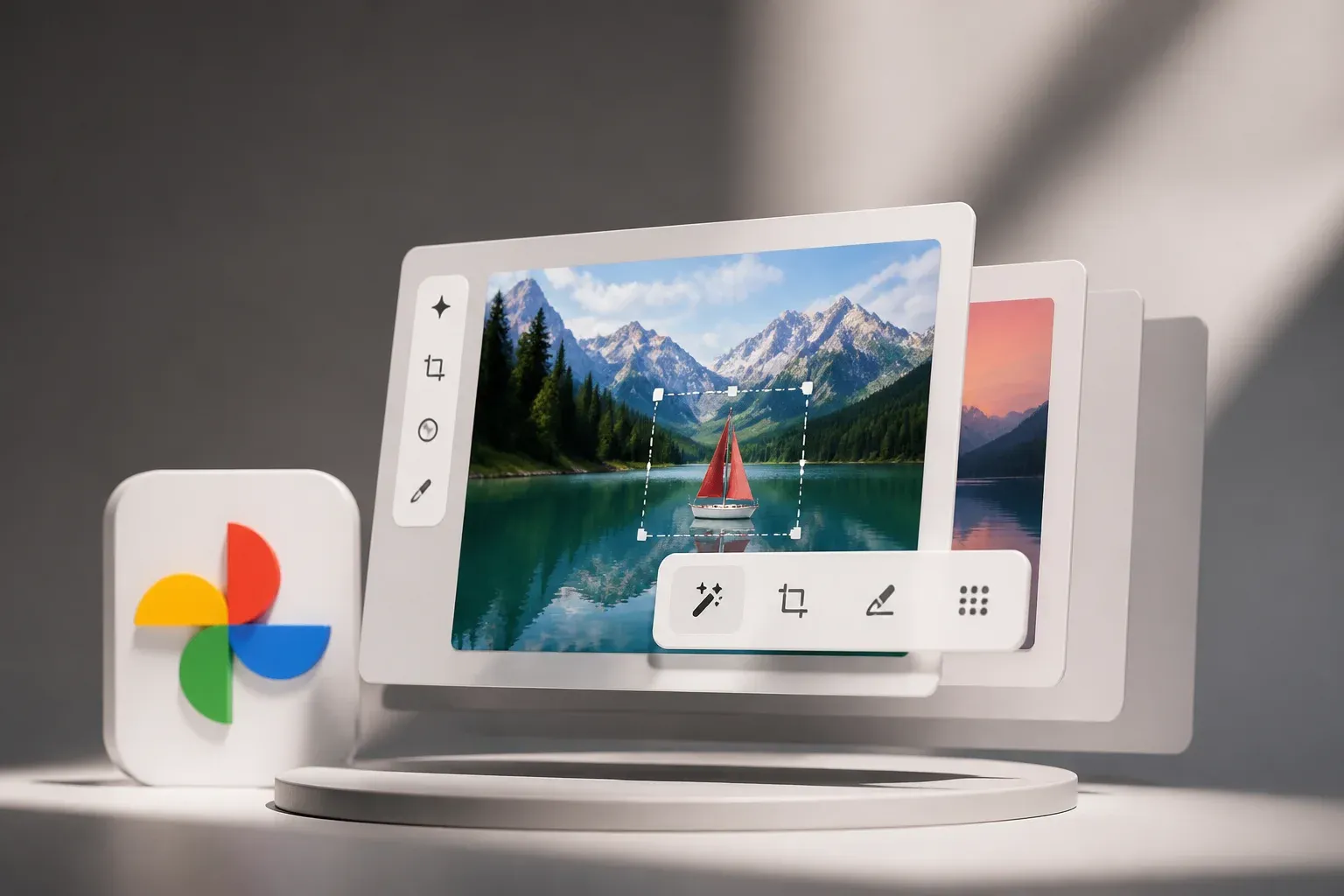
Google has launched Google Pics, an AI image creation and editing tool built directly into Google Workspace. The product is designed to let users generate images, make targeted changes to existing visuals, and collaborate on assets without moving between separate creative applications. For teams already working in Docs, Slides, Drive, and Google Photos, the key change is that image work can remain inside the Workspace environment.
According to Google's official Google Pics announcement, the rollout starts today for Business Standard, Business Plus, Enterprise Standard, and Enterprise Plus customers, along with Google AI Pro and Ultra users. Google also notes Education variants. Availability will expand over the coming weeks, with broader access on additional platforms, including Chrome desktop, planned later.
Pics is powered by Google's Gemini technology and the Nano Banana image editing model family. Its launch makes sophisticated image changes more accessible in a productivity suite, particularly for marketing collateral, product visuals, internal presentations, and localized content that previously required a separate design workflow.
What Google Pics can do inside Workspace
Google Pics accepts images imported from a computer, Google Drive, or Google Photos. Users can also create an image from a prompt, with pics.new serving as an entry point. Rather than applying only broad image transformations, Google says Pics can select and edit individual objects while leaving the rest of the image intact.
Its announced capabilities include:
- Generating new images from prompts.
- Selecting and changing specific objects in an image.
- Editing, reformatting, or translating text that appears within an image.
- Cropping images and upscaling them to 2K or 4K.
- Applying multiple edits in one request.
- Reverting changes when an edit is not suitable.
The text capability is especially notable for teams producing graphics for more than one market. Instead of recreating a visual only to change a headline, label, or language, the tool is intended to modify the text in the existing image. That can make localization and routine campaign adaptation faster, although teams still need to review the final wording, formatting, and visual accuracy before publishing.
| Workflow need | What Google Pics offers | Practical effect in Workspace |
|---|---|---|
| Create a new visual | Prompt-based image generation | Users can begin image creation through pics.new rather than starting in a separate creative tool. |
| Change part of an existing image | Object-level selection and editing | Teams can target a specific element without intending to alter the rest of the visual. |
| Adapt graphics for another audience | Text editing, reformatting, and translation | Existing assets can be updated for different text and language needs. |
| Prepare an image for a larger use | 2K and 4K upscaling | Users can increase resolution as part of the same editing workflow. |
| Use visuals in working documents | Integration with Docs and Slides | Image edits can happen in collaborative files that retain Drive-based collaboration and versioning. |
Google's positioning is less about replacing every specialist design application than reducing the friction around common business image tasks. A sales presentation may need a revised product visual, a campaign brief may need a localized social graphic, and a document may need an original illustration. In each case, switching apps, exporting files, and sharing revised versions can slow the work. Pics brings generation and refinement closer to where those assets are used.
A collaboration-focused image workflow
Integration with Docs and Slides gives Google Pics a practical distinction from a standalone AI image generator. A team can edit an image in the same document or presentation where colleagues are writing copy, planning a proposal, or shaping a campaign. Drive collaboration and versioning remain part of that process.
That could be useful when visual assets are closely tied to an active business document. It may reduce handoffs for smaller, frequent revisions, such as adjusting a product image for a presentation or updating a graphic as messaging changes. The ability to revert edits is also important in a collaborative setting, since it gives users a route back from an unsuccessful change.
The release does not remove the need for editorial and brand review. Google has announced controls for creating and modifying images, but a business remains responsible for checking whether a generated or edited asset is accurate, appropriate for its brand, and ready for the channel where it will appear. The same applies to translated in-image text, where a visual result should be checked by someone who understands the intended market and message.
Availability, privacy, and what to watch next
Google says Pics is rolling out across specified Workspace and Google AI plans, rather than being limited to a single premium creative product. The immediate availability list includes Business Standard, Business Plus, Enterprise Standard, Enterprise Plus, Google AI Pro, Google AI Ultra, and noted Education variants. The rollout begins now and continues over the next several weeks.
Google has also said that Gemini does not train on an individual user's private Google Photos library. At the same time, its documentation notes that prompts and model interactions may be used to improve functionality. Businesses working with sensitive material should understand those distinctions and assess what images, prompts, and internal content are suitable for a given workflow.
The next question is how broadly and consistently the tool becomes available across Workspace surfaces and platforms. Google has identified Chrome desktop as a subsequent platform, but the supplied announcement does not provide a detailed schedule beyond the coming weeks and later broader availability. Organizations should therefore confirm access in their own eligible Workspace or Google AI plan as rollout progresses.
For businesses, the most immediate value is likely to come from repeatable, lower-complexity work: creating supporting visuals for proposals, refining presentation imagery, adapting marketing assets, or updating image text for a new audience. The closer those tasks sit to documents and presentations, the more valuable the integrated approach may become.
If your team wants to turn tools such as Google Pics into a reliable content process, Scalevise can help identify the best use cases, connect the right systems, and design practical review steps that reduce manual work without losing control of brand assets. Our AI workflow automation service helps businesses build useful workflows around the tools their teams already use. Discuss an AI automation project with Scalevise today.
Frequently Asked Questions
What is Google Pics?
Google Pics is Google's AI image creation and editing tool for Google Workspace. It lets users generate images and make changes such as object edits, in-image text changes, cropping, upscaling, and reversions.
Which Google plans include Google Pics?
Google says Pics is rolling out to Business Standard, Business Plus, Enterprise Standard, Enterprise Plus, Google AI Pro, and Google AI Ultra users, with Education variants also noted in the announcement.
Can Google Pics edit text inside an image?
Yes. Google says Pics can edit, reformat, or translate text elements within an image.
Can teams use Google Pics in Docs and Slides?
Yes. Google has integrated Pics into Docs and Slides, allowing teams to edit images within collaborative Workspace files while retaining Drive-based collaboration and versioning.
Does Gemini train on private Google Photos images?
Google says Gemini does not train on an individual user's private Google Photos library. Its documentation also states that prompts and model interactions may be used to improve functionality.
Conclusion
Google Pics brings AI image generation and targeted editing into the Workspace tools where many teams already create documents and presentations. Its object-level edits, in-image text changes, upscaling, and collaboration-oriented integration could simplify recurring visual tasks. The practical opportunity is not simply faster image generation, but a more connected way to create, revise, and use visual assets in everyday work.