
Google Workspace Studio: How AI Agents Work Inside Google Workspace
Google Workspace Studio is Google’s no code platform for building AI agents inside Google Workspace. This guide explains how it works, where it adds value, and its limitations for real world automation.
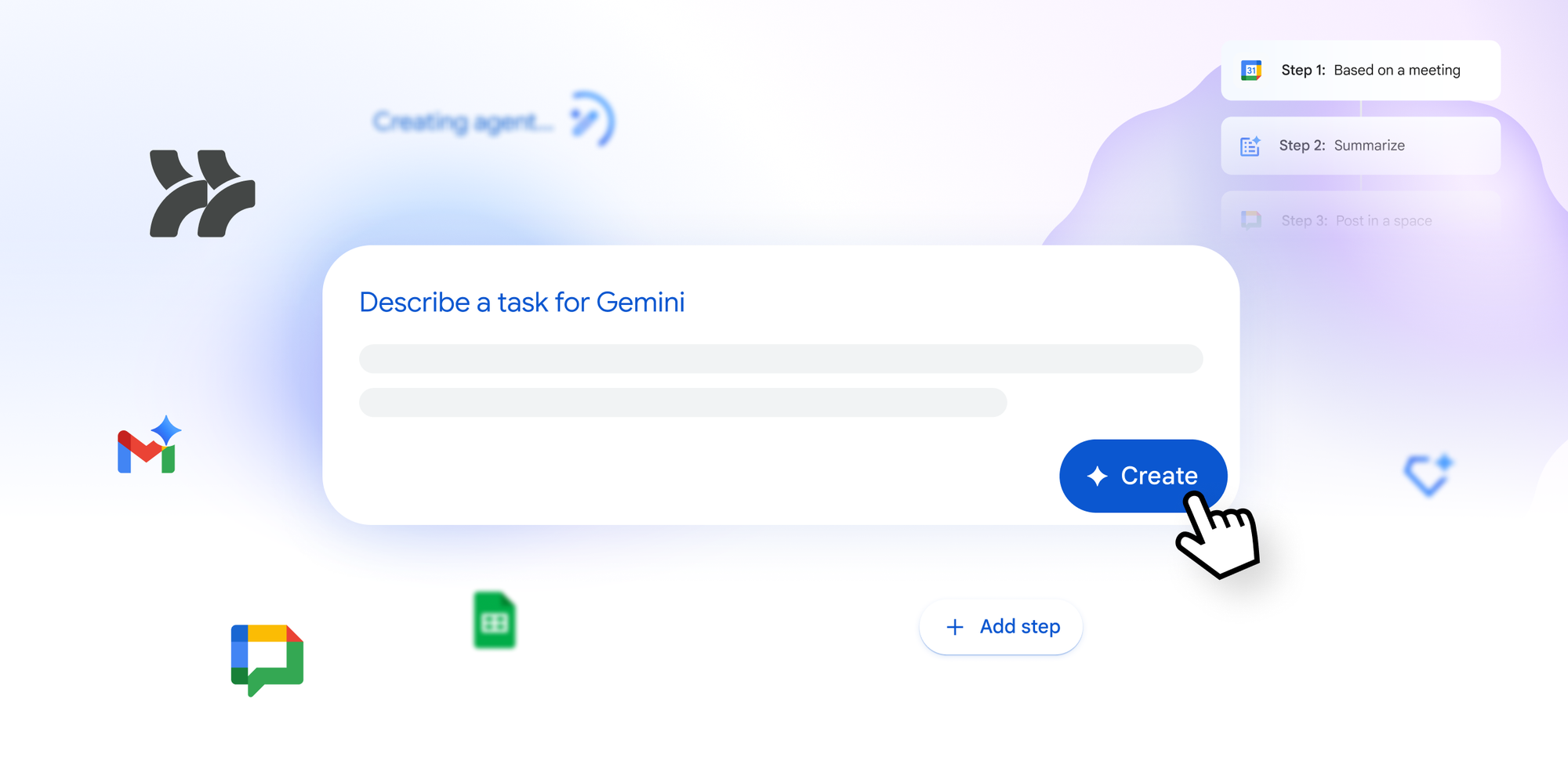
Google Workspace Studio is Google’s latest step toward embedding AI driven automation directly into everyday productivity tools. Instead of relying on scripts, third party automation platforms, or custom development, Workspace Studio enables teams to create intelligent agents inside Google Workspace itself.
This guide explains what Studio is, how it works, where it fits strategically, and where its limitations are. The goal is clarity, not hype.
What Is Google Workspace Studio?
Workspace Studio Video Example
Google Workspace Studio is a no code environment for building AI powered agents that operate across Google Workspace applications such as Gmail, Drive, Docs, Sheets, Calendar, Forms, and Google Chat.
These agents are powered by Google’s Gemini models and are designed to execute multi step workflows based on natural language instructions. Rather than defining rigid rules, users describe intent and let the agent determine the correct actions.
Workspace Studio is positioned as a productivity and orchestration layer, not as a full scale integration or backend automation platform.
Also See: Google Workspace Studio vs AI Studio
How Google Workspace Studio Works
Workspace Studio combines three core concepts:
- Natural language intent definition
- AI driven reasoning and context awareness
- Native Google Workspace actions
Users describe what they want to automate in plain English. The Studio converts this intent into a structured workflow that includes triggers, decision points, and actions.
A typical workflow looks like this:
- A trigger such as an incoming email, a scheduled event, or a document update
- Context interpretation using Gemini
- Execution of one or more actions inside Workspace
Because the agents operate natively inside Google Workspace, they do not rely on brittle APIs or external services for core functionality.
Key Features
No Code Agent Builder
Workspace Studio is designed for business users. There is no Apps Script, no code editor, and no deployment pipeline. Workflows are created by describing behavior and refining outcomes.
This significantly lowers the barrier for automation adoption inside non technical teams.
Gemini Powered Reasoning
The Gemini models allow agents to reason over unstructured data. Emails, documents, and chat messages are interpreted based on meaning rather than keywords.
This enables workflows such as intent based email routing, dynamic document summarization, and context aware follow ups.
Native Workspace Integration
Agents can read from and write to Workspace applications with minimal setup. Common actions include:
- Drafting and responding to emails
- Summarizing documents and meetings
- Updating Sheets with structured data
- Creating or modifying Calendar events
- Posting updates to Google Chat
This deep integration is one of the strongest differentiators of Workspace Studio.
Templates and Starter Flows
Google provides prebuilt templates for common use cases such as inbox management, reporting, and meeting summaries. These templates help teams get started quickly while still allowing customization.
Common Use Cases
Email and Communication Automation
Email is one of the most immediate productivity gains. Agents can categorize messages, extract tasks, draft replies, and escalate urgent items.
This is particularly useful for shared inboxes, support teams, and internal request handling.
Document and Knowledge Management
Workspace Studio agents can monitor Drive folders, summarize documents, add metadata, and notify stakeholders when key changes occur.
This helps reduce document sprawl and improves information discoverability.
Reporting and Operational Data Processing
Agents can collect inputs from Forms, emails, or documents and consolidate them into Sheets. They can also generate summaries or periodic reports.
This is suitable for operational reporting but not for complex data pipelines.
Internal Coordination and Collaboration
By integrating with Google Chat and Calendar, agents can automate reminders, meeting follow ups, and status updates across teams.
This improves alignment without introducing additional tools.
Workspace Studio vs Apps Script
Apps Script has traditionally been the primary automation tool within Google Workspace. However, it requires development skills, testing, and ongoing maintenance.
Workspace Studio differs in several ways:
- No-code instead of script based
- It relies on AI reasoning instead of deterministic logic
- It targets business users rather than developers
Apps Script remains more powerful for advanced logic, external integrations, and performance critical workflows. Workspace Studio complements it rather than replaces it.
Limitations and Trade Offs
Workspace Studio is not a universal automation solution.
It is primarily limited to Google Workspace. External system integrations are shallow compared to dedicated automation platforms.
AI driven behavior introduces uncertainty. Without careful prompt design and constraints, outcomes can vary.
Debugging and determinism are weaker than in code based systems.
For critical or regulated workflows, these limitations must be taken seriously.
Security and Governance Considerations
Workspace Studio inherits Google Workspace security features such as identity management, access controls, and audit logs.
However, AI agents introduce new governance challenges. Organizations should define clear policies for:
- Who can create and deploy agents
- Which data agents may access
- How outputs are reviewed or approved
Without governance, automation sprawl and compliance risks become likely.
When Google Workspace Studio Makes Sense
Workspace Studio is a strong fit when:
- Your organization is deeply invested in Google Workspace
- You want to automate knowledge work and communication flows
- You need quick productivity gains without custom development
It is less suitable for backend automation, complex integrations, or high risk processes.
Strategic Perspective
Workspace Studio reflects a broader shift toward AI native automation. Instead of modeling every rule, organizations increasingly rely on agents that interpret intent and context.
This can unlock speed and flexibility, but it also shifts responsibility from code correctness to prompt quality, monitoring, and governance.
Organizations that treat Workspace Studio as a productivity accelerator rather than an integration backbone will extract the most value.
Final Thoughts
Google Workspace Studio is an important evolution in workplace automation. By embedding AI agents directly into everyday tools, Google reduces the friction between intent and execution.
For many teams, this will be the fastest path to reducing manual work and improving consistency. For others, it will serve as a complementary layer alongside more robust automation and middleware solutions.
Used deliberately and governed properly, Workspace Studio can become a valuable component of a modern digital workplace.