
Googlebook Puts Gemini at the Cursor With Magic Pointer and Built-In AI Workflows
Google has introduced Googlebook, a Gemini-powered laptop whose Magic Pointer feature lets users invoke AI assistance directly from the cursor.
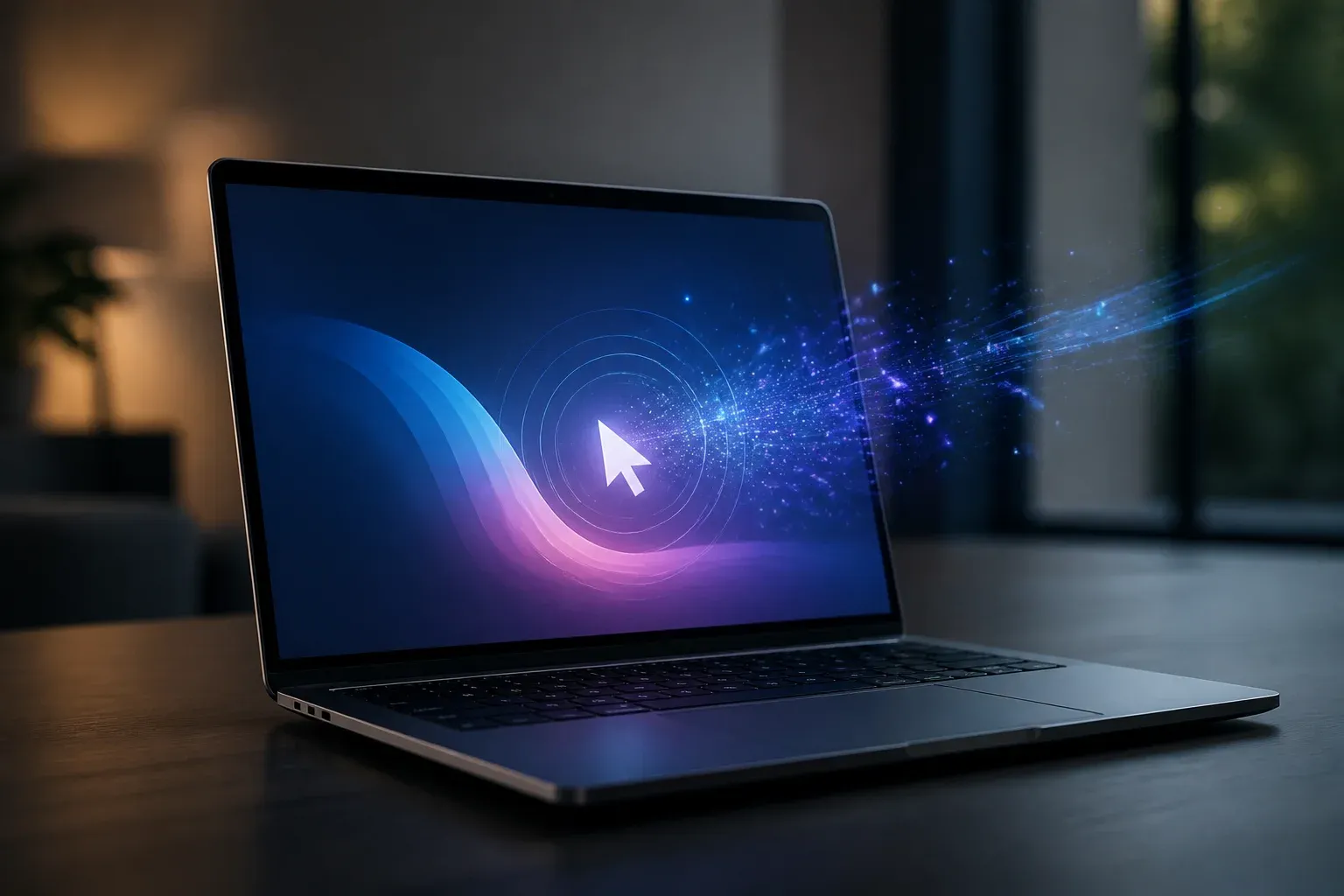
Google has unveiled Googlebook, a laptop designed around built-in Gemini intelligence. Its defining interaction is Magic Pointer, which lets users summon Gemini with a quick cursor wiggle to help schedule work, analyze selected content, and handle image-related tasks. Googlebook can be pre-ordered starting at $899, with shipping to select countries beginning October 4.
The announcement signals a more deeply embedded approach to consumer AI. Rather than requiring people to open a separate chatbot or app, Googlebook positions Gemini as an assistant that can be called from the task already on screen. For businesses and teams evaluating practical AI adoption, the important change is the interaction model: AI support is being placed closer to routine work such as email review, scheduling, and visual content handling.
What Googlebook and Magic Pointer add
In its official Googlebook announcement, Google describes the device as a laptop with built-in intelligence intended to anticipate needs and reduce busywork. Googlebook includes a 12-month subscription to advanced AI tools and cloud storage, according to the company.
Magic Pointer is the most concrete example of that built-in intelligence. A user can invoke Gemini by wiggling the cursor, then select material and send it to Gemini with a prompt. Google's examples include turning a highlighted plan into an instant scheduling request, analyzing a suspicious email, and combining visuals across images.
Google also highlights Rambler and My Widget as Googlebook features that bring Gemini directly onto the device. However, Magic Pointer receives the clearest workflow examples and interaction details in the announcement.
| Magic Pointer access method | What Google says |
|---|---|
| Cursor wiggle | A quick wiggle can summon Gemini prompts through Magic Pointer. |
| Status bar | Users can launch Magic Pointer from the status bar. |
| Keyboard shortcut | Googlebook provides a keyboard shortcut to initiate Magic Pointer. |
| Dedicated mouse button | Some mice may offer a dedicated button for the feature. |
The companion Magic Pointer support guidance adds important boundaries around access. The feature works on Googlebook devices in countries where Gemini is available, and it supports English, German, French, and French Canadian. Google says users can enable or disable the feature, start it through the status bar or wiggle gesture, and select content for Gemini prompts.
Google's privacy position is also central to the design. Magic Pointer activates only when a user summons it and remains off otherwise. That distinction matters for people working with emails, schedules, documents, and other on-screen material: the interaction is designed to be intentional rather than continuously active.
Why cursor-level AI matters for everyday work
Googlebook's approach is notable because it reduces the steps between identifying a task and asking AI for help. Moving information into a separate assistant window can interrupt a workflow. Magic Pointer instead makes the cursor itself an entry point for requesting assistance on selected material.
For a manager, marketer, or operations team, that could make AI easier to test in contained tasks before changing broader processes. The announced examples point to three practical categories:
- Coordination: turning a plan into scheduling assistance without manually recreating the details.
- Content review: asking Gemini to analyze an email, including an email that appears suspicious.
- Visual work: using Gemini assistance when combining visuals from multiple images.
These examples do not mean the laptop automates decisions independently. They show Googlebook's intended role as an on-demand assistant that works from the content a person chooses to share with Gemini. Businesses considering devices with embedded AI should therefore assess where quick, human-directed assistance could remove repetitive steps, while keeping human review for consequential communications and decisions.
The commercial details are equally relevant. Google has set a starting pre-order price of $899 and included 12 months of advanced AI tools and cloud storage. Availability begins in select countries on October 4, while Magic Pointer itself is limited to Googlebook devices in places where Gemini is available. Prospective buyers will need to confirm local availability and language fit before treating the feature as a standard part of their teams' workflows.
For businesses assessing AI-enabled devices, the useful question is not whether an assistant looks impressive, but where it can remove repeat work without disrupting established tools. Scalevise can help teams prioritize practical use cases, assess workflow fit, and plan a measured rollout through an AI implementation and adoption assessment. Request a consultation to turn AI features into a focused, workable adoption plan.
Frequently Asked Questions
What is Magic Pointer on Googlebook?
Magic Pointer is a Googlebook interaction that invokes Gemini through a cursor wiggle or supported launch controls. Users can select content and send it to Gemini with prompts.
Where will Magic Pointer be available?
Google says Magic Pointer works on Googlebook devices in countries where Gemini is available. It supports English, German, French, and French Canadian.
How much does Googlebook cost, and when does it ship?
Googlebook can be pre-ordered starting at $899. Units begin shipping to select countries on October 4, and Google says the device includes 12 months of advanced AI tools and cloud storage.
Does Magic Pointer remain active all the time?
Google says Magic Pointer activates only when summoned and remains off otherwise. Users can also turn the feature on or off.
Conclusion
Googlebook makes Gemini a more immediate part of laptop use by putting an AI entry point at the cursor. Magic Pointer's value will depend on whether its on-demand assistance proves useful in real work, but Google's launch provides defined pricing, availability conditions, language support, and privacy controls for a new Gemini-centered device experience.