
Google Gemini Connects Maps and Calendar for More Contextual Day Planning
Google has expanded Gemini's Maps and Calendar capabilities, combining location-aware assistance with calendar actions for more contextual planning.
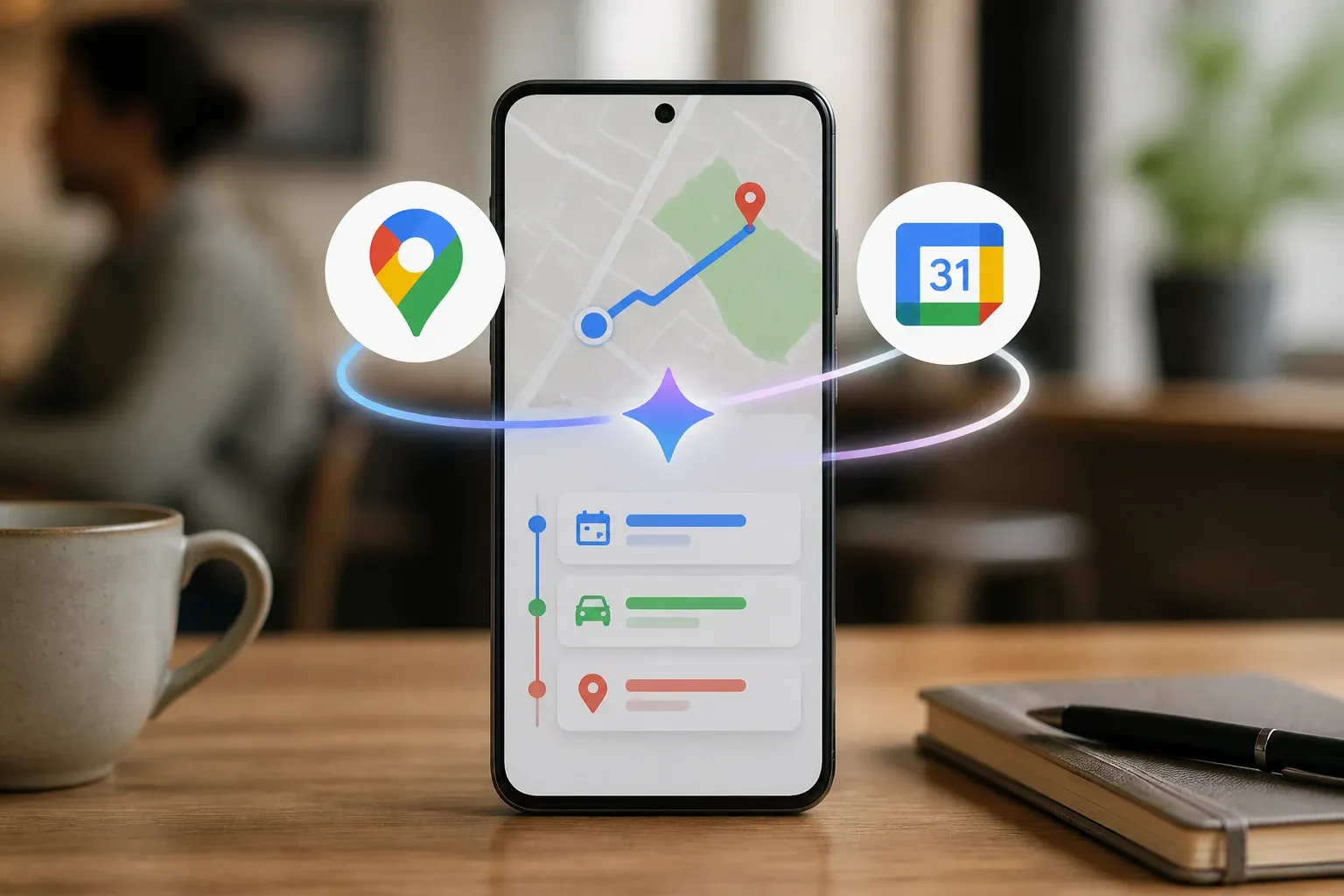
Google has expanded Gemini's connection to Google Maps and Google Calendar, giving its AI assistant a more practical role in location-aware planning. The update combines Maps-based place and navigation information with the ability to work with calendar events, helping users move from a question or trip plan to a scheduled action with less manual switching between apps.
The clearest confirmed example comes from Google's official Maps announcement, published on November 5, 2025. Google said Gemini can connect with a user's Calendar, with permission, and add an event automatically. The same announcement introduced Gemini features for Maps navigation, including landmark-based guidance, proactive traffic information and Lens with Gemini.
For businesses whose teams spend time travelling between appointments, visiting customers or coordinating field work, the value is straightforward: location, route and schedule context can be brought closer together. The capability does not eliminate the need to verify a route, meeting details or availability, but it can reduce the repetitive work involved in planning a day.
What the Maps and Calendar connection does
Gemini's Maps capabilities extend beyond a simple map lookup. Google documents that Gemini Apps can use Maps data to find places, provide details and give directions. It can also use saved Work and Home locations when providing directions. Separately, Gemini Apps can create, find and edit Google Calendar events, including events on secondary and shared calendars.
Together, those functions create a more useful planning flow. A user can ask for a relevant place or route, use the surrounding context to decide on an activity, then have Gemini add the resulting event to Calendar when appropriate. Google also documents Maps grounding in the Gemini API, which lets developers use Maps data to generate geographically contextual and up-to-date responses.
| Capability | What Google confirms | Practical use |
|---|---|---|
| Maps guidance in Gemini | Gemini can find places, provide place details and give directions using Maps data. | Find a suitable nearby venue or plan a route before an appointment. |
| Saved location routing | Gemini Apps can use saved Work and Home locations for directions. | Use regular starting or ending locations in travel planning. |
| Calendar actions | With permission, Gemini can connect with Calendar and add an event automatically. Gemini Apps can also create, find and edit events. | Turn a confirmed plan into a calendar entry without re-entering details. |
| Maps grounding for developers | The Gemini API supports grounding in Google Maps data for location-aware responses. | Build a business workflow that answers location-related questions with Maps context. |
The integration should be understood with some important boundaries. Google's help documentation specifically identifies Work and Home as the saved locations Gemini can use for directions. That is not the same as a blanket confirmation that every saved Maps place is available in every Gemini workflow. Likewise, the availability of some Maps features can vary by region and platform, while certain live traffic capabilities have limitations described in Google's help materials.
Where the integration can help business teams
The most immediate opportunities are operational rather than abstract. Teams can use Gemini's combined context to support everyday travel and scheduling tasks, particularly where staff work away from a desk or need to coordinate several appointments.
Useful examples include:
- Planning client visits around existing Calendar commitments and travel time.
- Finding a nearby venue or service location before adding a meeting to a shared or secondary calendar.
- Giving sales, service or operations staff a quicker way to move from route planning to an appointment record.
- Using Maps grounding in a custom Gemini API application when a business needs location-aware responses for its own workflows.
The feature may be especially helpful for teams that already rely on Google Workspace and Google Maps, because the benefit comes from connecting tools they use rather than introducing a completely separate planning system. Still, businesses should treat Gemini's output as assistance, not an authoritative operational record. Staff should confirm appointment details, routes and travel conditions before acting on them.
Privacy settings are central to this use case. Google states that Calendar access requires permission. The verified research also notes ongoing controls such as Keep Activity and location permissions, and that Gemini Apps data handling is subject to its privacy terms. A team should decide which accounts and calendars are appropriate to connect, understand what location access is enabled, and make sure employees know when an AI-generated action will create or edit an event.
For companies considering a custom implementation, Maps grounding offers a different path from the consumer Gemini Apps experience. It provides a technical foundation for location-aware answers, but it does not automatically design the workflow, determine what data a business should expose or resolve the operational rules around scheduling. Those choices remain the responsibility of the business building the integration.
Location-aware AI becomes useful when it fits the way a team actually schedules, travels and serves customers. Scalevise can help map those processes, identify safe high-value use cases and design a practical AI implementation consultation around the tools your team already uses. That can reduce manual coordination without turning a promising feature into another disconnected experiment. Request a consultation to evaluate your AI planning workflow.
Frequently Asked Questions
Can Gemini add Google Calendar events automatically?
Yes. Google says that, with permission, Gemini can connect with a user's Calendar and add an event automatically. Gemini Apps can also create, find and edit Calendar events.
What Maps information can Gemini Apps use?
Google documents that Gemini Apps can use Maps data to find places, provide place details and offer directions. For saved locations used in directions, Google's documentation specifically refers to Work and Home.
Can Gemini use every saved Google Maps place?
The supplied Google documentation specifically confirms Work and Home saved locations for directions. It does not establish that all other saved places are available in Gemini Maps workflows.
Is the Maps and Calendar integration available everywhere?
Some Maps-related Gemini features are subject to regional and platform availability. Google also documents practical limitations for certain map-related capabilities, so users should check availability in their own Gemini and Maps experience.
Conclusion
Google's Maps and Calendar connection gives Gemini a more actionable role in daily planning: it can pair location-aware assistance with calendar actions when the user grants permission. The strongest business use cases are routine coordination tasks such as planning visits, identifying relevant places and converting a decision into a scheduled event. Its practical value will depend on feature availability, careful permission choices and workflows that keep people responsible for final travel and scheduling decisions.