
Google Makes Tasks in Gemini Free in Six Countries, Opening Automation Paths for Teams
Google has made Tasks in Gemini free for eligible adults in six markets, giving more teams a no-cost way to explore AI-assisted scheduling, connected apps, and routine task automation.
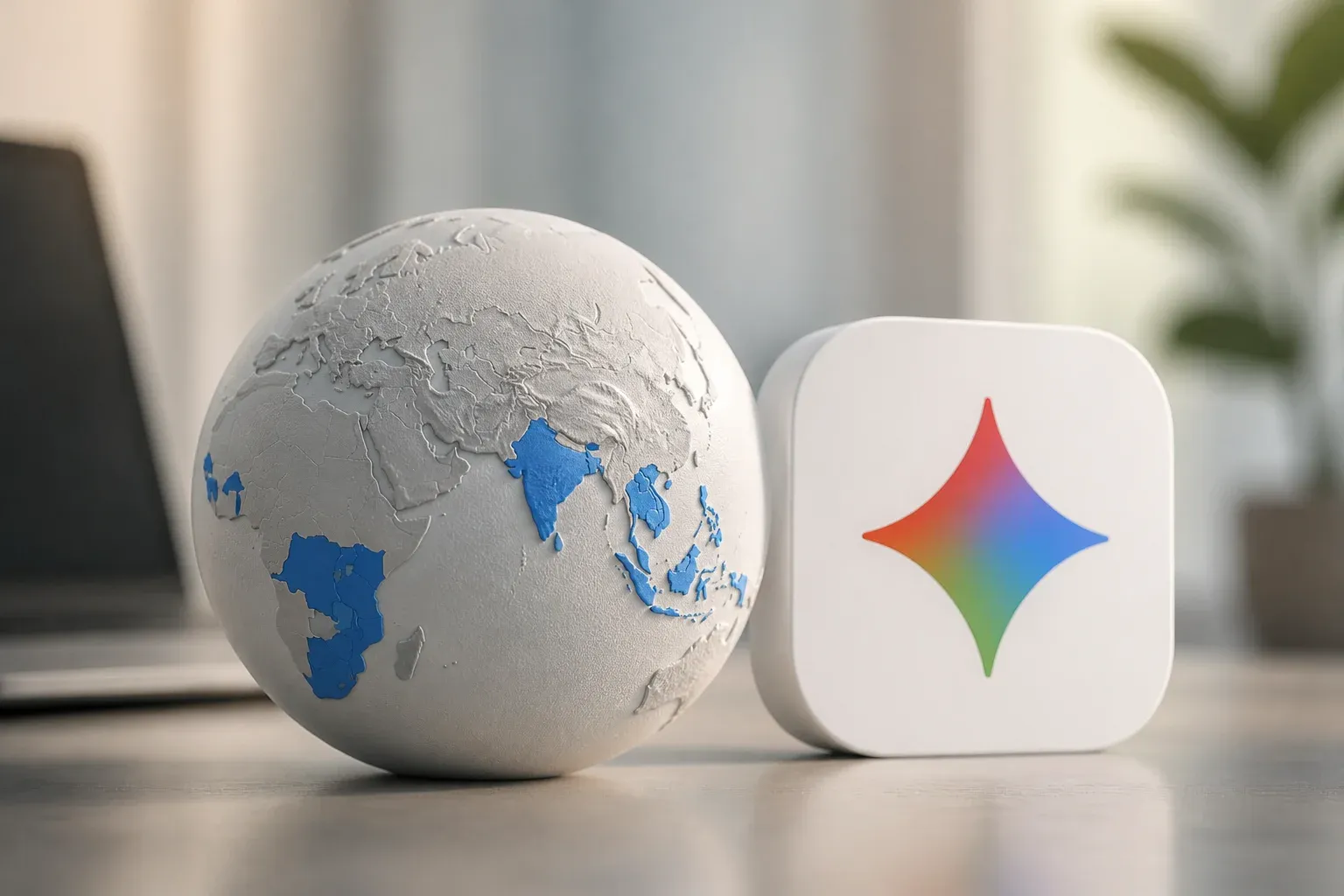
Google has expanded access to Tasks in Gemini by making the capability free for eligible adults in the United States, Canada, Australia, India, Japan, and Korea. The rollout, announced on November 17, 2026, gives hundreds of millions of eligible users a no-cost entry point to Gemini features that can automate tasks, handle scheduling, and work with connected Google and third-party apps.
The practical significance is not simply that another AI feature has a free tier. Tasks in Gemini is positioned around completing multi-step work through the tools people already use, including Gmail, Calendar, Drive, Docs, Sheets, Slides, YouTube, Maps, and more than 50 third-party apps. For teams that rely on those services, the expansion creates an opportunity to test AI-supported workflows before committing to a paid plan or a separate automation platform.
According to Google's official Tasks in Gemini announcement, users can access the feature by switching from Chat to Tasks in the Gemini app. Google says the free rollout uses its Gemini 4 Hydrogen model.
What the free rollout changes
Eligibility, regions, and model
The free availability applies to users aged 18 and over in the six announced countries. This is a regional rollout, not a universal global launch, and businesses should avoid assuming that every Gemini user or every advanced capability is included on identical terms.
Google's product information also identifies Pro and Ultra availability in select countries. Some advanced capabilities may therefore differ by region or subscription tier. The core announcement is clear, however: eligible users in the United States, Canada, Australia, India, Japan, and Korea can use Tasks in Gemini without charge.
| Area | Free Tasks in Gemini rollout | Pro and Ultra context |
|---|---|---|
| Eligibility | Users aged 18 and over | Availability varies by select countries |
| Announced countries | United States, Canada, Australia, India, Japan, and Korea | Not defined as the same six-country free rollout |
| Price for Tasks | Free of charge for eligible users | Paid tiers may provide access to capabilities that vary by tier or region |
| Model named in the rollout | Gemini 4 Hydrogen | Google's announcement does not present a separate model comparison |
Connected apps make the feature more operational
Tasks in Gemini becomes more useful when it can draw on the information and actions available through connected apps. Google lists integrations with Gmail, Calendar, Drive, Docs, Sheets, Slides, YouTube, Maps, and 50-plus third-party apps. It also highlights Tasks, Schedules, and Connected Apps as part of Gemini's productivity offering.
For a business user, that connection layer matters because routine work often spans more than one application. A request that begins in an email may require checking a calendar, finding material in Drive, updating a document, or setting a follow-up schedule. Google describes Tasks in Gemini as supporting task automation and scheduling, which suggests a more action-oriented use case than a standalone chat response.
Potential areas to evaluate include:
- Scheduling and follow-ups that rely on Calendar and Gmail.
- Document and information retrieval across Drive, Docs, Sheets, and Slides.
- Routine multi-step work that uses connected apps rather than manually moving between tabs.
- Purchasing-related actions where the available Google Pay integration is relevant.
- Third-party app workflows where a supported connector can bring another business tool into the process.
These are opportunities to test, not guarantees that every workflow will be fully automated. The supplied information confirms the connected-app scope and task automation positioning, but it does not specify every action available for every connector or region. Teams should validate the exact permissions, app support, and results in their own accounts before relying on a task for important operational work.
A lower-cost way to test AI workflows
The pricing change is especially relevant for organizations that have hesitated to experiment with AI automation because each new tool adds a subscription cost and setup time. Free access can make it easier to identify whether a recurring process is suitable for Gemini before expanding usage.
A sensible first step is to choose one narrow, repeatable process with a clear owner, such as preparing meeting follow-ups or locating information needed for a customer response. Test the task with non-sensitive work, review what Gemini does across connected apps, and compare the result with the existing manual process. That approach can reveal whether the feature saves time without assuming it should replace established workflows immediately.
The rollout also reinforces the value of keeping everyday business information organized in the apps people already use. Connected AI tools are only as useful as the data, permissions, and processes they can access. Clear calendars, usable files, consistent naming, and appropriate app connections can make experimentation more meaningful.
For businesses exploring AI beyond one-off prompts, Scalevise can help turn repetitive work into dependable processes through practical AI workflow automation. The right starting point is a focused workflow where teams lose time switching between inboxes, calendars, documents, and business tools. Scalevise can assess the process, identify where automation fits, and design an implementation that remains useful after the initial experiment. Discuss an AI automation project with Scalevise today.
Frequently Asked Questions
Is Tasks in Gemini free?
Tasks in Gemini is free of charge for eligible users aged 18 and over in the United States, Canada, Australia, India, Japan, and Korea.
Which apps can Tasks in Gemini connect to?
Google lists Gmail, Calendar, Drive, Docs, Sheets, Slides, YouTube, Maps, and more than 50 third-party apps among Gemini's connected-app options.
How do users access Tasks in Gemini?
Google says users can access it by switching from Chat to Tasks in the Gemini app.
Does free availability mean all Gemini features are included everywhere?
No. Google notes that some advanced capabilities can vary by region or tier, and Pro and Ultra availability is described for select countries.
Conclusion
Google's free expansion of Tasks in Gemini gives eligible users in six countries a practical way to explore AI-assisted task automation with familiar Google and connected apps. The most useful test will be a specific recurring workflow, where teams can verify the available actions, connections, and time savings before making the feature part of day-to-day operations.