
Google Brings Gemini Guided Vision to Android 9+ for Voice-Led Visual Assistance
Google's Guided Vision feature is now rolling out through Gemini Live on compatible Android 9 and later devices in supported regions and languages.
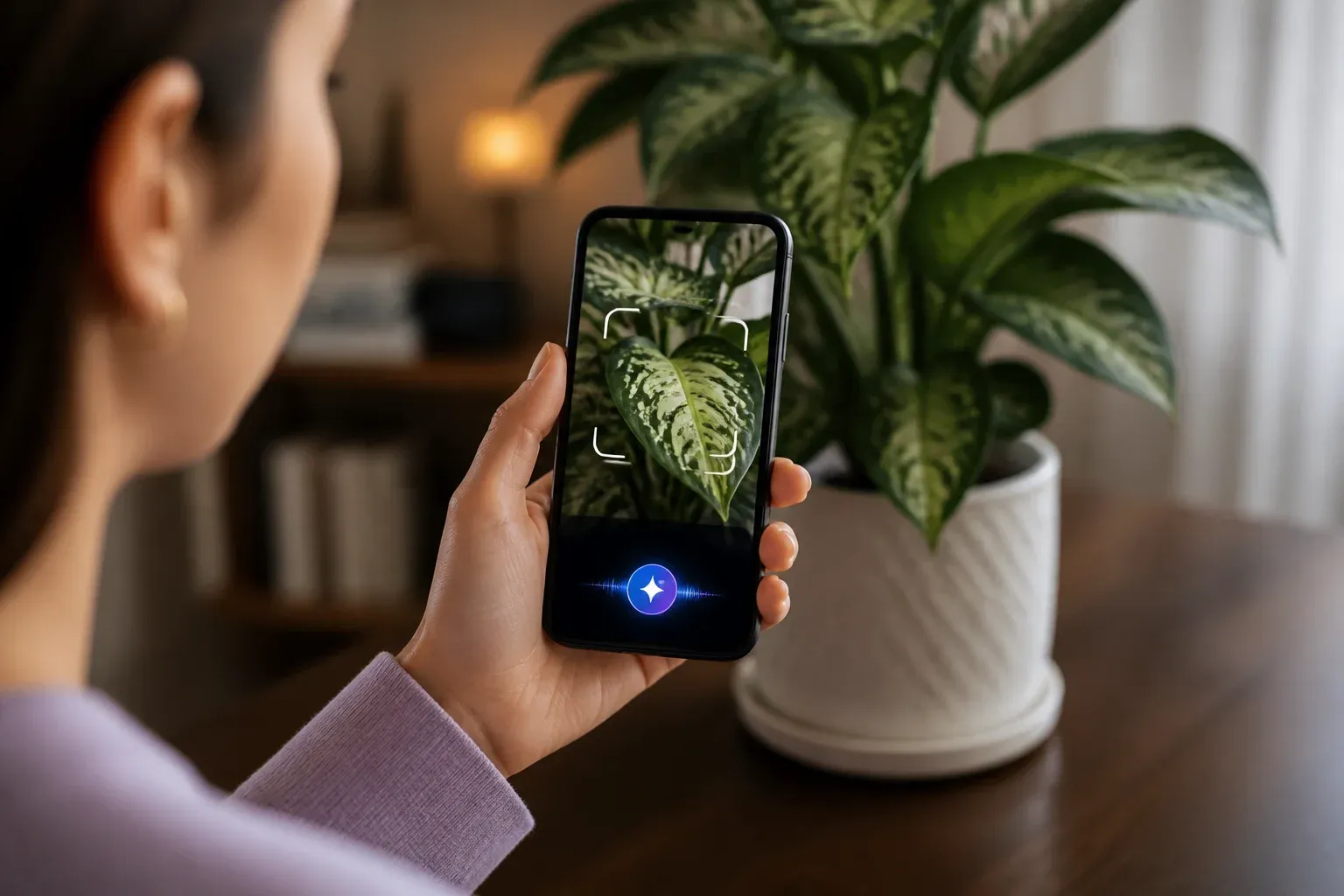
Google has expanded Gemini Live with Guided Vision, a voice-led visual assistance feature now available on compatible Android devices running Android 9 and later. The rollout applies in regions and languages where Gemini Live is supported, giving users a way to share their camera during a live Gemini conversation and receive spoken help interpreting what is in view.
According to Google's official Guided Vision announcement, the feature is designed for people who are blind or have low vision, as well as people who want more intuitive visual assistance for everyday tasks. It can provide audio descriptions, identify objects, and offer contextual guidance. Google positions it as an accessibility tool, not as a navigation system or a safety-critical aid.
The release matters because it puts a more visual form of mobile AI assistance on a broad Android version baseline. For businesses, the immediate value is less about replacing specialist workflows and more about understanding where voice-and-camera interactions could make routine information easier to access for employees and customers.
What the Android rollout changes
Guided Vision operates within Gemini Live, Google's conversational mode in the Gemini app. A user can share their device camera in a live session, then ask Gemini for help with what the camera sees. Google's examples include reading fine print and locating objects.
The Android 9 requirement does not mean every device on that version automatically has access. Users also need to be in a supported Gemini Live region and language, use a compatible device, and install the latest versions of both the Gemini app and Android system software. Google's support guidance also indicates a staged rollout, so eligibility can vary while availability expands.
How to get started with Guided Vision
Google says users can access Guided Vision through Gemini Live and its accessibility options. The practical setup process is straightforward, but each prerequisite matters:
- Confirm that the device runs Android 9 or later.
- Update the Gemini app and Android system software to their latest available versions.
- Check that Gemini Live is supported in the user's region and language.
- Start a Gemini Live session and share the device camera when visual assistance is needed.
- Use Gemini app settings or Android accessibility shortcuts for quicker access where those options are available.
For people who already rely on Android accessibility tools, the integration with TalkBack and Android accessibility shortcuts is especially relevant. It can reduce the number of steps required to reach visual assistance when a task arises.
Practical implications for everyday work
Guided Vision is not presented as a business automation product, and Google has not described it as a replacement for visual inspection, navigation tools, or trained human judgment. Still, the release is relevant to companies that want to make mobile processes more accessible and easier to complete without relying solely on a screen.
Potential practical scenarios supported by the feature's stated capabilities include helping a user interpret printed information, identify an item in view, or obtain spoken context about an object through the camera. These interactions may be useful when a worker needs quick assistance with visual information and can safely use a phone in the moment.
The more immediate opportunity is accessibility-aware mobile tooling. Teams that issue Android devices, build customer-facing mobile processes, or support staff with varying accessibility needs can evaluate whether Gemini Live is available in their operating locations and whether Guided Vision fits existing support practices. The feature may also help businesses think more carefully about how voice, camera input, and accessibility features can work together in future mobile workflows.
Important limits to keep in mind
Google explicitly frames Guided Vision as assistance for visual interpretation, not as a tool for safety-critical decisions. That distinction is important in workplaces where an incorrect or delayed response could create a hazard, such as tasks involving vehicle movement, machinery, or physical obstacles.
Businesses should also avoid assuming universal access. Availability depends on Gemini Live support by region and language, device compatibility, and software updates. Google has not provided precise regional rollout dates in the supplied announcement, and the current materials do not establish iOS availability. Testing on the actual devices and locations where a feature would be used remains the practical way to confirm access.
Guided Vision shows how quickly mobile AI is becoming part of everyday visual and voice interactions. Businesses evaluating practical accessibility or employee-assistance use cases need to map the task, device prerequisites, and human limits before adoption. Scalevise's AI consultancy can help identify suitable workflows, assess implementation constraints, and turn promising tools into a focused adoption plan. Request a consultation to evaluate where mobile AI can reduce friction in your operations.
Frequently Asked Questions
What is Gemini Guided Vision?
Gemini Guided Vision is a Gemini Live feature that lets users share their Android device camera during a live session and receive spoken descriptions, object identification, and contextual guidance.
Which Android versions support Guided Vision?
Google says Guided Vision is available on compatible Android devices running Android 9 and later, subject to Gemini Live support in the relevant region and language.
How do I enable Guided Vision in Gemini Live?
Update the Gemini app and Android system software, then access Guided Vision through Gemini Live. Google also describes access through Gemini app settings and Android accessibility shortcuts.
Can Guided Vision be used for navigation or safety-critical tasks?
No. Google positions Guided Vision as an accessibility and visual-assistance tool, not as a navigation system or safety-critical aid.
Why is Guided Vision relevant to businesses?
It gives businesses a new mobile accessibility capability to evaluate for tasks involving spoken help with visual information, provided the feature is available on their devices, in their regions, and for their languages.
Conclusion
Guided Vision extends Gemini Live's role on Android from voice conversation to real-time, camera-based visual assistance. Its Android 9+ reach, accessibility integrations, and support for spoken contextual help make it a notable expansion for eligible users. The key for businesses is to assess availability and task suitability carefully, while respecting Google's stated limits around navigation and safety-critical use.