
Google Launches Guided Vision in Gemini Live for Voice-First Android Accessibility
Google's Guided Vision brings real-time, voice-forward visual interpretation to Gemini Live on compatible Android devices, with accessibility-focused entry points and clear safety limits.
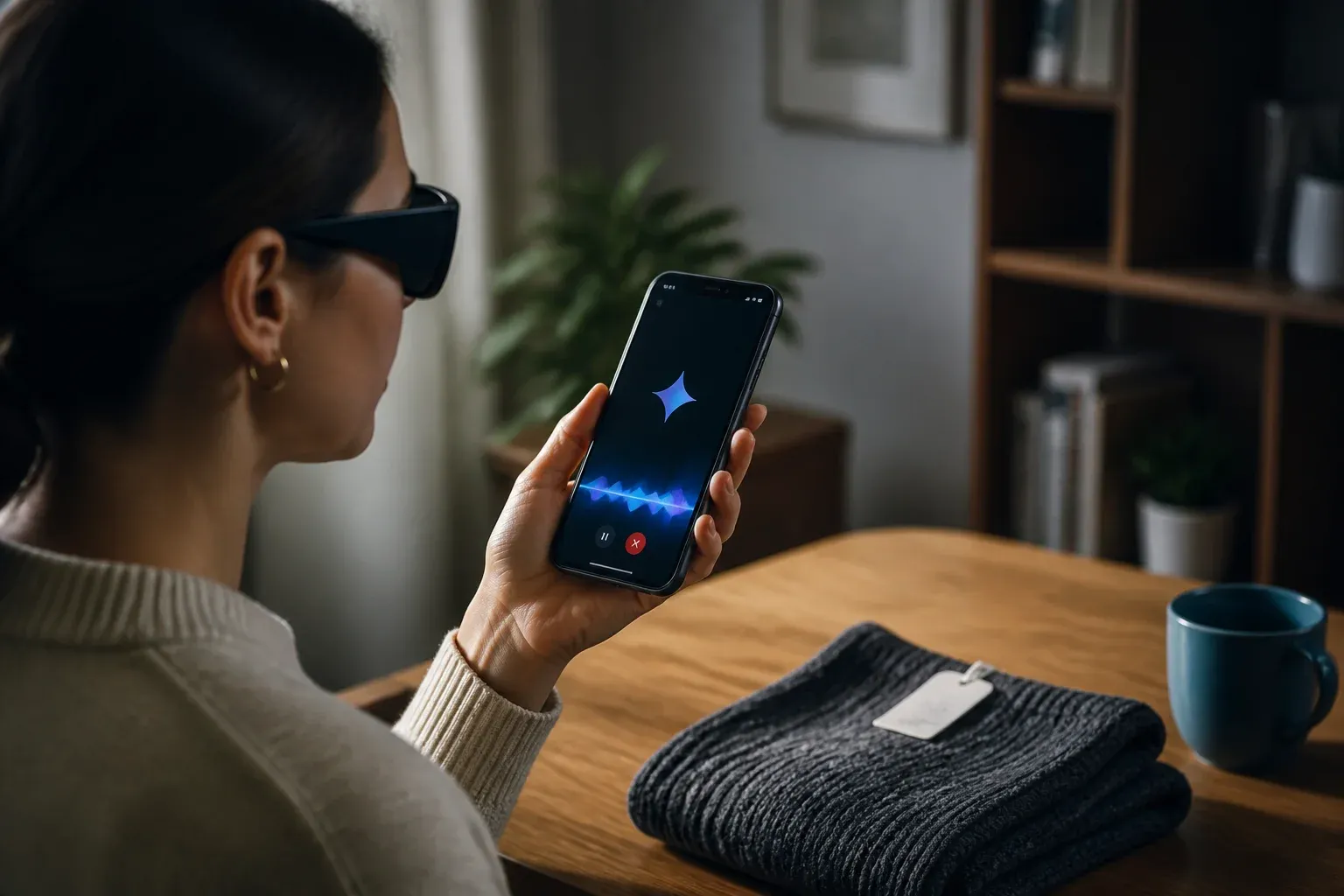
Google has launched Guided Vision in Gemini Live for compatible Android devices, adding a voice-forward way to interpret what a phone camera sees during a live Gemini conversation. The feature is designed with blind and low-vision users in mind, but its arrival also shows how AI-assisted visual interpretation is becoming part of Android's built-in accessibility experience rather than a separate specialist tool.
According to Google's official Guided Vision announcement, users can share their camera during a Gemini Live session and receive dynamic audio descriptions, spoken cues to improve camera framing, and answers to follow-up questions. Google says Guided Vision can help with tasks such as reading fine print, locating objects, and describing or matching details.
The launch matters because it combines live visual input with a conversational interface. Instead of treating an image as a one-time prompt, Guided Vision is intended to support an ongoing exchange about objects, text, colors, and spatial relationships. Google also says conversations can take place in multiple languages.
How Guided Vision works and how people can access it
Guided Vision runs inside Gemini Live. A user starts or joins a Gemini Live session, shares the device camera, and receives audio-led assistance based on what the camera captures. The experience is designed to be interactive: users can ask a follow-up question when an initial description is not enough, while Gemini can offer verbal reframing cues when the view needs adjustment.
Google developed the feature alongside the blind and low-vision community. Aira supported training and testing with tens of thousands of hours of visual interpretation, and members of Aira's Trusted Tester network helped refine safety guardrails. That collaboration is important because helpful visual assistance depends on more than identifying an object. The timing, wording, context, and limits of spoken guidance can affect whether the interaction is usable.
Guided Vision has several Android access routes:
- It can be enabled in the Gemini app profile settings.
- It can be launched through Android Accessibility Shortcuts.
- TalkBack users can access it from the TalkBack menu with a three-finger tap.
| Access route | What Google says it does | Best fit |
|---|---|---|
| Gemini app profile settings | Enables Guided Vision in the Gemini app | Users setting up the feature directly in Gemini |
| Android Accessibility Shortcuts | Provides a system accessibility entry point | Users who rely on Android accessibility controls |
| TalkBack menu | Provides Guided Vision access with a three-finger tap | TalkBack users who need a quick gesture-based route |
Availability, price, and safety boundaries
Google says Guided Vision is available on Android 9 or later devices that are compatible with Gemini Live, in regions where Gemini Live is supported. This is not a blanket promise for every Android handset or market. Compatibility and regional Gemini Live availability remain prerequisites, and Google expects language and regional coverage to expand as Gemini Live coverage grows.
Google's announcement does not disclose Guided Vision pricing or identify a separate paid access tier. Businesses and users should therefore avoid assuming a distinct price, bundle, or commercial entitlement from the launch announcement alone.
The company also draws a firm boundary around the feature's role. Guided Vision is an assistive utility, not a medical device, mobility aid, navigation system, or safety system. That distinction should shape expectations. It may be useful for describing a label or helping locate a visible item, but it should not be treated as a substitute for tools or professional support designed for health, mobility, navigation, or personal safety.
What the launch means for businesses and Android teams
For organizations that build Android experiences or support customer-facing mobile workflows, Guided Vision is a significant consumer accessibility capability to understand. It creates a more established context for products and services that complement voice-led, camera-based assistance, such as clearer labels, readable on-screen text, and interactions that do not depend solely on visual cues.
The announcement does not describe a Guided Vision developer API, SDK, or direct integration method. Developers should not present Gemini Live guidance as a feature they can embed in their own Android applications based on this information. The immediate opportunity is more practical: review mobile journeys for accessibility, consider how customers may use Gemini Live alongside a service, and avoid workflow designs that require users to interpret small print, colors, or spatial instructions without alternatives.
For teams using Android devices in day-to-day operations, the feature could also inform accessibility support and device guidance. Its likely value is in ad hoc visual questions during a live interaction, not in automated business-process integration. Any operational use should respect Google's stated safety limits and the variability that comes with camera conditions, device compatibility, and regional availability.
Accessibility-focused AI can improve customer and employee experiences, but it needs to fit real workflows rather than become an untested add-on. Scalevise helps businesses assess where Gemini and other AI tools can reduce friction, improve accessibility, and support practical operations through AI consultancy for practical adoption. A focused assessment can identify useful use cases, implementation constraints, and safer alternatives before teams commit time or budget. Request a consultation to map an AI approach that fits your business.
Frequently Asked Questions
What is Guided Vision in Gemini Live?
Guided Vision is a Gemini Live feature for compatible Android devices that uses a shared phone camera to provide real-time, voice-forward visual interpretation and answer follow-up questions about what the camera sees.
Which Android devices can use Guided Vision?
Google says the feature is available on compatible devices running Android 9 or later, in regions where Gemini Live is supported. Device compatibility and regional Gemini Live availability both apply.
How can users open Guided Vision?
Users can enable it in Gemini app profile settings, launch it through Android Accessibility Shortcuts, or access it from the TalkBack menu with a three-finger tap.
Is Guided Vision a navigation or safety tool?
No. Google describes Guided Vision as an assistive utility, not a medical device, mobility aid, navigation system, or safety system.
Has Google announced a separate price or developer API for Guided Vision?
No. The launch announcement does not disclose separate pricing and does not describe a Guided Vision developer API, SDK, or direct app integration method.
Conclusion
Guided Vision extends Gemini Live into a more accessible, camera-based conversational experience on Android. Its multi-entry accessibility design and community-informed development make the launch notable, while Google's device, regional, and safety boundaries set appropriate limits on what it should be used for. For businesses, the immediate lesson is to design mobile experiences that work alongside emerging assistive AI, without assuming the feature is an embeddable automation platform.