
Google Introduces Gemini Agent for Workspace and Cross-Platform Work Automation
Google's Gemini agent is designed to bring persistent context, task orchestration, and connected work tools into a single AI interface.
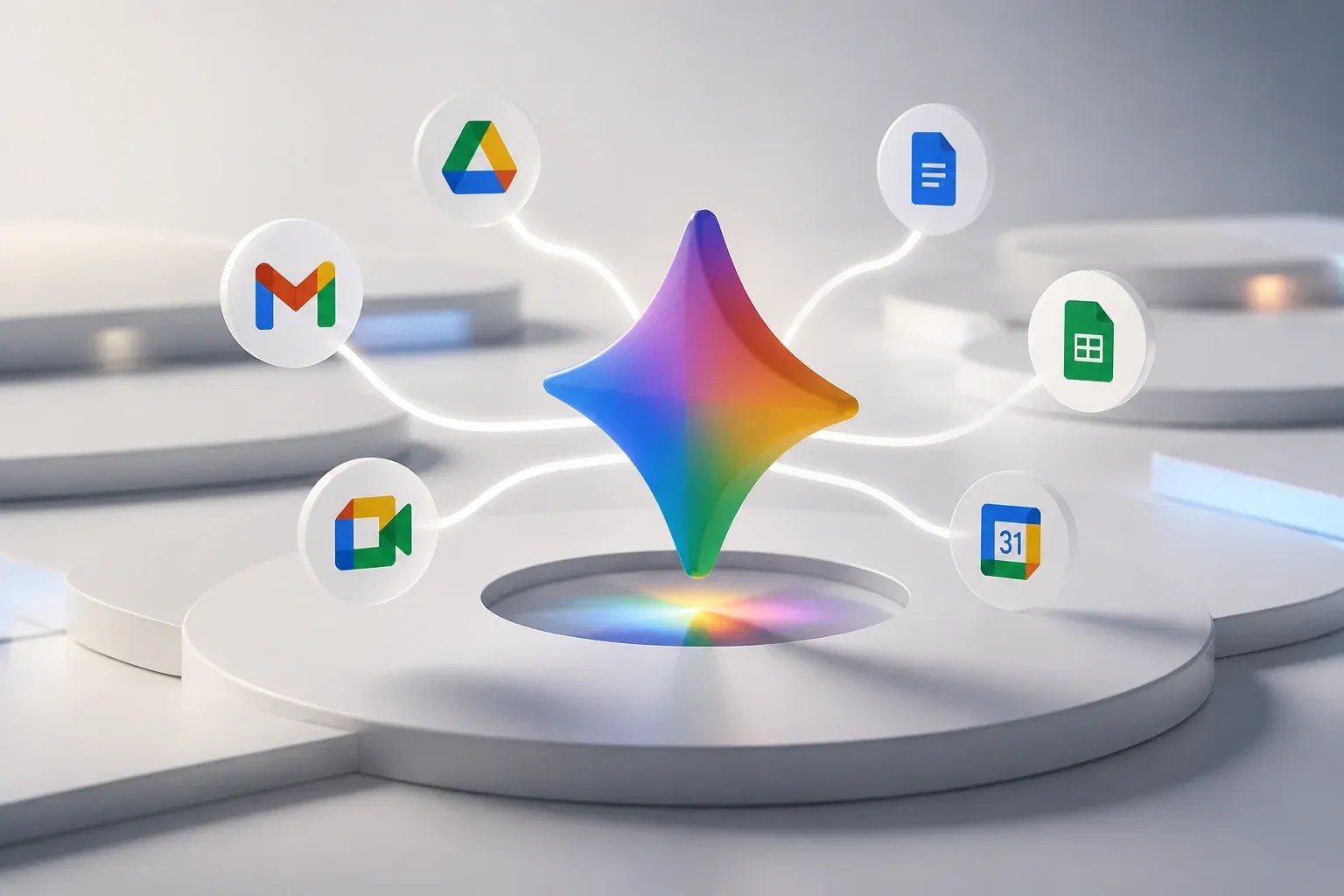
Google Cloud has introduced the Gemini agent, a universal AI agent designed to work across Google Workspace and connected business software through a single prompt interface. Announced during Google Cloud's October 8, 2026 keynote, the agent is intended to answer questions, carry out knowledge-work tasks, create media, and write or run code while retaining context between sessions.
The announcement matters because it moves Gemini beyond isolated chat or document-assistance features. Google is positioning the Gemini agent as a persistent work layer that can operate in Gmail, Drive, Docs, Sheets, Slides, Chat, and Calendar, while also connecting with other collaboration and business systems. The scope is broad, but the rollout is incremental and Google has not published fixed per-feature pricing in the materials described.
Google describes the product in its official Gemini at Work 2026 announcement as a single agent that can coordinate work across devices, channels, data sources, and specialized sub-agents. For companies already using Google Workspace, the practical promise is less time spent moving information between tools and more opportunity to turn a stated objective into a multi-step workflow.
What the Gemini agent is designed to do
The Gemini agent is not presented as a replacement for one Workspace app. Instead, it is designed as a common interface across work applications and enterprise systems. A user can give it an objective, rather than manually splitting work into separate prompts or application steps, and the agent can use relevant context to help complete the work.
Google says the agent is designed for web, iOS, Android, Windows, and Mac access. It also describes integrations with Google Workspace, Microsoft 365, Slack, and other enterprise surfaces. That cross-platform positioning is important for teams whose work is distributed across more than one productivity suite or communication channel.
| Work area | Role described for the Gemini agent | Examples named by Google |
|---|---|---|
| Google Workspace | Operate within everyday work applications using a shared prompt interface | Gmail, Drive, Docs, Sheets, Slides, Chat, Calendar |
| Cross-platform collaboration | Extend agent access across devices and connected collaboration environments | Web, iOS, Android, Windows, Mac, Microsoft 365, Slack |
| Business systems and data | Use registered tools and skills to connect with existing software and data services | Confluence, Jira, Salesforce, ServiceNow, Git, BigQuery, Snowflake |
Several capabilities define the broader product direction:
- Tools and skills registries provide the connection point for existing software, rather than requiring all work to remain inside a single application.
- Persistent context and memory are intended to let the agent carry relevant information across sessions rather than treating every prompt as a separate interaction.
- Sub-agents and coworker agents are designed to support multi-agent task coordination and team-based work.
- Model routing can select a suitable model for a task within the Gemini family and, according to Google, can include other models such as Anthropic's Claude, with further expansion planned.
- Tools and skills registries provide the connection point for existing software, rather than requiring all work to remain inside a single application.
- Knowledge Catalog grounding is intended to support data work, including generation of SQL, Python, and Spark, along with dashboard-related work.
Google also describes controls for identity, permissions, auditing, sandboxing, and policy management. Those functions matter when an agent is expected to access company knowledge or operational tools, rather than only draft text from a blank chat window.
What changes for Workspace users
The central change is the attempt to make AI assistance objective-based and persistent. A manager could, for example, ask for help investigating a business question that requires information from files, conversations, and data systems, instead of manually collecting the inputs and asking separate questions in each tool. The announcement does not establish which exact workflows will be available to every customer at launch, but it makes Workspace integration a core part of the Gemini agent strategy.
For teams, the value will depend on whether the agent has useful, permitted access to the systems where work actually happens. A strong connection to document storage alone may help with retrieval and drafting. Connecting collaboration tools, customer systems, issue tracking, and approved data sources could support more complete workflows, such as preparing a status update from project information or surfacing the context needed for a customer response.
Multi-agent orchestration and model choice
Google's approach also goes beyond a single model answering a single request. The Gemini agent is designed to orchestrate sub-agents, which allows separate components to handle parts of a larger task. Google further describes the orchestration layer as model-agnostic, capable of routing work to the most suitable model within Gemini and to other supported models.
That distinction could matter for businesses evaluating AI by outcome rather than by model brand. A workflow may involve research, document creation, coding, and data analysis, each of which can have different requirements. However, the announcement does not provide a public breakdown of which models, routing choices, or integrations will be available in each rollout stage. Buyers should therefore evaluate the specific systems and tasks they need supported rather than assume every named capability is immediately available in every environment.
Availability, pricing, and implementation considerations
Google characterizes the rollout as incremental, with broader availability to follow. It also identifies Financial Services and Legal as industry specializations, while Government, Healthcare, and Retail are announced as coming soon. These specializations signal that Google expects the agent to be adapted to particular work contexts, but companies should confirm product availability and scope for their own industry and region.
The supplied announcement materials focus on cost-management mechanisms, not fixed public prices for individual Gemini agent features. Google highlights smart routing and real-time spend caps as ways to manage AI costs. That gives organizations controls over consumption, but it is not the same as a published all-in price for a defined workflow or deployment.
Before connecting an agent to business tools, teams should establish a practical starting point:
- Choose a workflow with a clear objective, such as preparing recurring internal summaries, finding approved information, or assisting with routine data questions.
- Identify the authoritative systems the workflow needs, then decide which tools and data should be available to the agent.
- Confirm the permissions, audit requirements, and sandboxing expectations for those connections.
- Measure the quality, time savings, and spend of the workflow before expanding it to more systems or higher-impact tasks.
This is particularly relevant for companies that have adopted Google Workspace but still depend on a mix of CRM, project-management, support, data, and collaboration tools. The Gemini agent's potential lies in connecting work across that mix. Its practical usefulness will rest on rollout availability, the quality of integrations, and deliberate choices about access and workflow design.
For businesses that want to turn connected AI capabilities into repeatable operating workflows, Scalevise can help identify high-value processes, connect the right systems, and build appropriate human checks. A focused AI workflow automation implementation can reduce manual handoffs while keeping tools, permissions, and outcomes aligned with the way your team works. Discuss an AI automation project with Scalevise.
Frequently Asked Questions
What is Google's Gemini agent?
Google's Gemini agent is a universal AI agent for work that Google says can answer questions, perform knowledge-work tasks, create media, and write or run code through a single prompt interface.
Which applications can the Gemini agent work with?
Google lists Google Workspace applications including Gmail, Drive, Docs, Sheets, Slides, Chat, and Calendar. It also describes integrations with Microsoft 365, Slack, and business tools such as Confluence, Jira, Salesforce, ServiceNow, Git, BigQuery, and Snowflake.
Is the Gemini agent broadly available now?
Google describes the rollout as incremental, with broader availability to follow. Businesses should confirm availability for their region, industry, and required integrations.
How is Gemini agent pricing handled?
The announcement materials described in the research do not list fixed per-feature pricing. Google highlights smart routing and real-time spend caps as mechanisms for managing AI costs.
Conclusion
Google's Gemini agent is a major expansion of its workplace AI strategy, combining Workspace access, persistent context, connected tools, and multi-agent orchestration in one product direction. The announcement is ambitious, but its value for any individual business will depend on the availability of relevant integrations, disciplined permissions, and a workflow that is well suited to agent-assisted work.