
Gemini 4 Argon Brings Multi-Step AI Workflows Closer to Google Workspace
Google has made Gemini 4 Argon available through Google Cloud, while Gemini Apps can connect with Workspace services to help teams organize information and prepare business outputs.
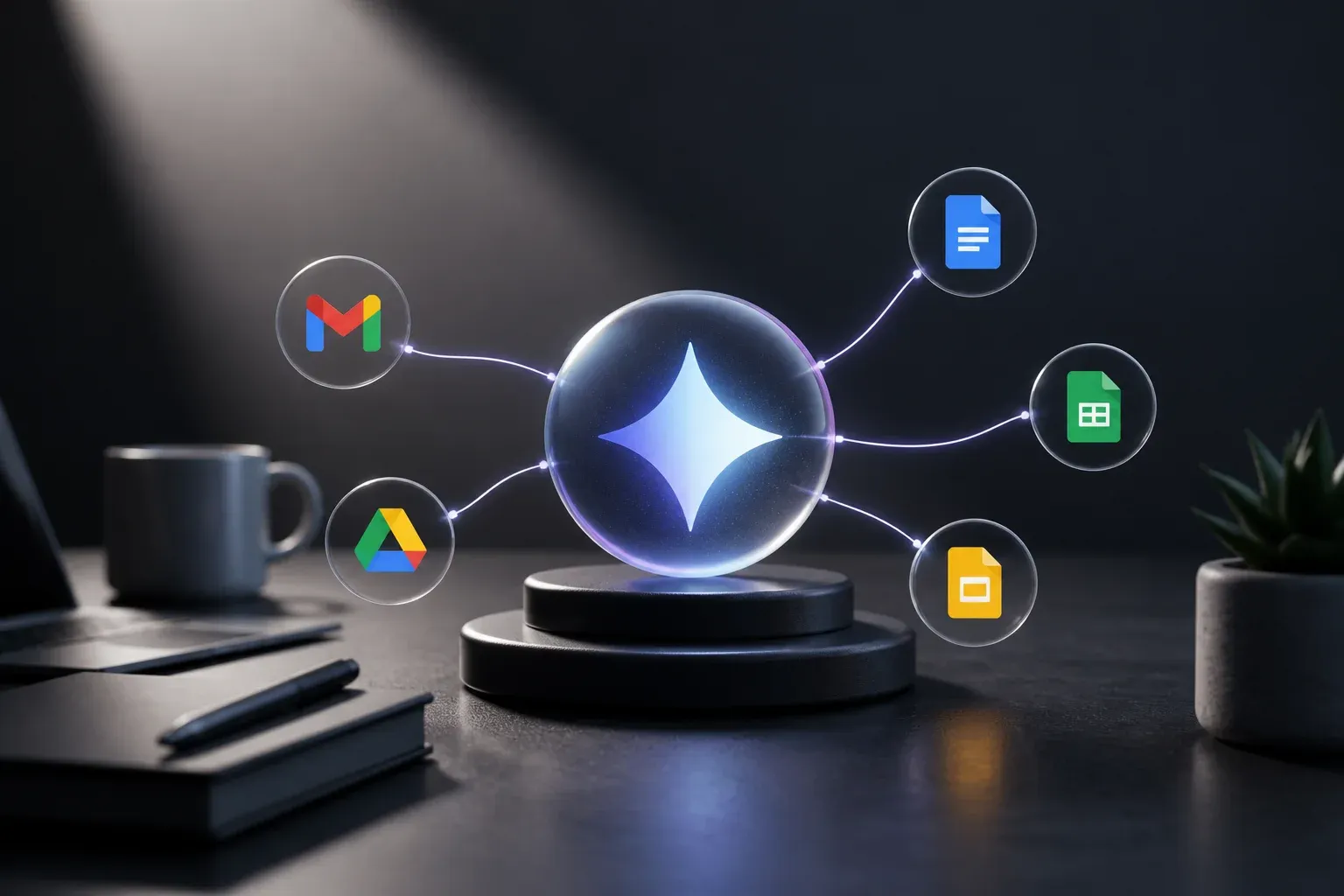
Google has made Gemini 4 Argon available on Google Cloud, positioning the model for long, multi-step work that requires precise and verifiable outputs. At the same time, Gemini Apps can connect with Google Workspace services including Gmail, Docs, Drive, Tasks, Keep, and Calendar. For businesses that already run work through Workspace, that combination creates a practical path from scattered files and messages to organized drafts, presentations, task lists, and schedules.
The important distinction is that Argon is available through Google Cloud and its developer tools, while the Workspace-connected experience is provided through Gemini Apps and Workspace integrations. Together, they point to a more capable workflow: gather relevant material from approved Workspace services, use Gemini to synthesize it, and turn the result into outputs that a person can check and finalize.
According to Google Cloud's announcement that Gemini 4 Argon is available, the model can be accessed through the Gemini API as gemini-4-argon, Google AI Studio, and Google Antigravity. Google highlights support for code execution, file handling, and structured outputs, capabilities that matter when an AI task involves more than producing a single paragraph of text.
What Gemini 4 Argon and Workspace connections enable
The strongest business use case is not simply asking an AI assistant to write an email. It is using connected, relevant business information to reduce the manual effort required to prepare and coordinate work.
For example, an event planner could bring together recipes, a guest list, and photos of a seating plan stored across Drive and Docs. Gemini can help turn those inputs into a proposal outline, draft a client email, suggest tasks to manage, or prepare material for a slide deck. The output still needs review, particularly where client commitments, quantities, dates, or pricing are involved, but the initial collection and drafting work can become much faster.
Google documents Workspace connections for Gemini Apps that can support activities such as summarizing information, creating and managing tasks, and generating notes in Workspace contexts. Workspace documentation also describes slide generation, Gmail email drafting, and using content from Drive or Docs to inform prompts.
In practice, teams can look for workflows with three characteristics:
- Information is distributed across emails, documents, files, notes, and calendars.
- The work follows repeatable steps, such as collecting details, preparing a draft, assigning follow-up tasks, and scheduling a review.
- A human can verify the result before it is sent externally or used to make an operational decision.
That last point matters. Gemini can accelerate preparation and coordination, but connected AI does not eliminate the need for accurate source files, clear prompts, and accountable approval.
Why Argon matters for multi-step work
Google describes Argon as able to handle long, multi-step workflows with high precision and verifiable outputs. Those characteristics are relevant when a task needs the model to work across files, follow a structured process, or return information in a format that another system can use.
Structured outputs can be especially useful for a tracker or checklist. Rather than receiving an unstructured summary, a team may be able to request a defined set of fields, such as task, owner, due date, and status, then review that output before placing it into its chosen workflow. Code execution and file handling similarly broaden the kinds of development workflows builders can create through the API.
Argon is also listed in the Gemini Apps model catalog with tiered usage and daily prompt quotas, including Pro, Expanded, and Ultra tiers. Google has therefore signaled support for the model across its broader Gemini environment, though the exact experience available to an individual user depends on their account, license, configuration, and applicable limits.
| Area | Introductory pricing through November 30, 2026 | Standard pricing after that date |
|---|---|---|
| Gemini 4 Argon input tokens | $2 per million tokens | $4 per million tokens |
| Gemini 4 Argon output tokens | $10 per million tokens | $20 per million tokens |
| Cached input tokens | 95% discount | Not specified in the supplied announcement summary |
Access and cost considerations
Google's introductory API pricing is $2 per million input tokens and $10 per million output tokens through November 30, 2026. After that, the stated standard rates are $4 per million input tokens and $20 per million output tokens. Google also states that cached input tokens receive a 95% discount during the introductory period.
These rates apply to the Google Cloud model offering, not necessarily to every Gemini Apps or Workspace plan. Businesses should separate two questions before estimating cost: which Gemini and Workspace license provides the intended user experience, and whether a custom workflow using the Gemini API is necessary. A standard connected-app workflow may suit everyday drafting and organization, while a custom build may be appropriate when work needs structured outputs, file processing, or connections beyond the documented Workspace experience.
A practical adoption path for teams
The most reliable way to test this capability is to start with one narrow workflow and clear review boundaries. Avoid connecting every source and automating every step at once. Instead, identify one recurring administrative process whose inputs are already mostly in Workspace.
A practical pilot can follow this sequence:
- Choose a repeatable process, such as preparing a client follow-up package, creating meeting actions, or turning project documents into a presentation outline.
- Define the approved inputs, such as a Drive folder, named Docs, or relevant Gmail threads.
- Specify the expected output, including its structure, audience, and who must approve it.
- Test with real but low-risk work, then compare the result with the existing manual process.
- Measure useful outcomes, such as preparation time, revisions needed, and whether task ownership becomes clearer.
This approach helps teams learn where AI provides real leverage and where it simply moves effort into checking and correcting outputs. It also makes the return on investment more concrete: the value comes from reducing repeated coordination and drafting time, not from treating every AI interaction as an automation success.
Data handling needs equal attention. Google notes that Gemini Apps conversations and content may be subject to data-use policies and review for some accounts, depending on the license and configuration. Some Workspace services also have live-chat limitations. Before connecting sensitive business material, administrators and users should review the settings, applicable terms, and available controls for their account.
For businesses, the opportunity is to make Workspace content more usable without immediately replacing existing tools. A well-defined Gemini workflow can help turn information that is already stored in Gmail, Drive, Docs, and calendars into a starting point for action. The constraint is equally clear: output quality depends on the quality and accessibility of the underlying information, plus human review at the points that matter.
If your team spends too much time moving information between inboxes, files, and task lists, Scalevise can help identify processes where AI delivers measurable time savings without creating fragile workflows. Our AI workflow automation service connects practical AI capabilities to the systems and approval steps your business already uses, with clear boundaries for human review. AI automation project Start by discussing an AI automation project with Scalevise.
Frequently Asked Questions
What is Gemini 4 Argon?
Gemini 4 Argon is Google's flagship Gemini model, available on Google Cloud through the Gemini API, Google AI Studio, and Google Antigravity. Google says it supports long, multi-step workflows, code execution, file handling, and structured outputs.
Can Gemini Apps connect to Google Workspace?
Yes. Google documents Gemini Apps connections with Workspace services including Gmail, Docs, Drive, Tasks, Keep, and Calendar. These connections can support tasks such as summarizing information, creating and managing tasks, and generating notes.
Can Gemini create slides and draft emails from Workspace content?
Google's Workspace documentation describes slide generation and email drafting in Gmail, as well as using data from Drive or Docs to inform prompts. Results should be reviewed before they are shared or used externally.
How much does Gemini 4 Argon cost through the API?
Google lists introductory pricing through November 30, 2026 of $2 per million input tokens and $10 per million output tokens. The stated standard prices afterward are $4 per million input tokens and $20 per million output tokens.
Conclusion
Gemini 4 Argon's Google Cloud rollout gives developers and builders access to a model designed for more involved AI workflows, while Gemini Apps connections make Workspace content available in productivity-focused contexts. For businesses, the practical opportunity is to begin with a bounded administrative workflow, verify outputs carefully, and expand only where the process produces dependable time savings.