
Google Photos Connects to Gemini Spark for Prompt-Driven Asset Discovery
Google's Google Photos connection for Gemini Apps lets eligible users search their own photo libraries with natural-language prompts, extending Gemini Spark's connected-app workflows.
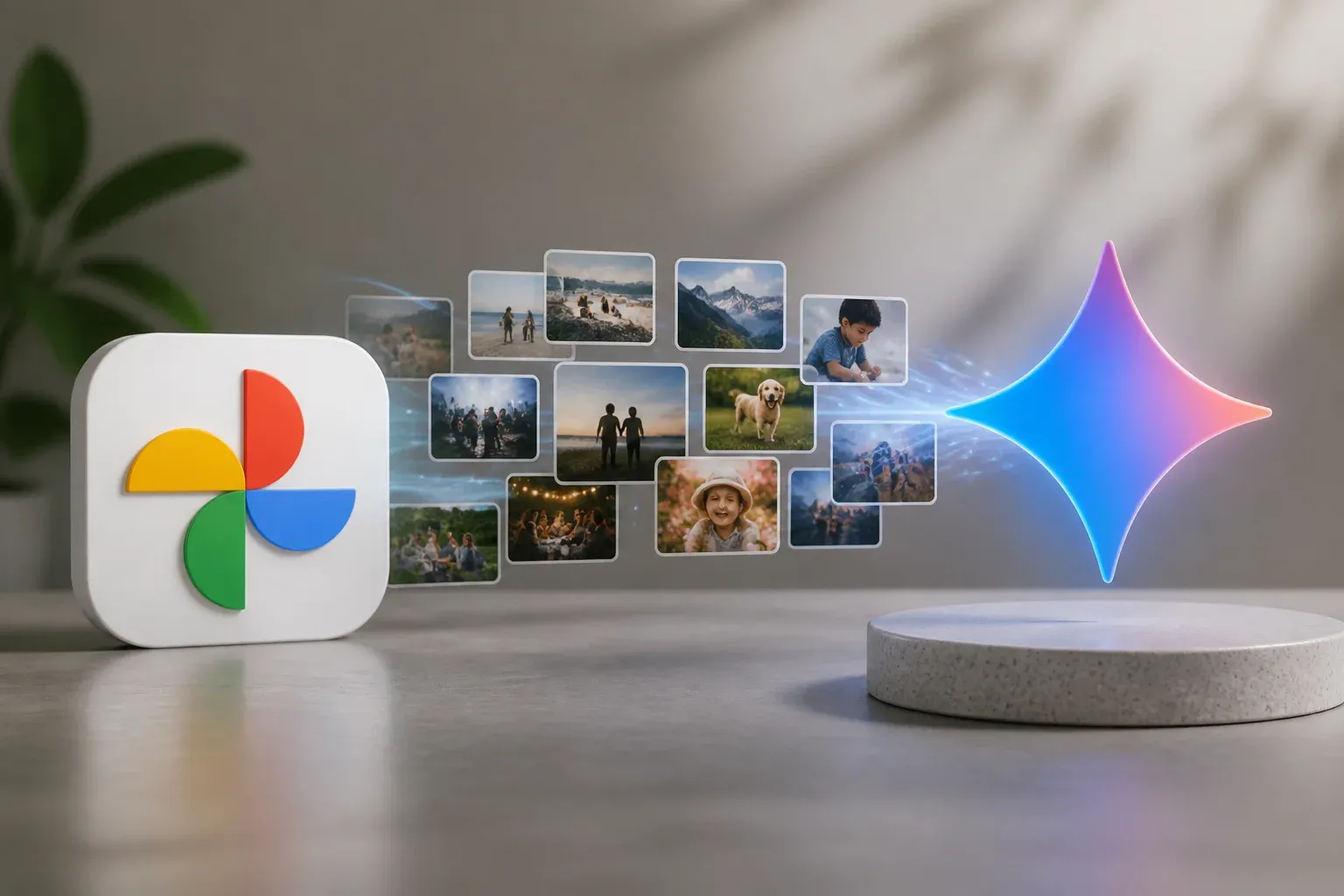
Google Photos can now be connected to Gemini Apps, giving Gemini Spark a prompt-driven interface for finding photos, videos, and albums in a user's library. The development expands Spark's connected-app workflow capabilities: instead of manually hunting through a gallery, an eligible user can ask for a specific set of images, such as photos from a particular trip or period, and receive results sourced from Google Photos.
The important distinction is that Gemini is not becoming a separate photo-storage service. Google says the retrieved media comes directly from the connected gallery app. Gemini acts as the layer that interprets the request and surfaces relevant material from Google Photos. For teams that regularly reuse visual assets, that can make photo discovery a more natural part of AI-assisted planning, writing, presentation, and media workflows.
Google's instructions for connecting Google Photos to Gemini Apps confirm the feature and explain the account, settings, and availability conditions. It is part of a broader Gemini Spark direction that connects Google services and other apps so Gemini can use relevant context from them in responses.
What the Google Photos connection does
Once Google Photos is connected, users can ask Gemini to locate content held in their library. Google gives examples such as requesting photos from last summer. The practical value lies in replacing a sequence of manual steps, including opening Photos, remembering an approximate date or album, refining a search, and then moving selected assets into the next task.
For a business, that can be useful where a photo library is already an important working archive. A retailer may need product images from a past campaign. A service business may need before-and-after photos for a customer presentation. A marketing team may need visuals from an event while assembling a recap or planning a new piece of content.
The connection can support a workflow such as:
- asking Gemini to find photos, videos, or albums matching a natural-language request
- reviewing the results that Google Photos returns from the connected library
- using the located assets as references for a document, presentation, campaign brief, or media process
- refining the request when the first result set is too broad or does not match the intended timeframe
This does not mean every creative or publishing task is automatically completed by the integration itself. The verified capability is prompt-based discovery of Google Photos content. Any subsequent editing, approval, publishing, or sharing step depends on the tools and process a user chooses.
Access depends on account and photo settings
The feature is not universally available by default. Google lists several eligibility and configuration requirements. Users must be at least 18, be in the US or another supported country, and sign in to Gemini Apps and Google Photos with the same Google Account. Keep Activity must be enabled. Google also identifies Google Photos settings, including Face Groups and estimated locations, as relevant requirements for the connection.
Those conditions matter because prompt quality is tied to the context available in the photo library. A request based on people or locations may not work as expected if the corresponding Photos settings are not enabled. Availability is also region and account dependent, so a company should confirm access in the accounts that will actually use the workflow rather than assuming the feature is available across every user.
| Task | Using Google Photos alone | With Google Photos connected to Gemini Apps |
|---|---|---|
| Finding assets | Search directly in the Google Photos interface | Request photos, videos, or albums through a Gemini prompt |
| Where results come from | Google Photos | Google Photos, surfaced through Gemini Apps |
| Access conditions | Access to the user's Google Photos library | User connection, eligible account and region, same Google Account, Keep Activity, and relevant Photos settings |
A connected-app feature, not a blanket data transfer
Google frames Gemini Spark's cross-app functionality within its broader Personal Intelligence effort, which can draw on connected services such as Gmail, Google Photos, and YouTube to make responses more useful and contextual. In the Photos case, the media remains associated with its source app, while Gemini provides the conversational route into it.
That model makes user choice central. Connecting the service requires action by the account holder, and the available results depend on the connected library and settings. Businesses should therefore decide which accounts and photo collections are appropriate for AI-assisted retrieval, particularly when libraries include customer, employee, or otherwise sensitive imagery.
The research does not establish how the connection will perform with very large photo libraries, nor does it confirm an expansion timetable for more countries or additional gallery apps. Google has rolled out Spark capabilities in stages, including initial availability for Google AI Ultra subscribers, later cross-app integrations, and macOS deployment. However, the supplied documentation does not state a separate price for connecting Google Photos, so prospective users should not treat this announcement as a new standalone pricing plan.
For organizations with scattered visual archives, the immediate opportunity is simpler than the broader Personal Intelligence vision: make existing assets easier to find when they are needed. The integration is most valuable when teams pair it with clear photo organization, sensible account access, and a defined process for reviewing assets before they are reused externally.
If your team spends time locating files, copying information between tools, or rebuilding routine content processes, Scalevise's AI workflow automation service can help turn connected AI capabilities into dependable working systems. Scalevise can map the right use cases, connect the tools that matter, and keep human review where it protects quality and customer trust. Discuss an AI automation project with Scalevise.
Frequently Asked Questions
What can Gemini Spark do with Google Photos?
After Google Photos is connected to Gemini Apps, users can use prompts to search for photos, videos, and albums in their library. Google says the results are sourced from the connected app.
Who can connect Google Photos to Gemini Apps?
Google lists eligibility requirements that include being at least 18, being in the US or another supported country, using the same Google Account, enabling Keep Activity, and meeting relevant Google Photos settings requirements.
Does Gemini store the photos returned by a prompt?
Google describes the results as coming directly from the corresponding connected app. In this integration, Google Photos remains the source of the media while Gemini provides the prompt-driven interface.
Is there a separate price for the Google Photos connection?
The supplied Google documentation does not state a separate price for connecting Google Photos. Spark availability has rolled out in stages, including initial access for Google AI Ultra subscribers, and availability can depend on account and region.
Conclusion
Google Photos support gives Gemini Spark a practical way to bring a user's existing visual archive into connected AI workflows. The confirmed capability is centered on finding Photos content through prompts, not replacing the photo library or automatically publishing assets. For eligible users, its value will depend on well-organized libraries, appropriate account controls, and a clear next step for the images and videos it helps surface.